
Compare Creality 3D Ender 3 vs Creality Ender 3 V3 KE vs QIDI Q1 PRO
Comparison between the best 3D printers
Choose the best 3D printer at the best price. The cheapest 3D printers are here.
Buy a 3D printer here with 3D Fila.
 |
 |
 |
|
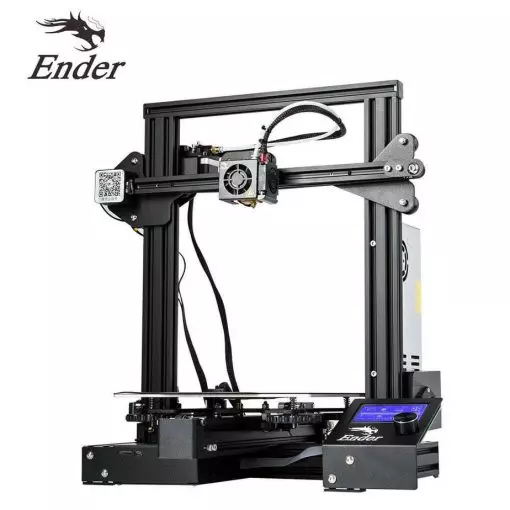
| Model | Creality 3D Ender 3[BUY Ender 3] |
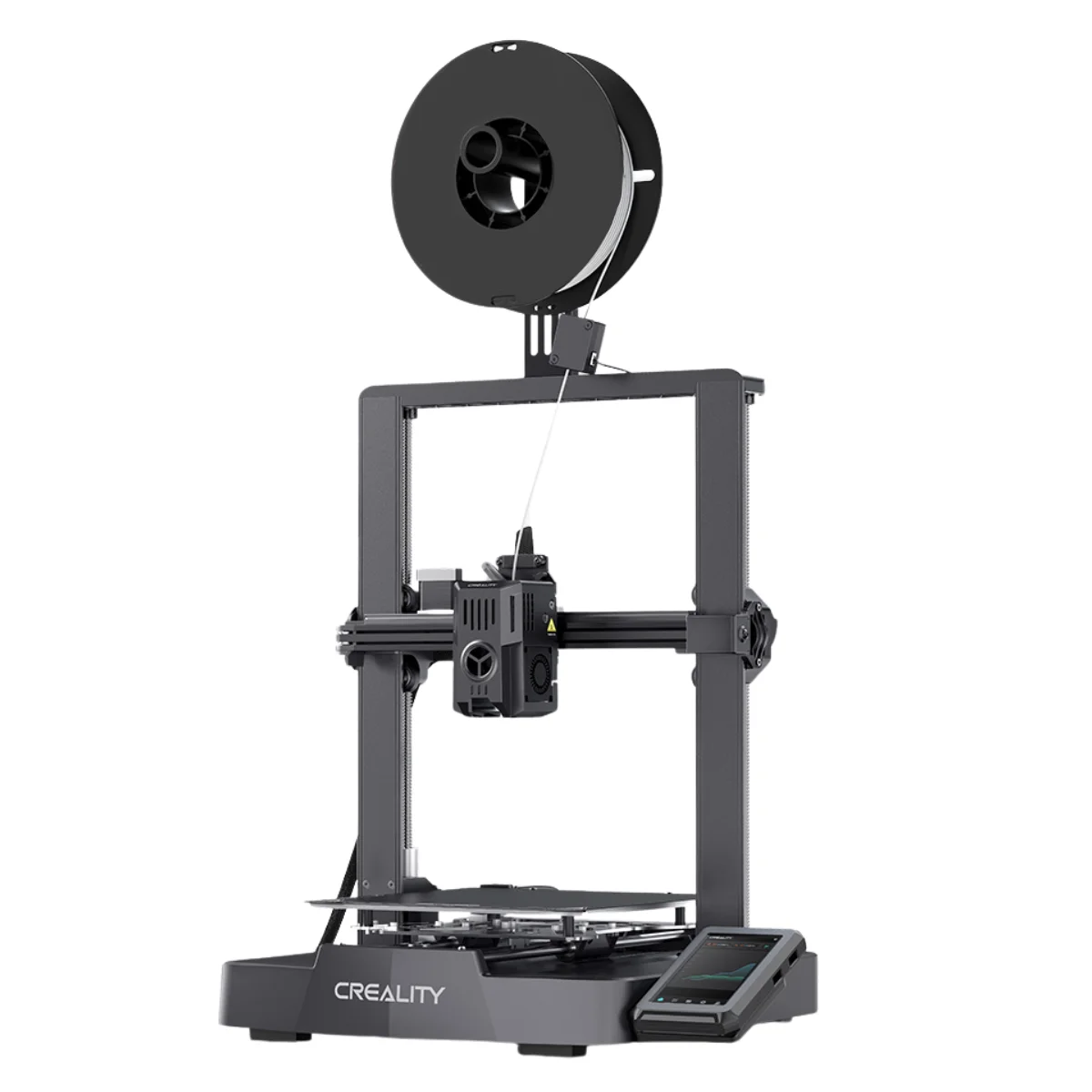
Creality Ender 3 V3 KE[BUY Ender 3 V3 KE] |
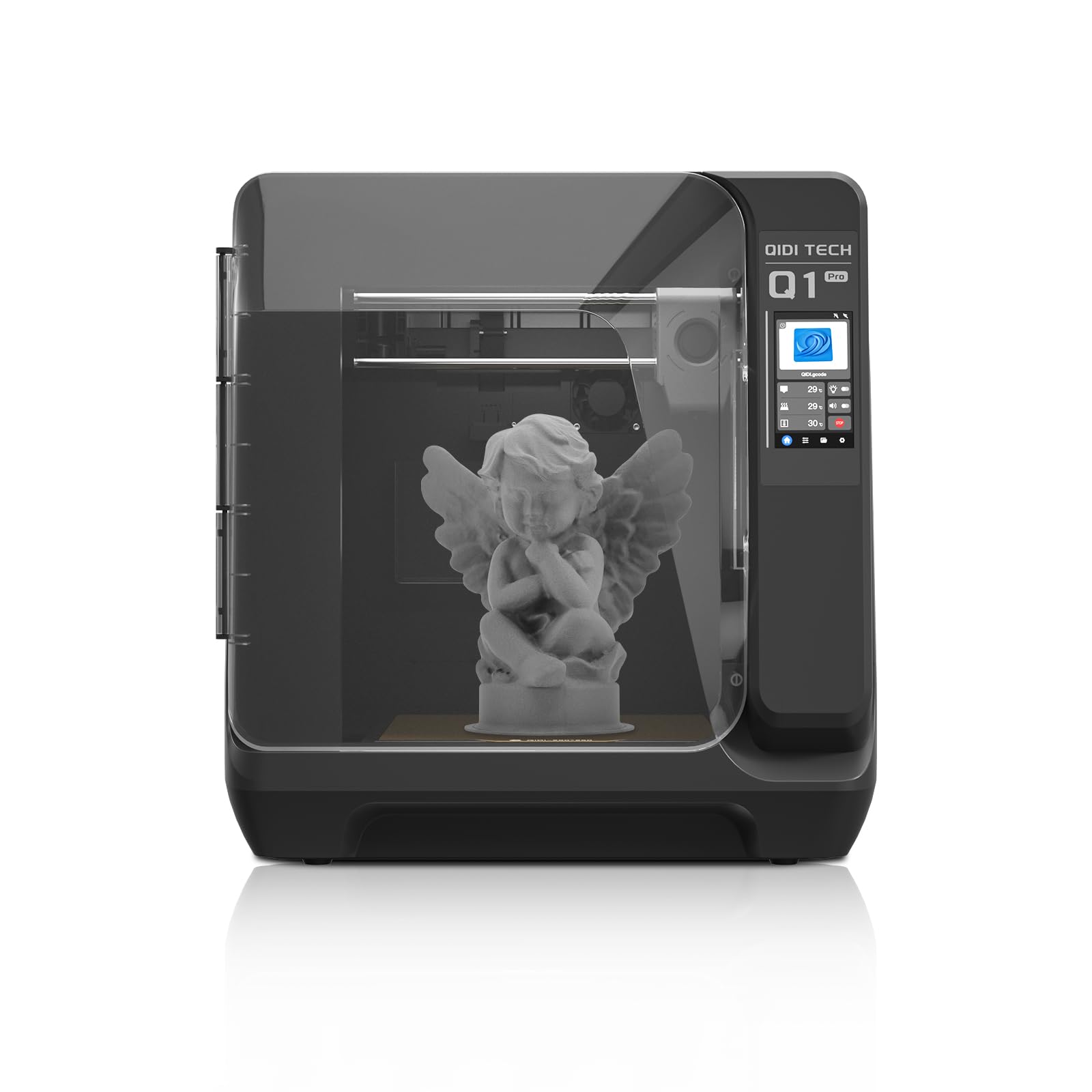
QIDI Q1 PRO[BUY Q1 PRO] |
| Printing Material | Filament | Filament | Filament |
| Estimated price | $210,00 | $279,00 | $449,00 |
| Date of registration in the system | |||
| Fabricante | Creality 3D | Creality | QIDI |
| Release Year | 2018 | 2023 | 2024 |
| Print Volume [mm] | 220x220x250 | 220x220x240 | 245x245x245 |
| Printer Size [mm] | 440x440x465 | 433x366x490 | 467x477x489 |
| Weight [kg] | 6,62 | 7,8 | 20 |
| Power Loss Recovery | NO | YES | YES |
| Enclosed printer | NO | NO | NO |
| Bed Leveling | Manual | Automatic | Automatic |
| Filament End Sensor | NO | YES | YES |
| Bed type | Heated | Heated | Heated |
| Power supply system | Bowden | Direct Drive | Direct Drive |
| Standard nozzle | 0,4 | 0,4 | 0,4 |
| Maximum Nozzle Temperature [°C] | 255 | 300 | 350 |
| Maximum Bed Temperature [°C] | 110 | 100 | 120 |
| Maximum printing speed [mm/s] | 180 | 500 | 600 |
| Filament holder | YES | YES | YES |
| Camera for supervision | NO | NO | YES |
| Recommended filaments | PLA, TPU, ABS, PETG | PLA, PETG e TPU (95A+), ASA | PLAã€ABSã€ASAã€PETGã€TPUã€PCã€PAã€PA-CFã€PET-CFã€PAHT-CF etc. |
| Recommended slicers | Cura, Simplify, Slic3r | Creality Print, Cura 5.0 ou superior, Prusa Slicer, Orca | QIDI Slicer/Cura/Simplify 3D/ORCA/PRUSA Slicer |
| Maximum Resolution [mm] | 0,1 | 0,1 | 0,1 |
| Kinematics | - | - | - |
| Extruder Type | - | - | - |
| Klipper Firmware | NO | NO | NO |
| Input Shaping | NO | NO | NO |
| Max Volumetric Flow [mm³/s] | - | - | - |
| Power Supply | 24V / 270W | 350 W | 350 W |
| Connectivity | SD / USB | USB drive, LAN, Creality Cloud APP | WiFi/USB Flash Drive/Ethernet Cable |
| Release date | 2018 | 2023 | 2024 |
| Extra features | The Ender 3 V1 is a DIY assembly 3D printer, a sales leader since 2017, standing out for its cost-benefit. With a wide printing capacity, it has a CNC machined structure for precision and stability. It offers high-precision prints with low noise, thanks to its innovative V-profile and pulleys. It has a self-adhesive magnetic platform for easy removal of models and excellent adhesion. The Ender 3 heats up quickly, reaching 100°C in 5 minutes, ideal for agile prints. It includes protection against power failures, allowing you to resume printing after interruptions, saving time and material. | The Ender 3 V3 KE, an advancement in the Ender line, achieves print speeds of up to 500mm/s with its touchscreen and WiFi connectivity. Although it has a slightly smaller print area than the SE model, it makes up for it with superior print quality. Its robust design, high-quality components, and intuitive wireless control are appreciated, although Creality's mobile app lacks practicality and does not have a closed system. It stands out for its linear track on the X-axis for stability at high speeds and the hotend that supports up to 300°C, ideal for high-temperature filaments. | The QIDI Q1 Pro 3D printer stands out for its Core XY structure and heating chambers that reach up to 60ºC, ideal for advanced materials such as ABS and Nylon. It features Klipper firmware, an automatic leveling system, a high-flow extruder with a double metal nozzle and a hotend that reaches 350ºC. It offers connectivity via Wi-Fi, USB and Ethernet, as well as a 1080p camera for remote monitoring and an intuitive touchscreen for easy operation. |
| Support for multiple colors and materials (AMS and CFS) | NO | NO | NO |
Notes * |
|||
| Cost-benefit | 8 / 10 | 8 / 10 | 8 / 10 |
| Hardware | 0.5 / 10 | 2.8 / 10 | 4.8 / 10 |
| Screen | . | . | . |
| Print volume | 10 / 10 | 10 / 10 | 10 / 10 |
| Performance | 7 / 10 | 9 / 10 | 10 / 10 |
| [BUY Ender 3] | [BUY Ender 3 V3 KE] | [BUY Q1 PRO] |
Conclusion |
| In summarizing the comparison between the Ender 3, Ender 3 V3 KE, and QIDI Q1 Pro 3D printers, it's clear that each model targets different user needs and preferences. The **Ender 3** stands out as the most budget-friendly option, making it appealing for newcomers and hobbyists seeking a cost-effective solution. While it lacks advanced features like automatic bed leveling and power loss recovery, it has proven reliability and decent print quality, making it a solid entry-level choice. Its manual setup and lower weight may appeal to those who prefer simplicity and portability. The **Ender 3 V3 KE** offers notable enhancements over the original Ender 3, including faster print speeds and a responsive touchscreen interface. The addition of an automatic bed leveling feature and a filament end sensor improve usability and reduce manual intervention, catering to users who want a balance of performance and ease of use. Its price point reflects these added benefits, and while slightly higher, it remains competitive given its capabilities. The **QIDI Q1 Pro**, being the most expensive, justifies its price with advanced features such as a large print volume, a high-temperature hotend, and multiple connectivity options, including Wi-Fi and Ethernet. It is designed for more experienced users who may want to experiment with a wide range of materials. Its robust features make it suitable for professional or semi-professional applications, although it may provide more complexity than necessary for casual users. In conclusion, if budget and simplicity are priorities, the Ender 3 is an excellent choice. For those seeking improved performance and user-friendly features, the Ender 3 V3 KE represents a strong mid-range option. Meanwhile, the QIDI Q1 Pro targets users who require high versatility and advanced functionality, making it ideal for serious projects despite its higher cost. Ultimately, the best choice will depend on individual needs, preferences, and budget considerations. |