

Compare BigTreeTech BIQU B1 vs Creality 3D Ender 6 vs QIDI Q1 PRO
Comparison between the best 3D printers
Choose the best 3D printer at the best price. The cheapest 3D printers are here.
Buy a 3D printer here with 3D Fila.
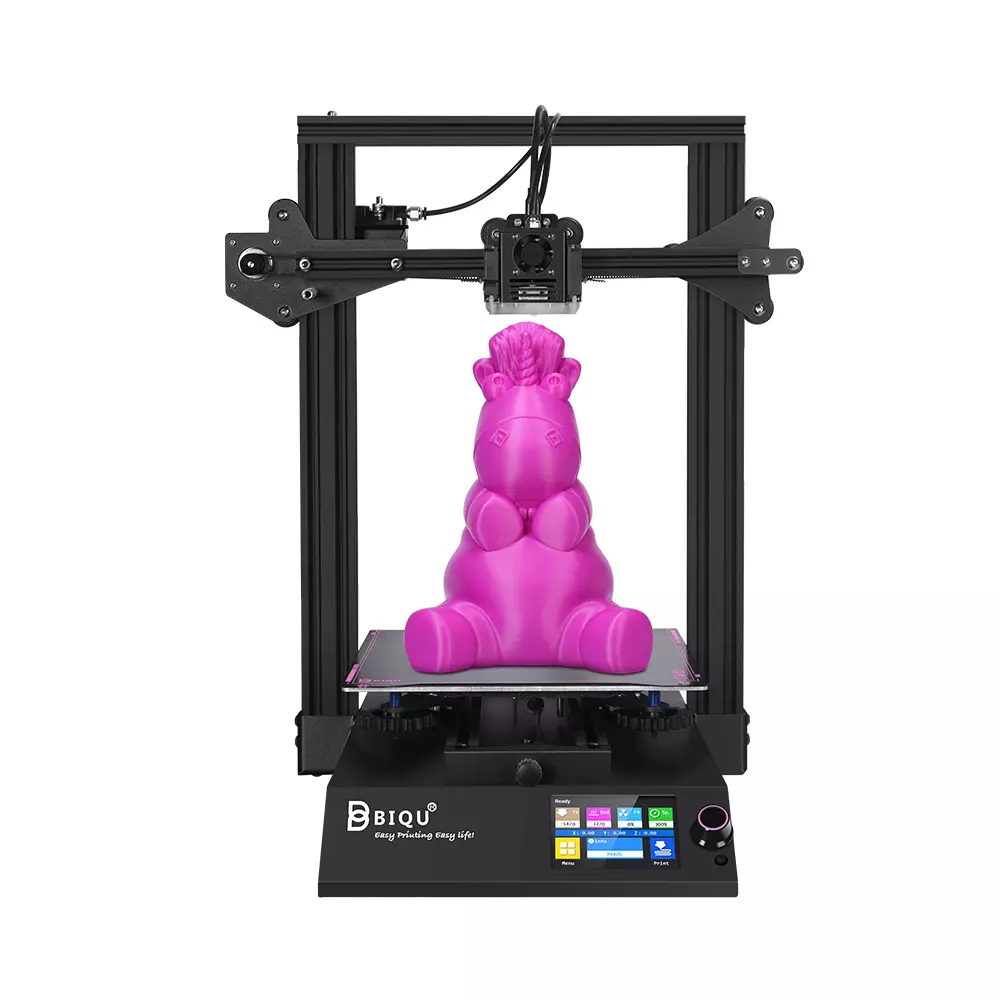 |
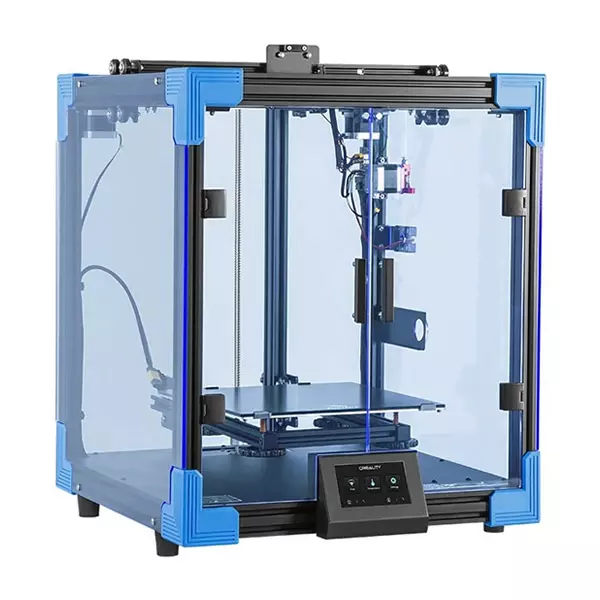 |
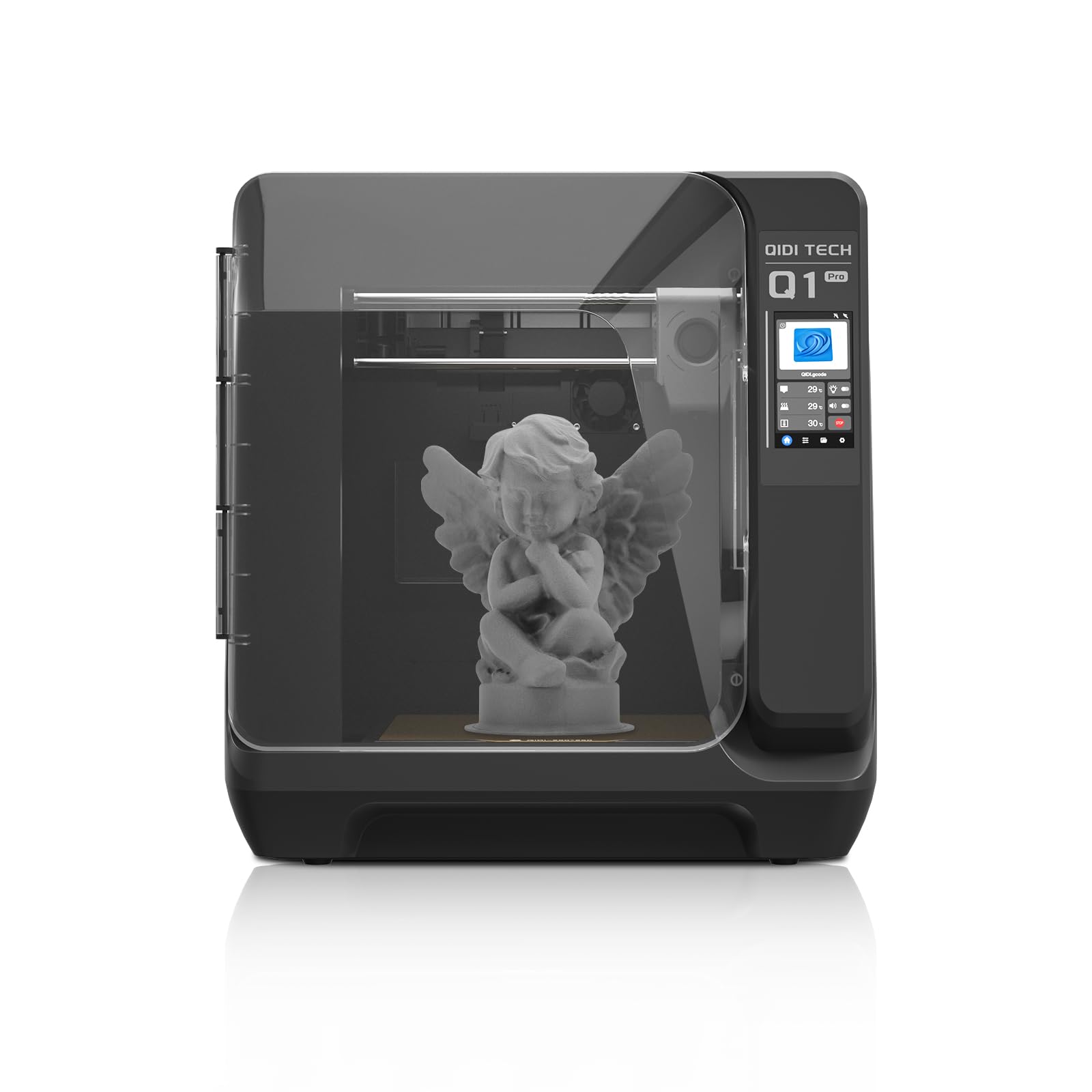 |
|
| Model | BigTreeTech BIQU B1 |
Creality 3D Ender 6[BUY Ender 6] |
QIDI Q1 PRO[BUY Q1 PRO] |
| Printing Material | Filament | Filament | Filament |
| Estimated price | $269,00 | $499,00 | $449,00 |
| Date of registration in the system | |||
| Fabricante | BigTreeTech | Creality 3D | QIDI |
| Release Year | 2020 | 2020 | 2024 |
| Print Volume [mm] | 235x235x270 | 250x250x400 | 245x245x245 |
| Printer Size [mm] | 412x402x492 | 495x495x650 | 467x477x489 |
| Weight [kg] | 8,00 | 22 | 20 |
| Power Loss Recovery | YES | YES | YES |
| Enclosed printer | NO | YES | NO |
| Bed Leveling | Manual | Manual | Automatic |
| Filament End Sensor | YES | YES | YES |
| Bed type | Heated | Heated | Heated |
| Power supply system | Bowden | Bowden | Direct Drive |
| Standard nozzle | 0,4 | 0,4 | 0,4 |
| Maximum Nozzle Temperature [°C] | 250 | 260 | 350 |
| Maximum Bed Temperature [°C] | 100 | 100 | 120 |
| Maximum printing speed [mm/s] | 100 | 150 | 600 |
| Filament holder | YES | YES | YES |
| Camera for supervision | NO | NO | YES |
| Recommended filaments | PLA, TPU, ABS, PETG | PLA, TPU, ABS, PETG | PLAã€ABSã€ASAã€PETGã€TPUã€PCã€PAã€PA-CFã€PET-CFã€PAHT-CF etc. |
| Recommended slicers | Cura, Simplify, Slic3r | Cura, Simplify, Slic3r | QIDI Slicer/Cura/Simplify 3D/ORCA/PRUSA Slicer |
| Maximum Resolution [mm] | 0,1 | 0,1 | 0,1 |
| Kinematics | - | - | - |
| Extruder Type | - | - | - |
| Klipper Firmware | NO | NO | NO |
| Input Shaping | NO | NO | NO |
| Max Volumetric Flow [mm³/s] | - | - | - |
| Power Supply | 24V / 360W | 24V / 504W | 350 W |
| Connectivity | SD / USB | SD / USB | WiFi/USB Flash Drive/Ethernet Cable |
| Release date | 2020 | 2020 | 2024 |
| Extra features | The BIQU B1 is an advanced 3D printer with a silent 32-bit BTT SKR V1.4 motherboard and ARM Cortex-M3 CPU, offering DIY interfaces (I2C, SPI, WiFi) and dual Z-axis. Its dual BTT B1 TFT35 V3.0 operating system allows real-time monitoring and multiple printing modes, including G-code visualization effects. It stands out for its BIQU SSS (Super Spring Steel), ensuring easy model adhesion and simplified removal, with the possibility of using it on both sides. It includes a filament sensor, automatically pausing printing in case of filament breakage. The multicolored RGB lights integrated into the hotend allow you to view the printing status even at night. Additional notes include the need for a BIQU-specific Type-C cable and extra interfaces for smart filament sensor and BL Touch. | The Creality Ender 6 stands out in the world of 3D printers with its CoreXY system, offering fast and high-quality prints. With a robust design, it has acrylic panels to protect against air currents, optimizing the printing of materials that require higher temperatures. It features a generic Creality hotend, effective up to ~240°C. Its differentials include 10mm GATES belts, promoting stability at high speeds, and a 360W power supply for reliable performance. The machine also has an intuitive user interface through a 4.3-inch touchscreen. | The QIDI Q1 Pro 3D printer stands out for its Core XY structure and heating chambers that reach up to 60ºC, ideal for advanced materials such as ABS and Nylon. It features Klipper firmware, an automatic leveling system, a high-flow extruder with a double metal nozzle and a hotend that reaches 350ºC. It offers connectivity via Wi-Fi, USB and Ethernet, as well as a 1080p camera for remote monitoring and an intuitive touchscreen for easy operation. |
| Support for multiple colors and materials (AMS and CFS) | NO | NO | NO |
Notes * |
|||
| Cost-benefit | 8 / 10 | 7 / 10 | 8 / 10 |
| Hardware | 1 / 10 | 1.5 / 10 | 4.8 / 10 |
| Screen | . | . | . |
| Print volume | 10 / 10 | 10 / 10 | 10 / 10 |
| Performance | 6 / 10 | 7 / 10 | 10 / 10 |
| [BUY Ender 6] | [BUY Q1 PRO] |
Conclusion |
| In evaluating the three 3D printers—BIQU B1, Creality Ender 6, and QIDI Q1 Pro—it becomes evident that each model serves a distinct segment of users based on features, performance, and price. The **BIQU B1**, while the most affordable option, offers solid capabilities for entry-level users. It features manual bed leveling, a standard hotend temperature of 250°C, and decent build volume, making it suitable for basic projects. However, its lack of an enclosed frame and automatic leveling limits its versatility compared to its competitors. With a cost-benefit ratio of 6/10, it may appeal to hobbyists or beginners looking to explore 3D printing. The **Creality Ender 6** strikes a balance between performance and user-friendliness. With a slightly higher temperature capacity and an enclosed frame, it caters well to a broader range of materials and higher quality prints. Its CoreXY system allows for faster and more stable printing, making it a solid choice for users who value efficiency. Although it carries a higher price tag, its cost-benefit and hardware scores reflect its enhanced capabilities, making it an attractive option for serious enthusiasts and small businesses. The **QIDI Q1 Pro** stands out as an advanced choice with its automatic bed leveling, high maximum printing temperature, and upgraded connectivity options, including Ethernet and Wi-Fi. Its ability to handle a wider range of materials, combined with a built-in camera for monitoring, positions it as a powerful tool for professionals seeking versatility and quality in printing. With the best cost-benefit score of 8/10 among the three, it justifies its higher price. In conclusion, potential buyers should weigh their specific needs: the **BIQU B1** for budget-conscious entry-level printing, the **Creality Ender 6** for a robust, mid-tier option with reliable performance, and the **QIDI Q1 Pro** for advanced users needing high functionality and versatility. Each option brings unique advantages, ensuring that there is a suitable printer for varying levels of expertise and project requirements. |