

Compare Bambu Lab P2S Combo vs Creality 3D Ender 3
Comparison between the best 3D printers
Choose the best 3D printer at the best price. The cheapest 3D printers are here.
Buy a 3D printer here with 3D Fila.
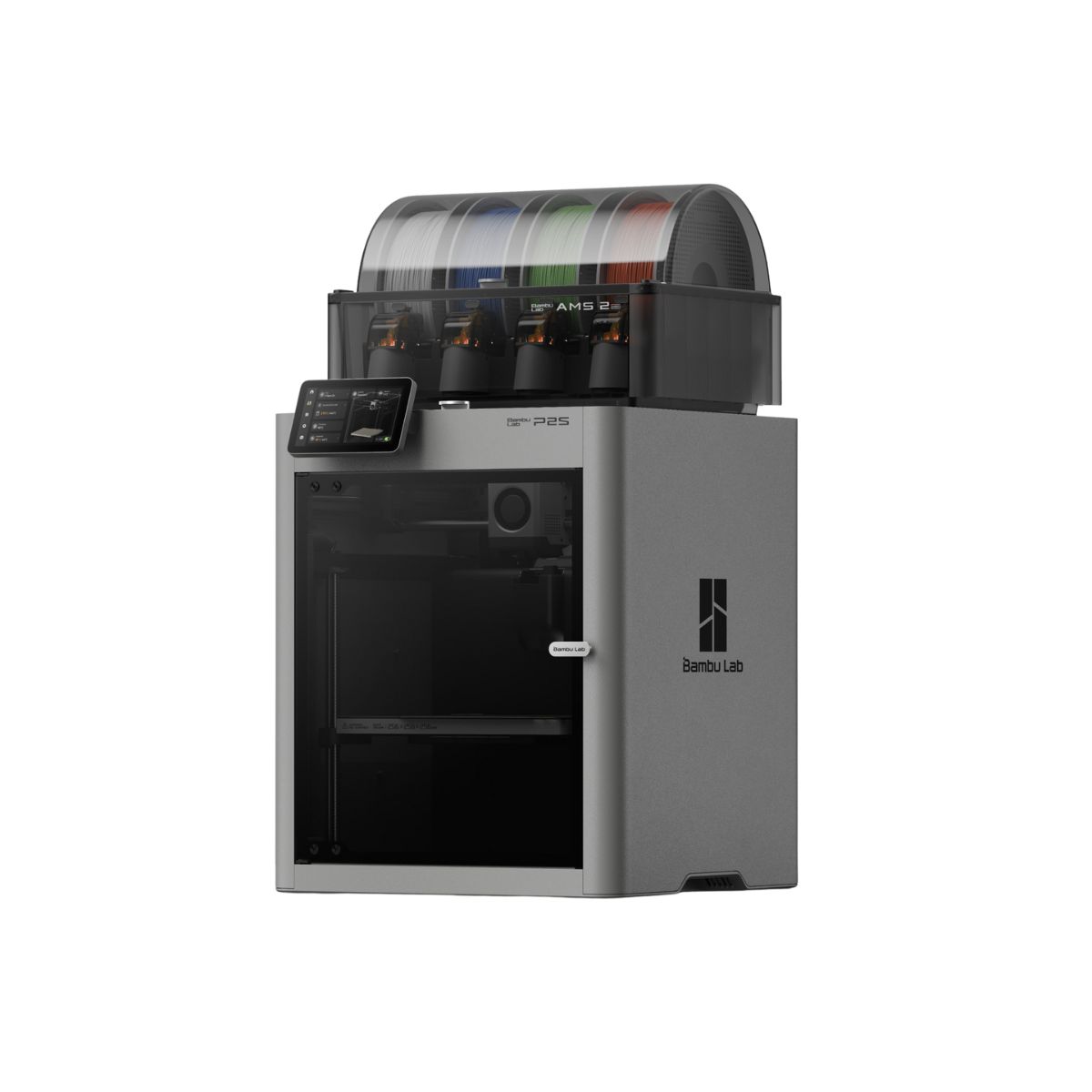 |
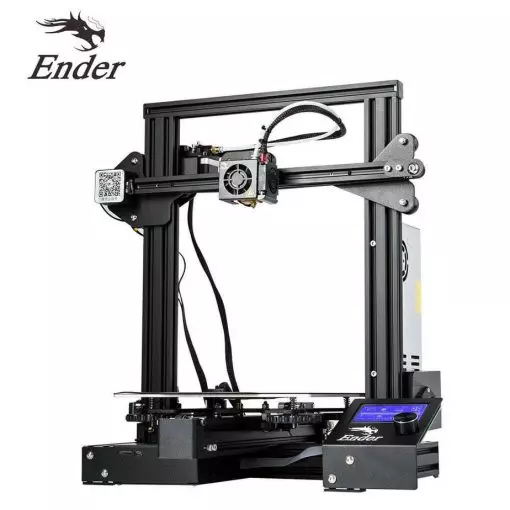 |
|
| Model | Bambu Lab P2S Combo |
Creality 3D Ender 3[BUY Ender 3] |
| Printing Material | Filament | Filament |
| Estimated price | $799,00 | $210,00 |
| Date of registration in the system | ||
| Manufacturer | Bambu Lab | Creality 3D |
| Release Year | 2025 | 2018 |
| Print Volume [mm] | 256x256x256 | 220x220x250 |
| Printer Size [mm] | 406x478x392 | 440x440x465 |
| Weight [kg] | 14,9 | 6,62 |
| Power Loss Recovery | YES | NO |
| Enclosed printer | YES | NO |
| Bed Leveling | Automatic | Manual |
| Filament End Sensor | YES | NO |
| Bed type | Heated | Heated |
| Power supply system | Direct Drive | Bowden |
| Standard nozzle | 1,75 | 0,4 |
| Maximum Nozzle Temperature [°C] | 300 | 255 |
| Maximum Bed Temperature [°C] | 110 | 110 |
| Maximum printing speed [mm/s] | 600 | 180 |
| Filament holder | YES | YES |
| Camera for supervision | YES | NO |
| Recommended filaments | PLA, TPU, TPE, HIPS, ABS, PETG, WOOD, PC, PA, PVA, ASA, PC ABS, PLA CF | PLA, TPU, ABS, PETG |
| Recommended slicers | Bambu Studio | Cura, Simplify, Slic3r |
| Maximum Resolution [mm] | 0,1 | 0,1 |
| Kinematics | - | - |
| Extruder Type | - | - |
| Klipper Firmware | NO | NO |
| Input Shaping | NO | NO |
| Max Volumetric Flow [mm³/s] | - | - |
| Power Supply | Max 1200 W @ 220 V / 1000 W @ 110 V | 24V / 270W |
| Connectivity | USB, Wifi | SD / USB |
| Release date | 2025 | 2018 |
| Extra features | A refined CoreXY (256³) with 5" touchscreen, 1080p camera, AI error detection, auto flow-dynamics, and a PMSM servo extruder (up to 8.5 kg). 30-second quick-swap hotend and hardened-steel path for fiber-filled filaments. Adaptive Airflow keeps PLA overhangs clean with the door closed and supports ~50 °C chamber for engineering. AMS 2 Pro included: multi-color printing plus active venting filament drying. | The Ender 3 V1 is a DIY assembly 3D printer, a sales leader since 2017, standing out for its cost-benefit. With a wide printing capacity, it has a CNC machined structure for precision and stability. It offers high-precision prints with low noise, thanks to its innovative V-profile and pulleys. It has a self-adhesive magnetic platform for easy removal of models and excellent adhesion. The Ender 3 heats up quickly, reaching 100°C in 5 minutes, ideal for agile prints. It includes protection against power failures, allowing you to resume printing after interruptions, saving time and material. |
| Support for multiple colors and materials (AMS and CFS) | YES | NO |
Notes * |
||
| Cost-benefit | 7 / 10 | 8 / 10 |
| Hardware | 7.2 / 10 | 0.5 / 10 |
| Screen | . | . |
| Print volume | 10 / 10 | 10 / 10 |
| Performance | 10 / 10 | 7 / 10 |
| [BUY Ender 3] |
Conclusion |
Conclusion: Comparative Analysis of 3D Printers When comparing the P2S Combo (Bambu Lab) and the Ender 3 (Creality 3D), we see two distinct approaches to 3D printing that cater to different user profiles. Each printer has its own strengths and weaknesses, which can significantly influence a buyer's decision based on their specific needs. P2S Combo (Bambu Lab)
Ender 3 (Creality 3D)
Final Verdict: The choice between the P2S Combo and the Ender 3 ultimately depends on the user profile.
In conclusion, the Ender 3 is perfect for those starting their 3D printing journey, while the P2S Combo is tailored for experienced users looking for high-speed and high-quality output. |