

Compare Creality K2 PRO Combo vs Bambu Lab P2S Combo
Comparison between the best 3D printers
Choose the best 3D printer at the best price. The cheapest 3D printers are here.
Buy a 3D printer here with 3D Fila.
 |
 |
|
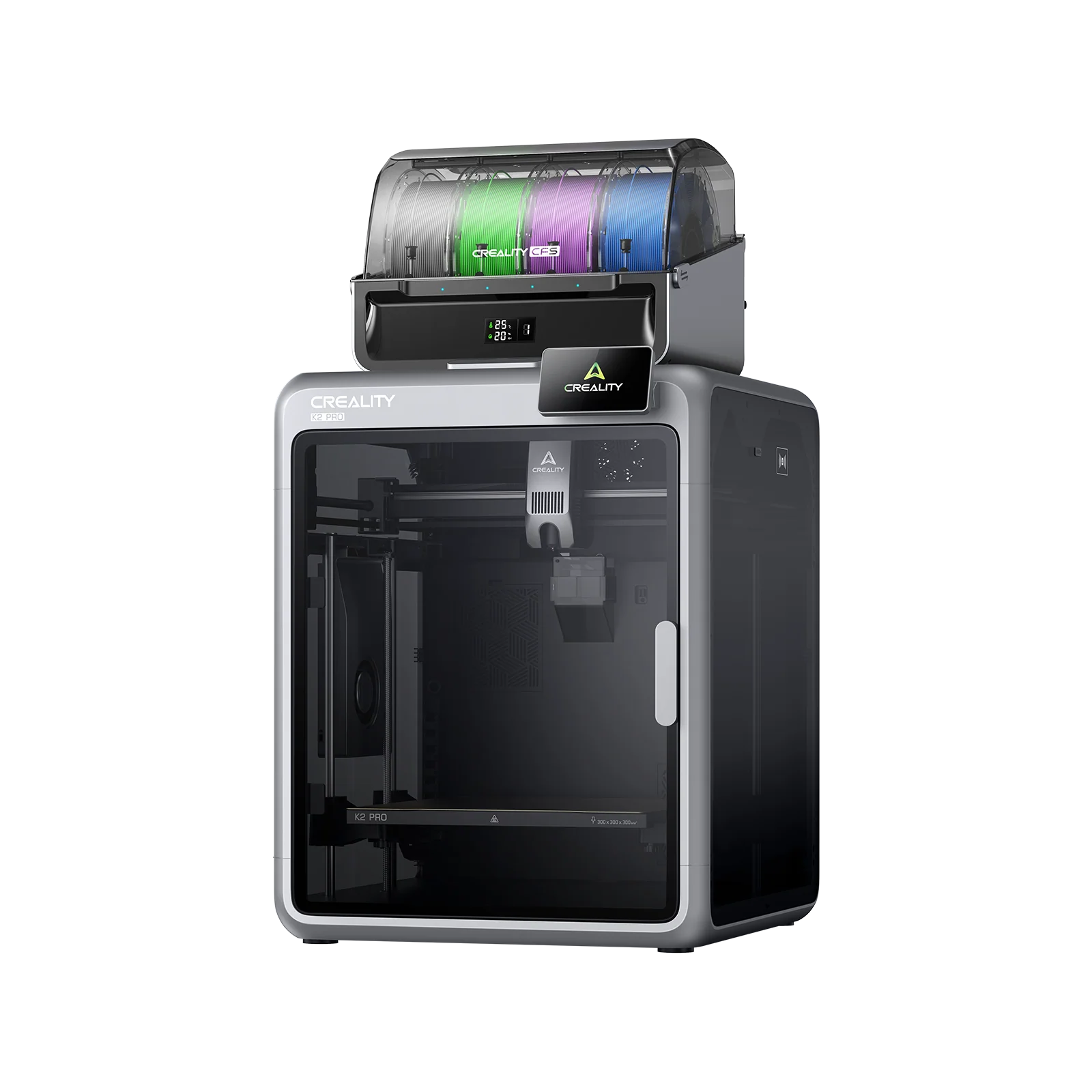
| Model | Creality K2 PRO Combo[BUY K2 PRO Combo] |
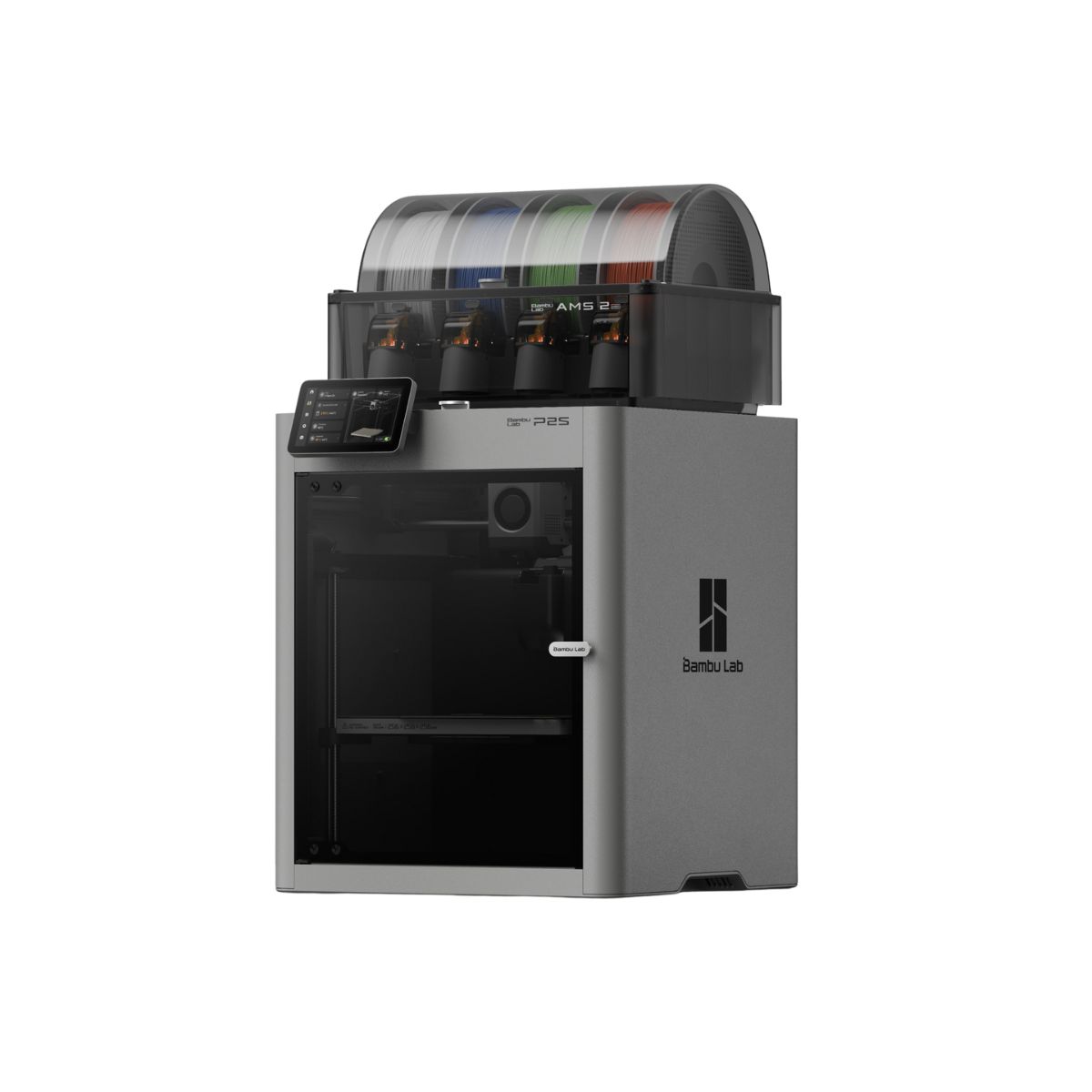
Bambu Lab P2S Combo |
| Printing Material | Filament | Filament |
| Estimated price | $1049,00 | $799,00 |
| Date of registration in the system | ||
| Manufacturer | Creality | Bambu Lab |
| Release Year | 2025 | 2025 |
| Print Volume [mm] | 300x300x300 | 256x256x256 |
| Printer Size [mm] | 445x505x850 | 406x478x392 |
| Weight [kg] | 28,3 | 14,9 |
| Power Loss Recovery | YES | YES |
| Enclosed printer | YES | YES |
| Bed Leveling | Automatic | Automatic |
| Filament End Sensor | YES | YES |
| Bed type | Heated | Heated |
| Power supply system | Direct Drive | Direct Drive |
| Standard nozzle | 0,4 | 1,75 |
| Maximum Nozzle Temperature [°C] | 300 | 300 |
| Maximum Bed Temperature [°C] | 110 | 110 |
| Maximum printing speed [mm/s] | 23 | 600 |
| Filament holder | YES | YES |
| Camera for supervision | YES | YES |
| Recommended filaments | PLA, TPU, TPE, HIPS, ABS, PETG, WOOD, PC, PA, PVA, ASA | PLA, TPU, TPE, HIPS, ABS, PETG, WOOD, PC, PA, PVA, ASA, PC ABS, PLA CF |
| Recommended slicers | Creality Print | Bambu Studio |
| Maximum Resolution [mm] | 0,1 | 0,1 |
| Kinematics | - | - |
| Extruder Type | - | - |
| Klipper Firmware | NO | NO |
| Input Shaping | NO | NO |
| Max Volumetric Flow [mm³/s] | - | - |
| Power Supply | 1200W | Max 1200 W @ 220 V / 1000 W @ 110 V |
| Connectivity | USB, Wifi | USB, Wifi |
| Release date | 2025 | 2025 |
| Extra features | K2 Pro Combo: Closed CoreXY (300Ã300Ã300 mm) with active heated chamber; CFS for multicolor (4â16 colors) with RFID and automatic swapping; two AI cameras for fault detection; localized auto-leveling; direct-drive extruder with magnetic cutter and quick-swap hotend (up to 300 °C); flexible PEI bed up to 110 °C; flow/filament sensors, power-loss recovery, and network printing with Creality Print. | A refined CoreXY (256³) with 5" touchscreen, 1080p camera, AI error detection, auto flow-dynamics, and a PMSM servo extruder (up to 8.5 kg). 30-second quick-swap hotend and hardened-steel path for fiber-filled filaments. Adaptive Airflow keeps PLA overhangs clean with the door closed and supports ~50 °C chamber for engineering. AMS 2 Pro included: multi-color printing plus active venting filament drying. |
| Support for multiple colors and materials (AMS and CFS) | YES | YES |
Notes * |
||
| Cost-benefit | 5 / 10 | 7 / 10 |
| Hardware | 7.2 / 10 | 7.2 / 10 |
| Screen | . | . |
| Print volume | 10 / 10 | 10 / 10 |
| Performance | 5 / 10 | 10 / 10 |
| [BUY K2 PRO Combo] |
Conclusion |
Conclusion: Comparing the K2 PRO Combo and P2S Combo 3D Printers In the rapidly evolving world of 3D printing, selecting the right printer can be a daunting task, especially with advanced models like the K2 PRO Combo from Creality and the P2S Combo from Bambu Lab entering the market. Both printers are designed for high-performance FDM printing, but they cater to different user profiles based on their features, build volume, and intended applications. K2 PRO Combo (Creality)
P2S Combo (Bambu Lab)
Final Verdict: The choice between the K2 PRO Combo and P2S Combo ultimately depends on the user profile and specific needs. The K2 PRO Combo is ideal for users who prioritize larger projects and need advanced features for multicolor printing and fault detection. It is best suited for professional users or serious hobbyists who require high reliability and are willing to invest more for quality and capabilities. On the other hand, the P2S Combo is perfect for those who need speed and efficiency, especially in rapid prototyping scenarios. Its faster print speeds and advanced features make it suitable for users looking to produce high-quality prints quickly, such as designers and engineers working on iterative projects. In conclusion, if your priority is larger prints and advanced multicolor capabilities, the K2 PRO Combo is the best buy. Conversely, if speed and compact design are more important for your projects, the P2S Combo is the way to go. |