

Compare Creality 3D Ender 3 vs Creality 3D K1 Max vs BigTreeTech BIQU B1
Comparison between the best 3D printers
Choose the best 3D printer at the best price. The cheapest 3D printers are here.
Buy a 3D printer here with 3D Fila.
 |
 |
 |
|
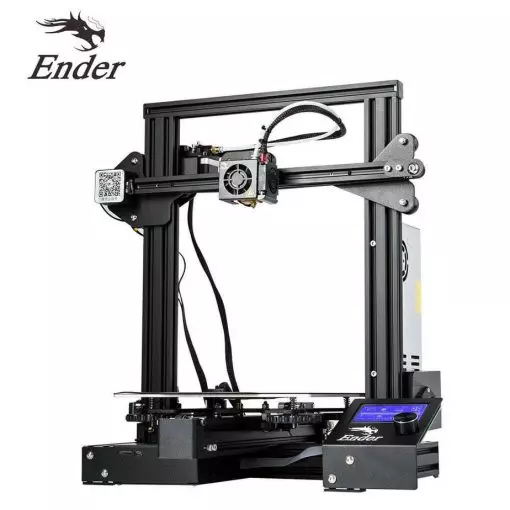
| Model | Creality 3D Ender 3[BUY Ender 3] |
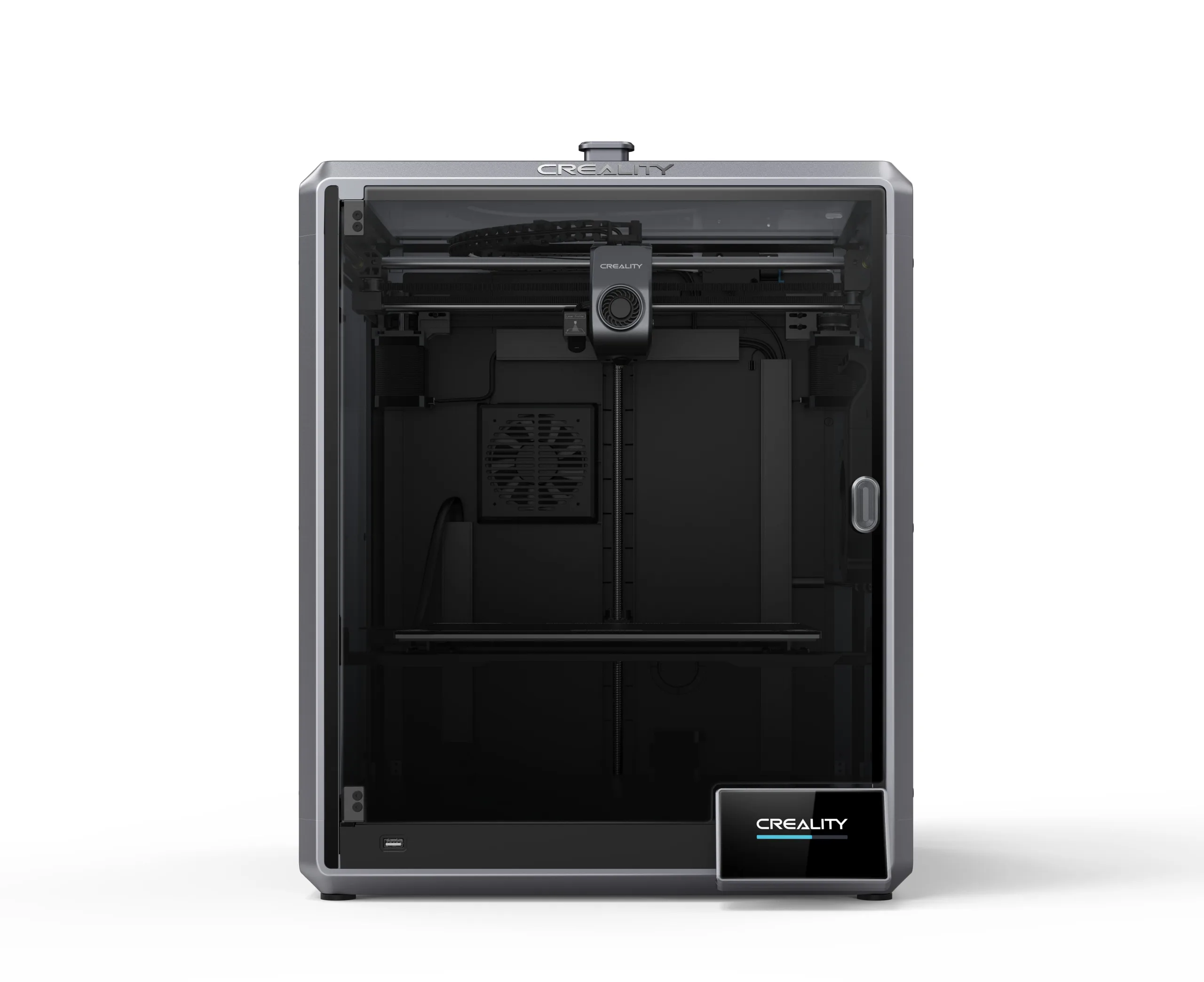
Creality 3D K1 Max[BUY K1 Max] |
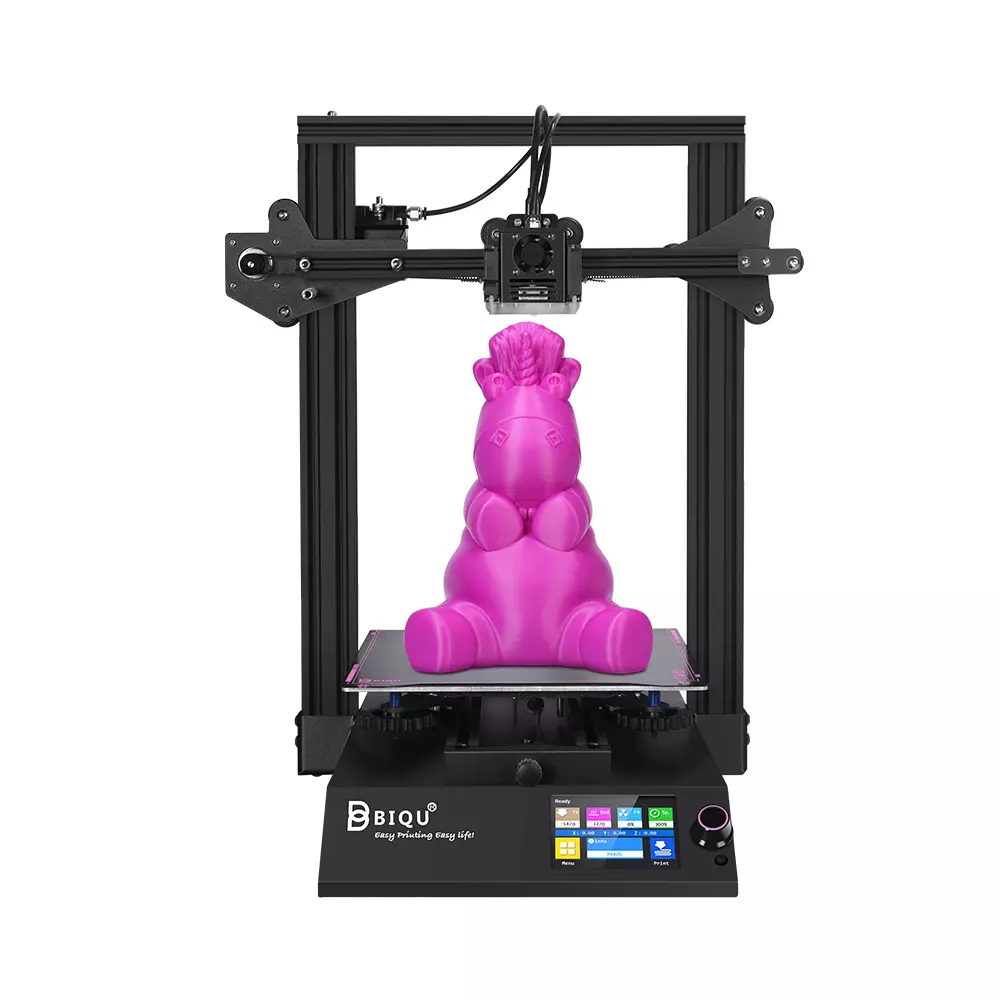
BigTreeTech BIQU B1 |
| Printing Material | Filament | Filament | Filament |
| Estimated price | $210,00 | $1300,00 | $269,00 |
| Date of registration in the system | |||
| Fabricante | Creality 3D | Creality 3D | BigTreeTech |
| Release Year | 2018 | 2023 | 2020 |
| Print Volume [mm] | 220x220x250 | 300x300x300 | 235x235x270 |
| Printer Size [mm] | 440x440x465 | 435x462x526 | 412x402x492 |
| Weight [kg] | 6,62 | 18 | 8,00 |
| Power Loss Recovery | NO | YES | YES |
| Enclosed printer | NO | YES | NO |
| Bed Leveling | Manual | Automatic | Manual |
| Filament End Sensor | NO | YES | YES |
| Bed type | Heated | Heated | Heated |
| Power supply system | Bowden | Direct Drive | Bowden |
| Standard nozzle | 0,4 | 0,4 | 0,4 |
| Maximum Nozzle Temperature [°C] | 255 | 300 | 250 |
| Maximum Bed Temperature [°C] | 110 | 100 | 100 |
| Maximum printing speed [mm/s] | 180 | 600 | 100 |
| Filament holder | YES | YES | YES |
| Camera for supervision | NO | NO | NO |
| Recommended filaments | PLA, TPU, ABS, PETG | ABS, PLA, PETG, TPU, PA, ASA, PC, PLA-CF, PA-CF, PET-CF | PLA, TPU, ABS, PETG |
| Recommended slicers | Cura, Simplify, Slic3r | Creality Print, Cura, Simplify, Slic3r, IdeaMaker e outros | Cura, Simplify, Slic3r |
| Maximum Resolution [mm] | 0,1 | 0,1 | 0,1 |
| Kinematics | - | - | - |
| Extruder Type | - | - | - |
| Klipper Firmware | NO | NO | NO |
| Input Shaping | NO | NO | NO |
| Max Volumetric Flow [mm³/s] | - | - | - |
| Power Supply | 24V / 270W | 24V / 360W | |
| Connectivity | SD / USB | USB / Wi-Fi / Ethernet | SD / USB |
| Release date | 2018 | 2023 | 2020 |
| Extra features | The Ender 3 V1 is a DIY assembly 3D printer, a sales leader since 2017, standing out for its cost-benefit. With a wide printing capacity, it has a CNC machined structure for precision and stability. It offers high-precision prints with low noise, thanks to its innovative V-profile and pulleys. It has a self-adhesive magnetic platform for easy removal of models and excellent adhesion. The Ender 3 heats up quickly, reaching 100°C in 5 minutes, ideal for agile prints. It includes protection against power failures, allowing you to resume printing after interruptions, saving time and material. | The Creality K1 Max stands out as a fast Core XY 3D printer with a large build volume of 300 x 300 x 300 mm. It is fully enclosed and equipped with AI sensors to prevent print failures. This model has a smooth and flexible PEI build platform, and uses an automatic leveling system with LIDAR, as well as a filament run-out sensor. LAN, Creality Cloud and USB Flash Disk connectivity are available, as well as a 4.3-inch touchscreen interface. The K1 Max is robust, weighing in at 18 kg, and includes an AI camera and limited version of the Klipper firmware. Its motion system is solid and the printer is efficient with high-temperature filaments, but it is not silent. Assembly is 99% complete, requiring only minor adjustments before use. | The BIQU B1 is an advanced 3D printer with a silent 32-bit BTT SKR V1.4 motherboard and ARM Cortex-M3 CPU, offering DIY interfaces (I2C, SPI, WiFi) and dual Z-axis. Its dual BTT B1 TFT35 V3.0 operating system allows real-time monitoring and multiple printing modes, including G-code visualization effects. It stands out for its BIQU SSS (Super Spring Steel), ensuring easy model adhesion and simplified removal, with the possibility of using it on both sides. It includes a filament sensor, automatically pausing printing in case of filament breakage. The multicolored RGB lights integrated into the hotend allow you to view the printing status even at night. Additional notes include the need for a BIQU-specific Type-C cable and extra interfaces for smart filament sensor and BL Touch. |
| Support for multiple colors and materials (AMS and CFS) | NO | NO | NO |
Notes * |
|||
| Cost-benefit | 8 / 10 | 6 / 10 | 8 / 10 |
| Hardware | 0.5 / 10 | 4.2 / 10 | 1 / 10 |
| Screen | . | . | . |
| Print volume | 10 / 10 | 10 / 10 | 10 / 10 |
| Performance | 7 / 10 | 10 / 10 | 6 / 10 |
| [BUY Ender 3] | [BUY K1 Max] |
Conclusion |
| In conclusion, when comparing the Ender 3, K1 Max, and BIQU B1 3D printers, it's clear that each model has its distinct advantages, catering to various user needs and budgets. The Ender 3, while being the most affordable, excels in its simplicity and cost-effectiveness, making it a solid choice for beginners and hobbyists who prioritize value and reliability. However, it lacks advanced features such as power loss recovery and automatic bed leveling, which may limit its usability for more complex projects. The K1 Max stands out as a high-performance option with its large print volume, automated features, and robust build quality. It supports a wide range of filaments and includes advanced tech like AI sensors and a touchscreen interface, making it suitable for experienced users looking for efficiency and modern capabilities. However, this comes at a significantly higher price point. The BIQU B1 offers a middle ground in terms of price and functionality. With features like a silent motherboard and dual Z-axis, it appeals to those who want enhanced precision and ease of use without breaking the bank. However, it falls short in performance metrics compared to the K1 Max and lacks some features that may be found in similarly priced models. Ultimately, the best printer for you will depend on your specific usage needs and budget. For those new to 3D printing, the Ender 3 offers a reliable, entry-level experience. For seasoned users seeking advanced features and high-speed printing, the K1 Max is worth the investment. Meanwhile, the BIQU B1 is an excellent choice for users who want good performance without the premium price tag. |