
Compare Creality 3D Ender 3 vs Creality Ender 3 V3 KE vs Bambu Lab P1S
Comparison between the best 3D printers
Choose the best 3D printer at the best price. The cheapest 3D printers are here.
Buy a 3D printer here with 3D Fila.
 |
 |
 |
|
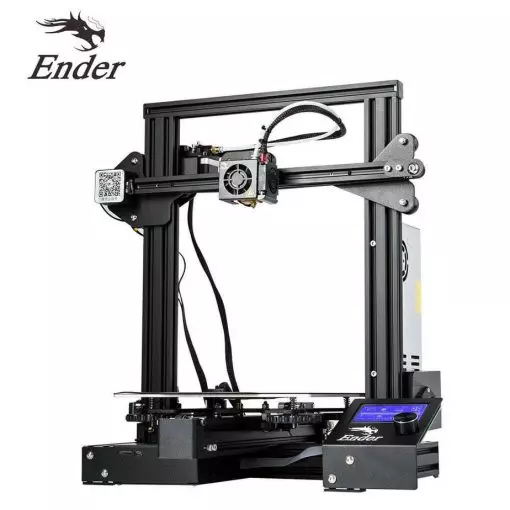
| Model | Creality 3D Ender 3[BUY Ender 3] |
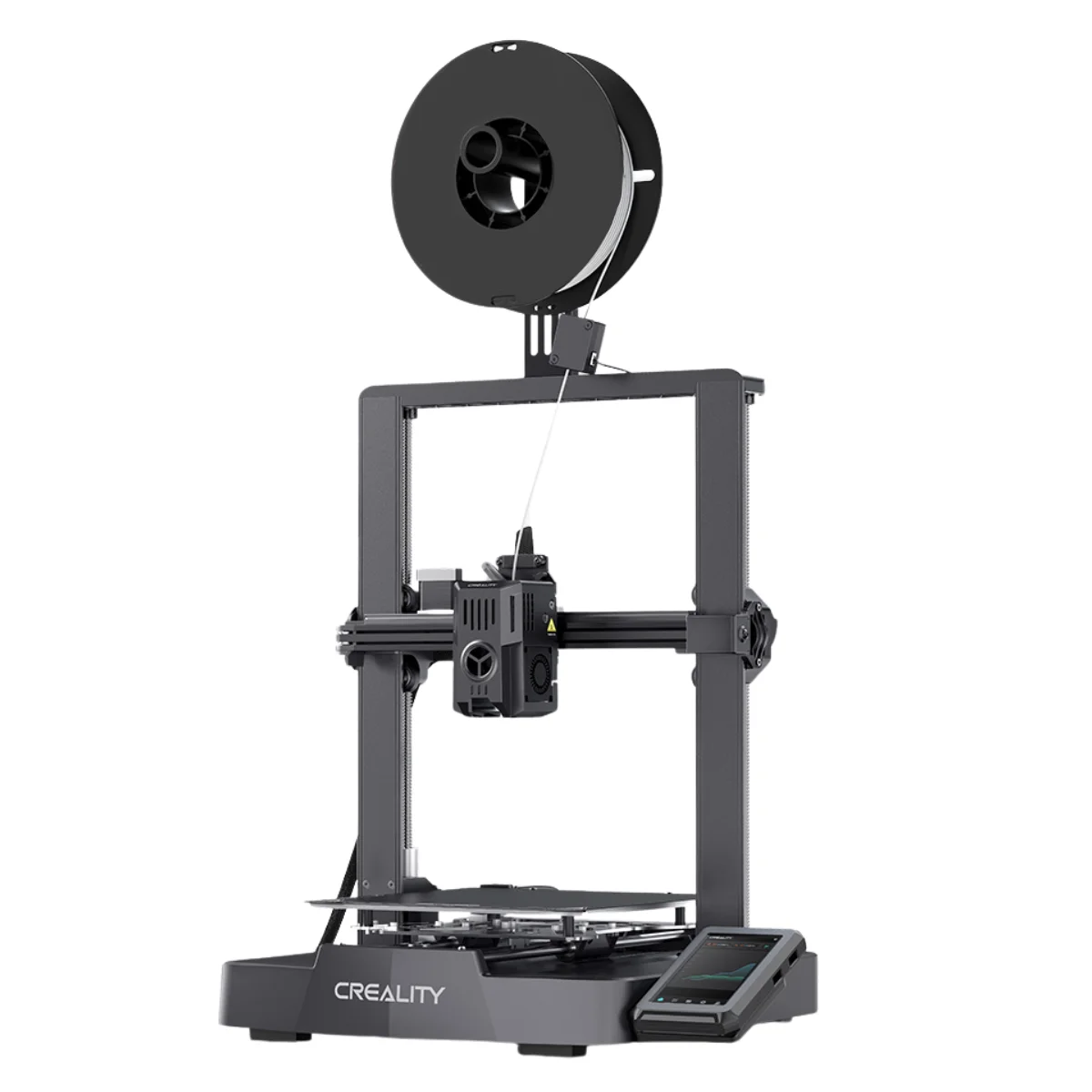
Creality Ender 3 V3 KE[BUY Ender 3 V3 KE] |
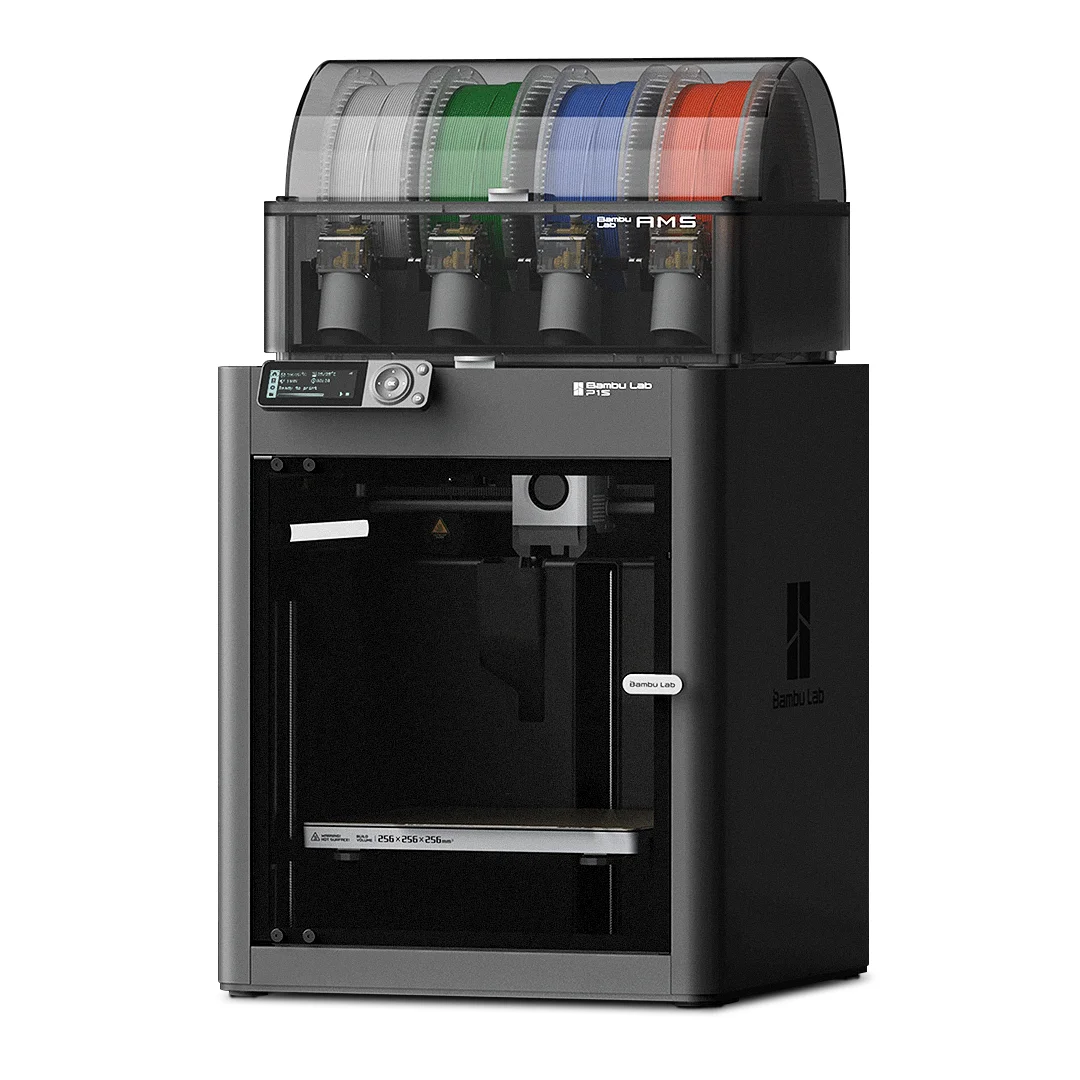
Bambu Lab P1S[BUY P1S] |
| Printing Material | Filament | Filament | Filament |
| Estimated price | $210,00 | $279,00 | $949,00 |
| Date of registration in the system | |||
| Fabricante | Creality 3D | Creality | Bambu Lab |
| Release Year | 2018 | 2023 | 2023 |
| Print Volume [mm] | 220x220x250 | 220x220x240 | 256x256x256 |
| Printer Size [mm] | 440x440x465 | 433x366x490 | 389x389x458 |
| Weight [kg] | 6,62 | 7,8 | 12,95 |
| Power Loss Recovery | NO | YES | YES |
| Enclosed printer | NO | NO | NO |
| Bed Leveling | Manual | Automatic | Automatic |
| Filament End Sensor | NO | YES | YES |
| Bed type | Heated | Heated | Heated |
| Power supply system | Bowden | Direct Drive | Direct Drive |
| Standard nozzle | 0,4 | 0,4 | 0,4 |
| Maximum Nozzle Temperature [°C] | 255 | 300 | 300 |
| Maximum Bed Temperature [°C] | 110 | 100 | 100 |
| Maximum printing speed [mm/s] | 180 | 500 | 500 |
| Filament holder | YES | YES | YES |
| Camera for supervision | NO | NO | YES |
| Recommended filaments | PLA, TPU, ABS, PETG | PLA, PETG e TPU (95A+), ASA | PLA, PETG, TPU, PVA, PA, PA-CF, Nylon, PC |
| Recommended slicers | Cura, Simplify, Slic3r | Creality Print, Cura 5.0 ou superior, Prusa Slicer, Orca | Bambu Studio, Super Slicer, Cura, Prusa Slicer, Orca |
| Maximum Resolution [mm] | 0,1 | 0,1 | 0,1 |
| Kinematics | - | - | - |
| Extruder Type | - | - | - |
| Klipper Firmware | NO | NO | NO |
| Input Shaping | NO | NO | NO |
| Max Volumetric Flow [mm³/s] | - | - | - |
| Power Supply | 24V / 270W | 350 W | 350 W |
| Connectivity | SD / USB | USB drive, LAN, Creality Cloud APP | Wifi, Bambu bus, Cartão SD |
| Release date | 2018 | 2023 | 2023 |
| Extra features | The Ender 3 V1 is a DIY assembly 3D printer, a sales leader since 2017, standing out for its cost-benefit. With a wide printing capacity, it has a CNC machined structure for precision and stability. It offers high-precision prints with low noise, thanks to its innovative V-profile and pulleys. It has a self-adhesive magnetic platform for easy removal of models and excellent adhesion. The Ender 3 heats up quickly, reaching 100°C in 5 minutes, ideal for agile prints. It includes protection against power failures, allowing you to resume printing after interruptions, saving time and material. | The Ender 3 V3 KE, an advancement in the Ender line, achieves print speeds of up to 500mm/s with its touchscreen and WiFi connectivity. Although it has a slightly smaller print area than the SE model, it makes up for it with superior print quality. Its robust design, high-quality components, and intuitive wireless control are appreciated, although Creality's mobile app lacks practicality and does not have a closed system. It stands out for its linear track on the X-axis for stability at high speeds and the hotend that supports up to 300°C, ideal for high-temperature filaments. | The Bambu Lab P1S stands out for its âout-of-the-boxâ practicality, eliminating the need for manual adjustments with automatic calibrations such as bed leveling and vibration compensation. It features multicolor printing capability through the AMS system, allowing up to 16 colors when connecting four AMS units. With an advanced control algorithm, the P1S offers fast printing speeds without sacrificing quality. Equipped with modern features such as filament end sensor, semi-automatic belt tension, direct extruder, welded frame and all-metal hotend, along with a fully enclosed chamber, the P1S promotes a superior printing experience, supporting a wide range of materials. |
| Support for multiple colors and materials (AMS and CFS) | NO | NO | YES |
Notes * |
|||
| Cost-benefit | 8 / 10 | 8 / 10 | 6 / 10 |
| Hardware | 0.5 / 10 | 2.8 / 10 | 6.3 / 10 |
| Screen | . | . | . |
| Print volume | 10 / 10 | 10 / 10 | 10 / 10 |
| Performance | 7 / 10 | 9 / 10 | 9 / 10 |
| [BUY Ender 3] | [BUY Ender 3 V3 KE] | [BUY P1S] |
Conclusion |
| In conclusion, the comparison of the three 3D printers highlights distinct strengths and weaknesses catering to different user needs and budgets. The **Ender 3**, while the most affordable option, provides a solid entry-level experience. Its focus on cost-effectiveness, coupled with a good print volume and basic features, makes it suitable for hobbyists and beginners who are looking to dip their toes into 3D printing without a hefty investment. However, it lacks advanced features such as automatic bed leveling and power loss recovery, which could lead to challenges during use for those seeking more sophisticated functionality. The **Ender 3 V3 KE** offers a moderate upgrade over the Ender 3, featuring enhanced print speeds and automatic bed leveling. It strikes a balance between price and performance, appealing to those who want greater efficiency without completely breaking the bank. Though it presents some limitations in print volume compared to the P1S, it provides an intuitive experience for users who appreciate faster print capabilities and wireless connectivity. On the other hand, the **Bambu Lab P1S** stands out as a premium option loaded with high-end features, including automatic calibrations, a filament end sensor, and advanced multi-color printing. It's the most robust choice for professionals or serious enthusiasts who require quality, reliability, and versatility in their prints. The substantial investment reflects its capabilities and advanced technology, making it a worthwhile option for users who prioritize high performance and a wide range of material compatibility. Ultimately, the best choice depends on your specific needs: for budget-conscious newcomers, the Ender 3 is a solid start; for those seeking enhanced performance with a reasonable price, the Ender 3 V3 KE is an excellent mid-range option; and for professionals looking for cutting-edge technology, the P1S justifies its higher cost through a feature-rich printing experience. |