

Compare BigTreeTech BIQU B1 vs Anycubic Photon vs Creality 3D Ender 3 PRO
Comparison between the best 3D printers
Choose the best 3D printer at the best price. The cheapest 3D printers are here.
Buy a 3D printer here with 3D Fila.
 |
 |
 |
|
| Model | BigTreeTech BIQU B1 |
Anycubic Photon |
Creality 3D Ender 3 PRO[BUY Ender 3 PRO] |
| Printing Material | Filament | Resin | Filament |
| Estimated price | $269,00 | $100,00 | $258,00 |
| Date of registration in the system | |||
| Fabricante | BigTreeTech | Anycubic | Creality 3D |
| Release Year | 2020 | 2019 | 2019 |
| Print Volume [mm] | 235x235x270 | 65x115x155 | 220x220x250 |
| Printer Size [mm] | 412x402x492 | 220x200x400 | 440x440x465 |
| Weight [kg] | 8,00 | 7,2 | 6,62 |
| Power Loss Recovery | YES | NO | NO |
| Maximum Resolution [mm] | 0,1 | 0,1 | |
| Kinematics | - | - | - |
| Extruder Type | - | - | - |
| Klipper Firmware | NO | NO | NO |
| Input Shaping | NO | NO | NO |
| Max Volumetric Flow [mm³/s] | - | - | - |
| Power Supply | 24V / 360W | 40W | 24V / 360W Meanwell |
| Connectivity | SD / USB | USB | SD / USB |
| Release date | 2020 | 2019 | 2019 |
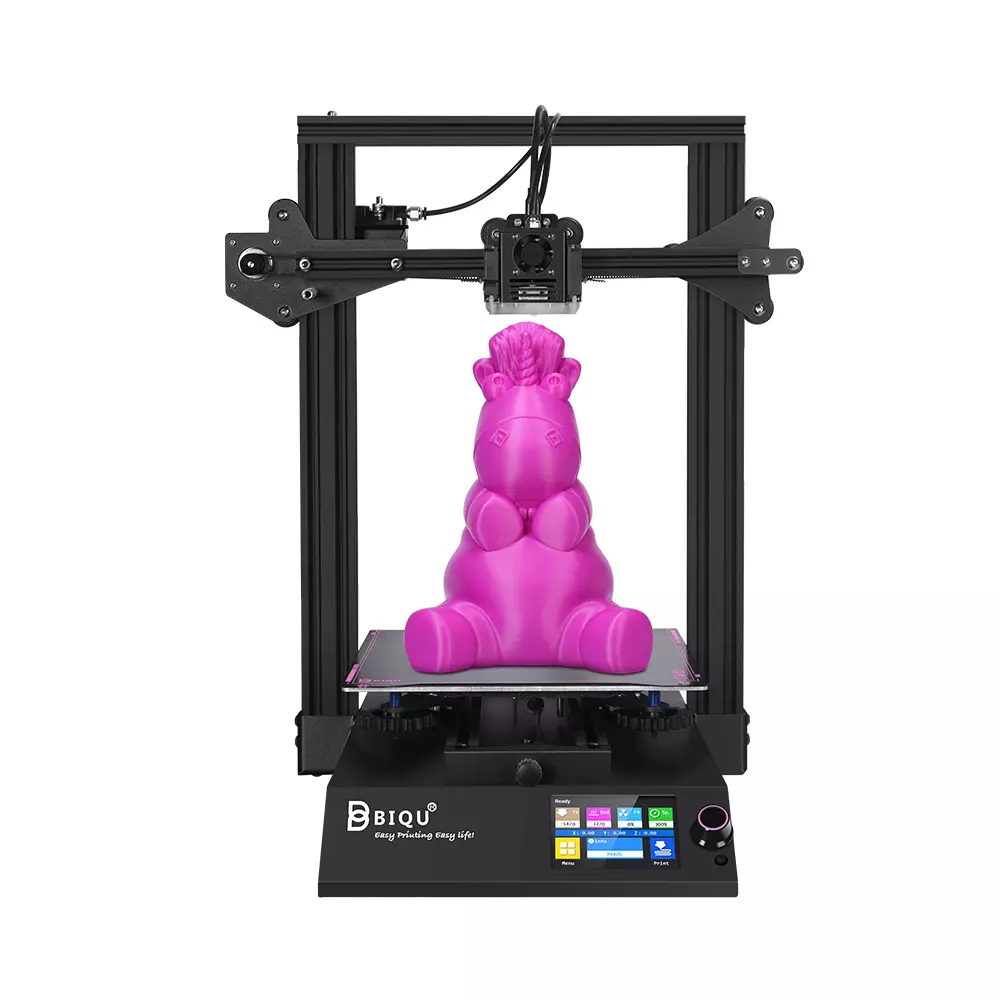
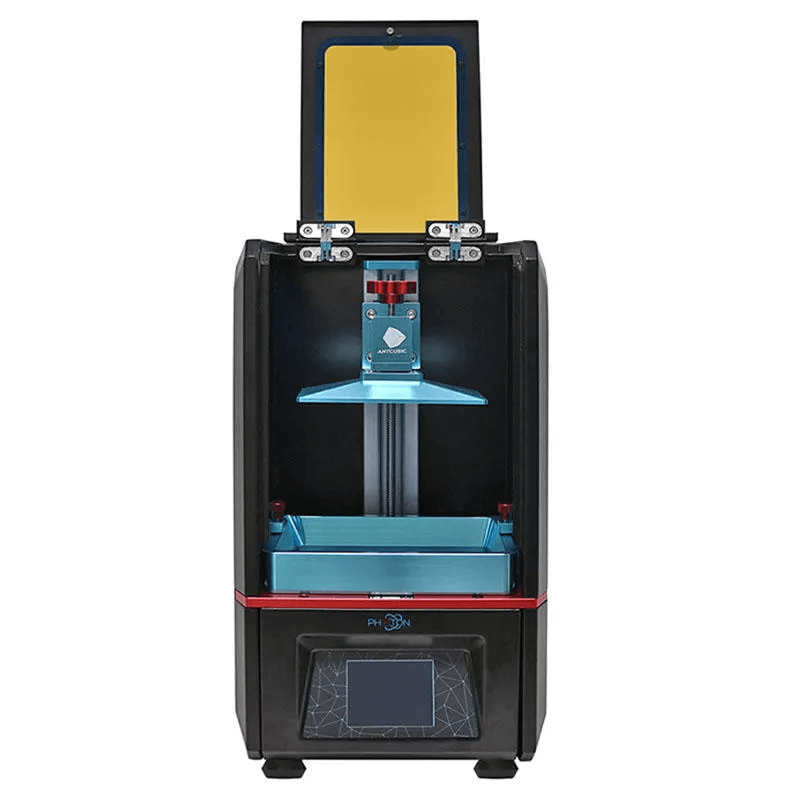
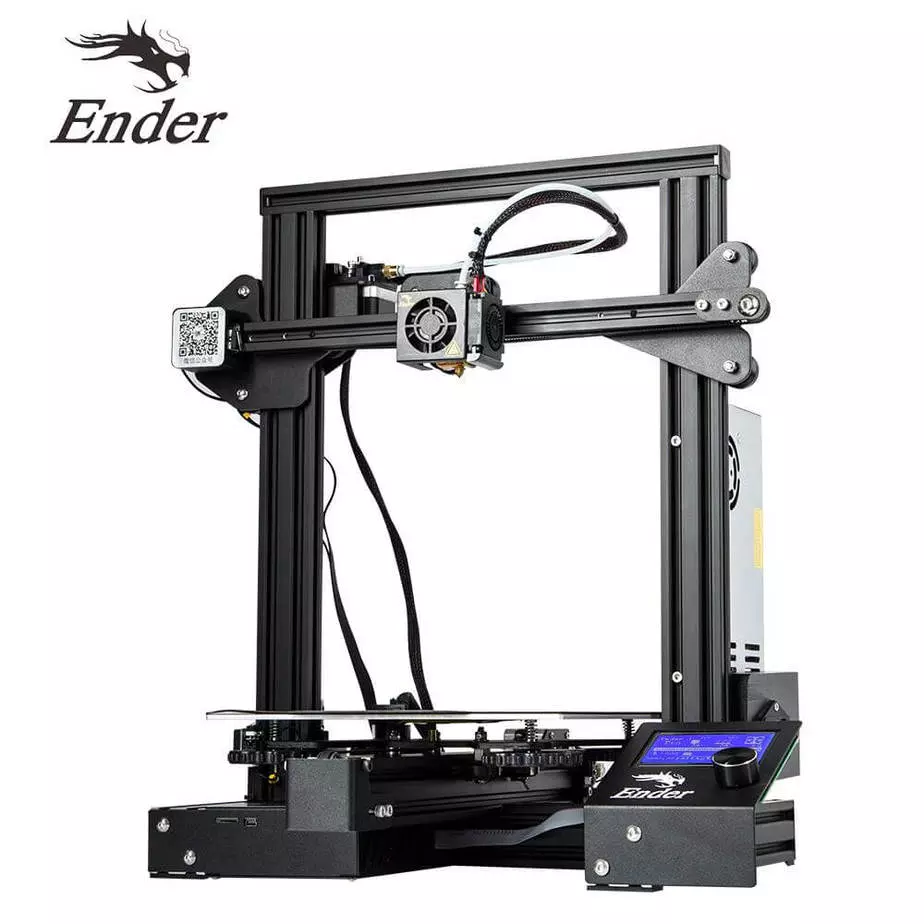
| Extra features | The BIQU B1 is an advanced 3D printer with a silent 32-bit BTT SKR V1.4 motherboard and ARM Cortex-M3 CPU, offering DIY interfaces (I2C, SPI, WiFi) and dual Z-axis. Its dual BTT B1 TFT35 V3.0 operating system allows real-time monitoring and multiple printing modes, including G-code visualization effects. It stands out for its BIQU SSS (Super Spring Steel), ensuring easy model adhesion and simplified removal, with the possibility of using it on both sides. It includes a filament sensor, automatically pausing printing in case of filament breakage. The multicolored RGB lights integrated into the hotend allow you to view the printing status even at night. Additional notes include the need for a BIQU-specific Type-C cable and extra interfaces for smart filament sensor and BL Touch. | The Anycubic Photon DLP is a resin 3D printer that stands out for its affordability and quality. It uses DLP (Digital Light Processing) technology to cure resin layers with precision, offering resolution of 25-100 microns. Its build volume is 115 x 65 x 155 mm, suitable for modest-sized projects. It includes a 2.8-inch touchscreen, USB and SD card connectivity, and a carbon filter to mitigate odors. It is notable for generating efficient support structures through its custom slicing software. Although it requires care in resin handling and post-processing, it is an excellent option for beginners and professionals who want to explore resin 3D printing with high resolution and ease of use. | The Ender 3 Pro stands out for its beginner-friendly assembly and easily modifiable structure. With a 350W power supply, it heats up quickly and has a simple application that offers good print quality. However, its motors and fans are noisy, and the interface seems outdated. Assembly is accessible, without the need for advanced techniques, and it has integrated belt tensioners. It includes a detailed guide and supports microSD card and USB. |
| Support for multiple colors and materials (AMS and CFS) | NO | NO | NO |
Notes * |
|||
| Cost-benefit | 8 / 10 | 8 / 10 | 8 / 10 |
| Hardware | 1 / 10 | 2 / 10 | 0.5 / 10 |
| Screen | . | . | . |
| Print volume | 10 / 10 | 10 / 10 | 10 / 10 |
| Performance | 6 / 10 | 5 / 10 | 7 / 10 |
| [BUY Ender 3 PRO] |
Conclusion |
| In comparing the BIQU B1, Photon, and Ender 3 Pro 3D printers, several factors stand out that can help guide a purchasing decision. The **BIQU B1** offers a balanced combination of features and performance. Its larger print volume allows for a wider range of projects, and its advanced technology includes a silent 32-bit motherboard, power loss recovery, and a user-friendly touchscreen interface. It demonstrates decent cost-effectiveness, especially for users looking for versatility and reliability in filament printing. The **Photon** shines in its precision due to DLP technology, making it specifically advantageous for detailed resin printing. Although it has a smaller build volume and requires more maintenance regarding resin handling, it comes at a very competitive price for those focused on high-detail prints. Its strengths in resolution and custom slicing software cater to both beginners and professionals exploring more intricate designs. On the other hand, the **Ender 3 Pro** appeals to those who prioritize ease of assembly and modification potential. While it has a strong reputation for quality prints and user support, it slightly lags in terms of technology and print volume compared to the BIQU B1. The outdated interface and noise from motors may deter some users, but its beginner-friendly attributes and accessibility for upgrades align well with DIY enthusiasts. Overall, if you're after versatility and reliability in 3D printing, the **BIQU B1** stands out as the best all-around choice. The **Photon** is ideal for users focused on high-resolution details in resin prints, while the **Ender 3 Pro** might be suitable for those willing to compromise on features for the sake of an accessible and modifiable platform. Each printer has its strengths, so your final decision should depend on your specific printing needs and preferences. |