

Compare BigTreeTech BIQU B1 vs Creality 3D Ender 6 vs Bambu Lab P1S
Comparison between the best 3D printers
Choose the best 3D printer at the best price. The cheapest 3D printers are here.
Buy a 3D printer here with 3D Fila.
 |
 |
 |
|
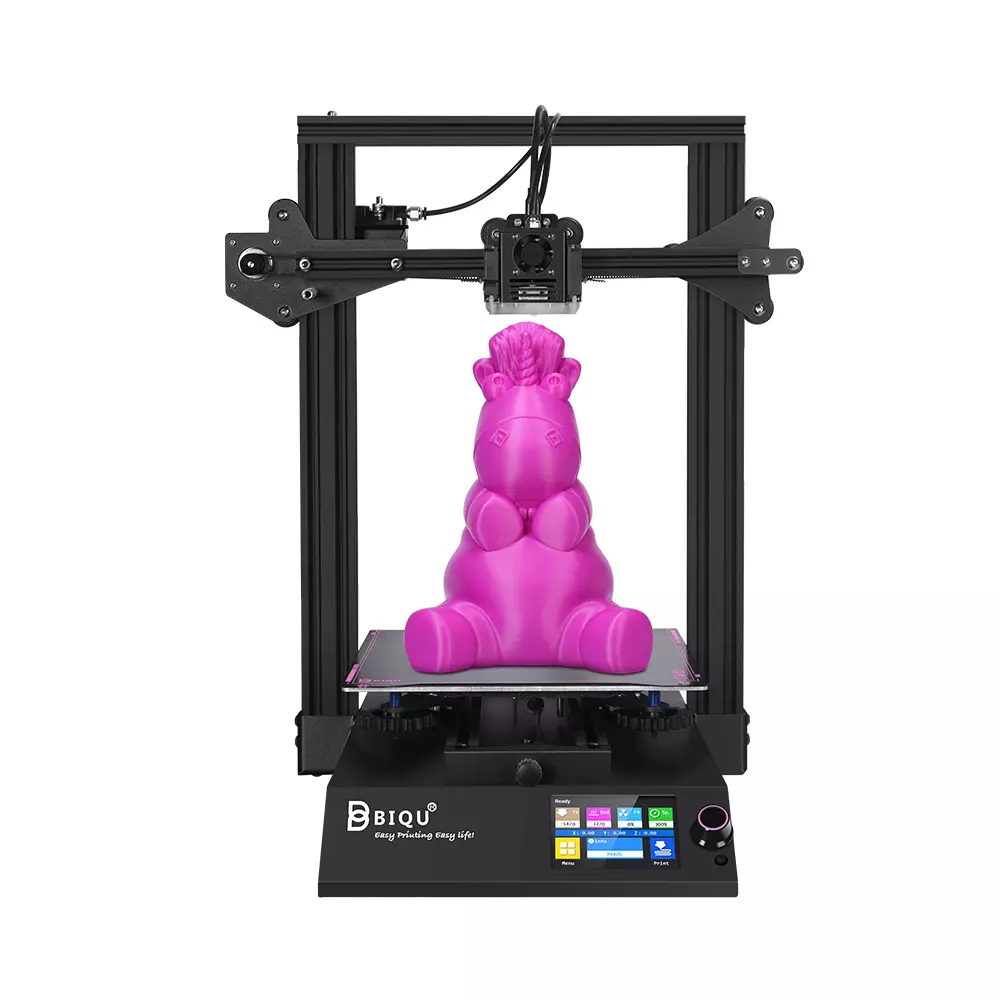
| Model | BigTreeTech BIQU B1 |
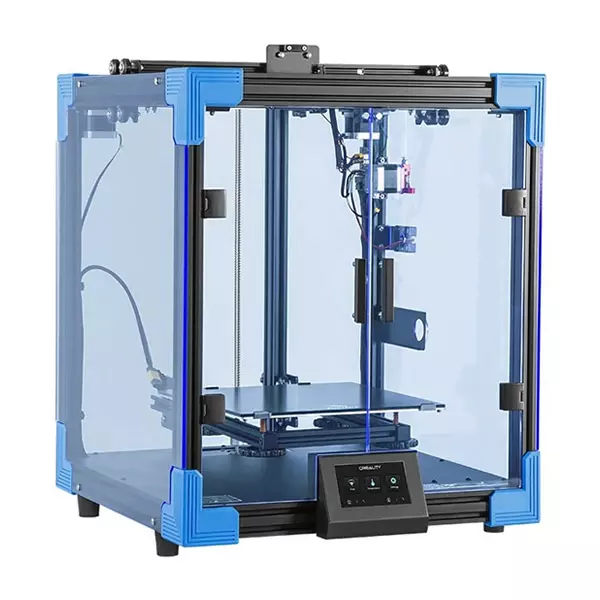
Creality 3D Ender 6[BUY Ender 6] |
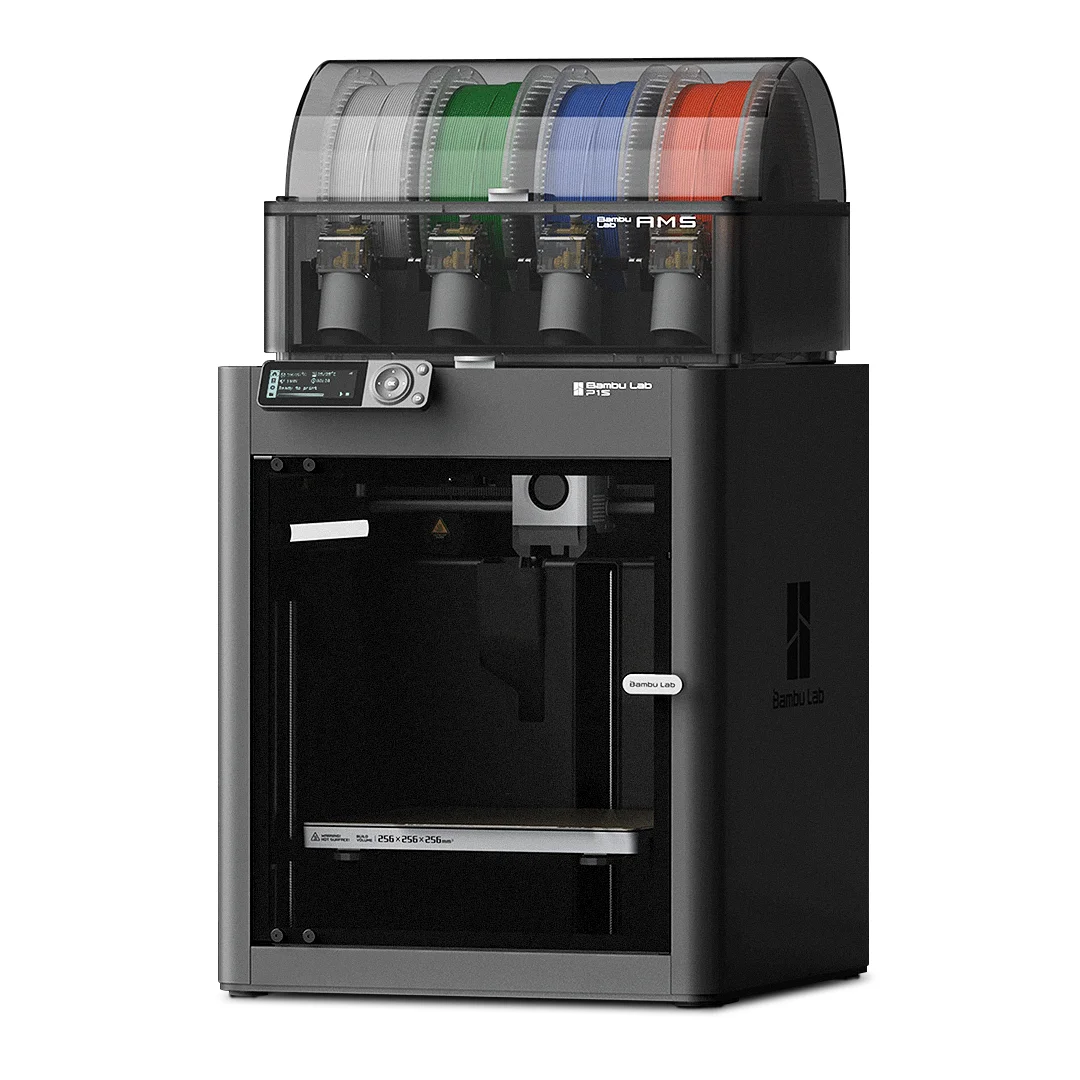
Bambu Lab P1S[BUY P1S] |
| Printing Material | Filament | Filament | Filament |
| Estimated price | $269,00 | $499,00 | $949,00 |
| Date of registration in the system | |||
| Fabricante | BigTreeTech | Creality 3D | Bambu Lab |
| Release Year | 2020 | 2020 | 2023 |
| Print Volume [mm] | 235x235x270 | 250x250x400 | 256x256x256 |
| Printer Size [mm] | 412x402x492 | 495x495x650 | 389x389x458 |
| Weight [kg] | 8,00 | 22 | 12,95 |
| Power Loss Recovery | YES | YES | YES |
| Enclosed printer | NO | YES | NO |
| Bed Leveling | Manual | Manual | Automatic |
| Filament End Sensor | YES | YES | YES |
| Bed type | Heated | Heated | Heated |
| Power supply system | Bowden | Bowden | Direct Drive |
| Standard nozzle | 0,4 | 0,4 | 0,4 |
| Maximum Nozzle Temperature [°C] | 250 | 260 | 300 |
| Maximum Bed Temperature [°C] | 100 | 100 | 100 |
| Maximum printing speed [mm/s] | 100 | 150 | 500 |
| Filament holder | YES | YES | YES |
| Camera for supervision | NO | NO | YES |
| Recommended filaments | PLA, TPU, ABS, PETG | PLA, TPU, ABS, PETG | PLA, PETG, TPU, PVA, PA, PA-CF, Nylon, PC |
| Recommended slicers | Cura, Simplify, Slic3r | Cura, Simplify, Slic3r | Bambu Studio, Super Slicer, Cura, Prusa Slicer, Orca |
| Maximum Resolution [mm] | 0,1 | 0,1 | 0,1 |
| Kinematics | - | - | - |
| Extruder Type | - | - | - |
| Klipper Firmware | NO | NO | NO |
| Input Shaping | NO | NO | NO |
| Max Volumetric Flow [mm³/s] | - | - | - |
| Power Supply | 24V / 360W | 24V / 504W | 350 W |
| Connectivity | SD / USB | SD / USB | Wifi, Bambu bus, Cartão SD |
| Release date | 2020 | 2020 | 2023 |
| Extra features | The BIQU B1 is an advanced 3D printer with a silent 32-bit BTT SKR V1.4 motherboard and ARM Cortex-M3 CPU, offering DIY interfaces (I2C, SPI, WiFi) and dual Z-axis. Its dual BTT B1 TFT35 V3.0 operating system allows real-time monitoring and multiple printing modes, including G-code visualization effects. It stands out for its BIQU SSS (Super Spring Steel), ensuring easy model adhesion and simplified removal, with the possibility of using it on both sides. It includes a filament sensor, automatically pausing printing in case of filament breakage. The multicolored RGB lights integrated into the hotend allow you to view the printing status even at night. Additional notes include the need for a BIQU-specific Type-C cable and extra interfaces for smart filament sensor and BL Touch. | The Creality Ender 6 stands out in the world of 3D printers with its CoreXY system, offering fast and high-quality prints. With a robust design, it has acrylic panels to protect against air currents, optimizing the printing of materials that require higher temperatures. It features a generic Creality hotend, effective up to ~240°C. Its differentials include 10mm GATES belts, promoting stability at high speeds, and a 360W power supply for reliable performance. The machine also has an intuitive user interface through a 4.3-inch touchscreen. | The Bambu Lab P1S stands out for its âout-of-the-boxâ practicality, eliminating the need for manual adjustments with automatic calibrations such as bed leveling and vibration compensation. It features multicolor printing capability through the AMS system, allowing up to 16 colors when connecting four AMS units. With an advanced control algorithm, the P1S offers fast printing speeds without sacrificing quality. Equipped with modern features such as filament end sensor, semi-automatic belt tension, direct extruder, welded frame and all-metal hotend, along with a fully enclosed chamber, the P1S promotes a superior printing experience, supporting a wide range of materials. |
| Support for multiple colors and materials (AMS and CFS) | NO | NO | YES |
Notes * |
|||
| Cost-benefit | 8 / 10 | 7 / 10 | 6 / 10 |
| Hardware | 1 / 10 | 1.5 / 10 | 6.3 / 10 |
| Screen | . | . | . |
| Print volume | 10 / 10 | 10 / 10 | 10 / 10 |
| Performance | 6 / 10 | 7 / 10 | 9 / 10 |
| [BUY Ender 6] | [BUY P1S] |
Conclusion |
| In conclusion, when comparing the BIQU B1, Creality Ender 6, and Bambu Lab P1S 3D printers, each model offers unique strengths and features that cater to different user needs and budgets. The BIQU B1 stands out as the most budget-friendly option, making it an excellent choice for beginners or hobbyists who prioritize cost-effectiveness. While it offers solid performance for basic printing tasks, it falls short in advanced features compared to its counterparts. The Creality Ender 6 strikes a balance between performance and price, thanks to its robust design and decent print quality. Its enclosed structure and higher build volume provide advantages for those looking to print with a variety of materials. While it may not have the cutting-edge features of the P1S, it stands out as a middle-ground option for users who want reliable quality without breaking the bank. Meanwhile, the Bambu Lab P1S is the most advanced option, showcasing modern features like automatic calibration, high-speed printing capabilities, and multi-color support. Although it comes at a higher price point, the P1S is geared towards serious hobbyists or professionals looking for high performance and versatility in their printing. Ultimately, the choice between these printers will depend on the user’s specific needs, budget, and printing goals. For those seeking an introductory model, the BIQU B1 is a great entry point. The Ender 6 provides a solid mid-range solution, while the P1S is best suited for users looking for advanced functionality and high-speed performance. |