

Compare BigTreeTech BIQU B1 vs Creality 3D Ender 6 vs Creality Ender 3 V3 KE
Comparison between the best 3D printers
Choose the best 3D printer at the best price. The cheapest 3D printers are here.
Buy a 3D printer here with 3D Fila.
 |
 |
 |
|
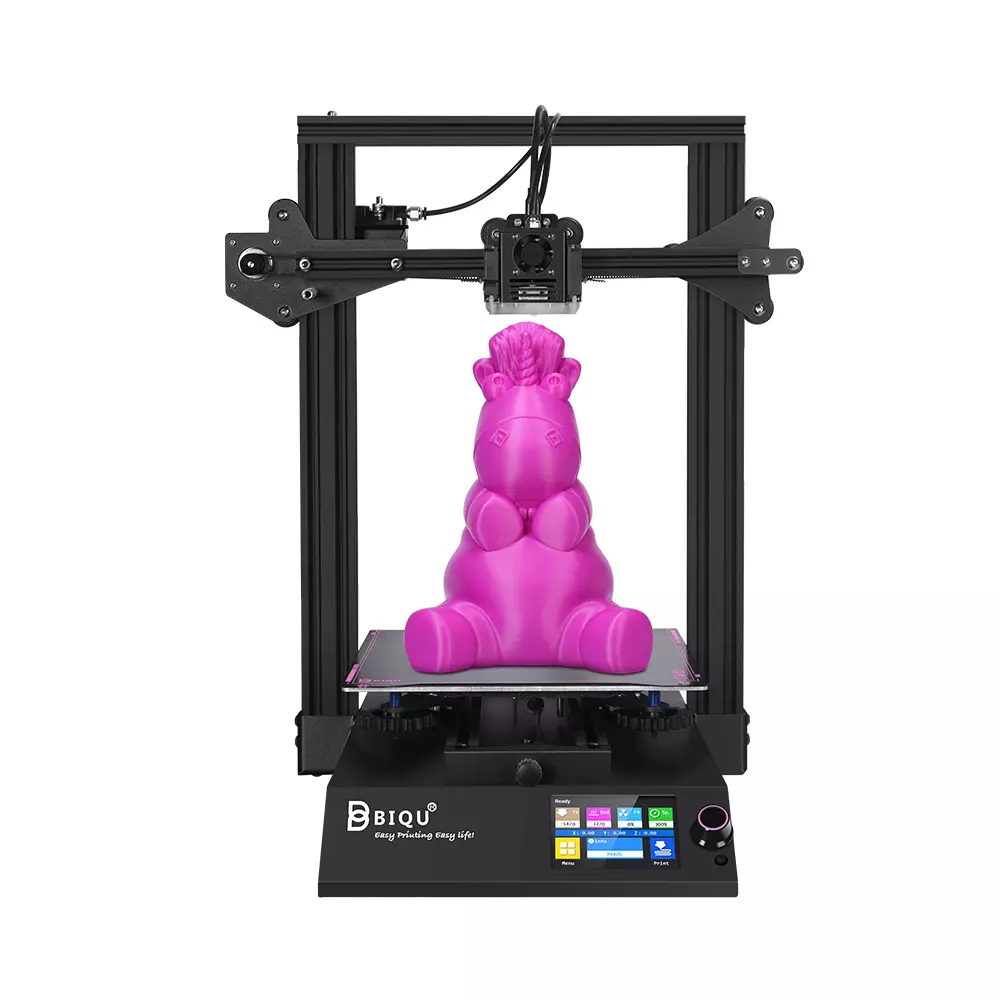
| Model | BigTreeTech BIQU B1 |
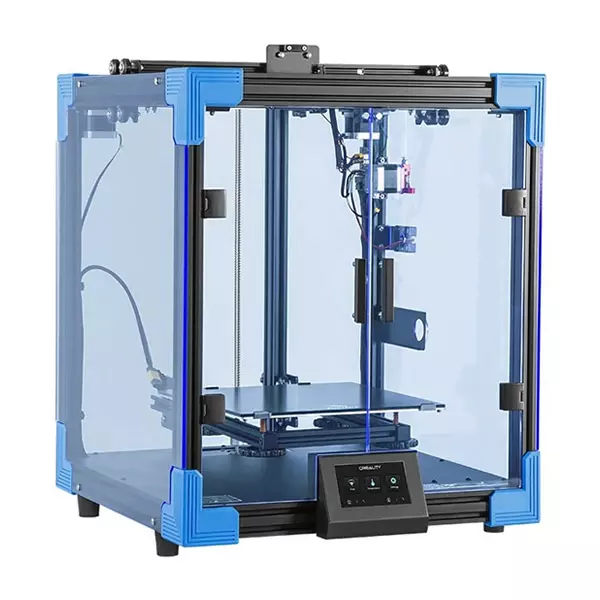
Creality 3D Ender 6[BUY Ender 6] |
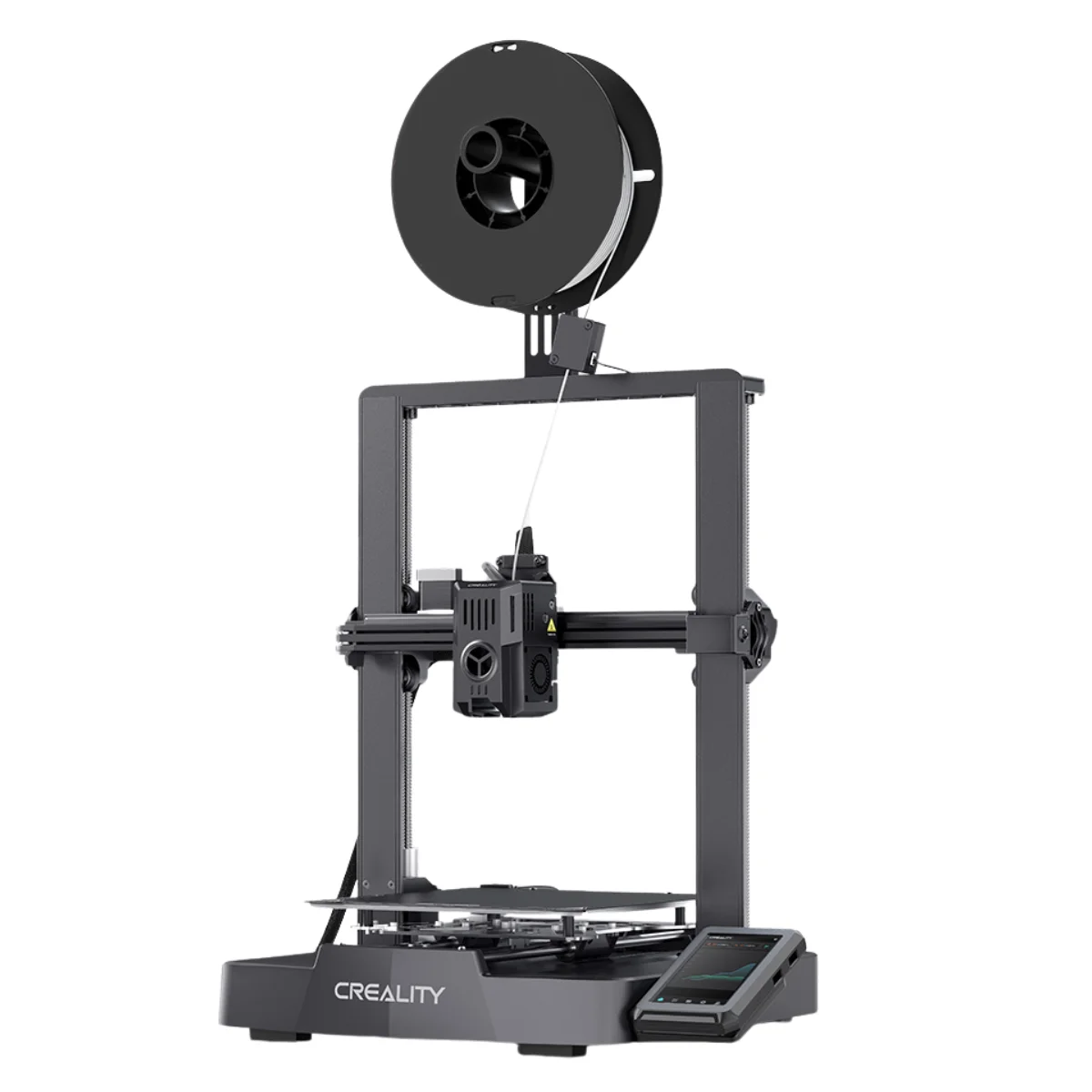
Creality Ender 3 V3 KE[BUY Ender 3 V3 KE] |
| Printing Material | Filament | Filament | Filament |
| Estimated price | $269,00 | $499,00 | $279,00 |
| Date of registration in the system | |||
| Fabricante | BigTreeTech | Creality 3D | Creality |
| Release Year | 2020 | 2020 | 2023 |
| Print Volume [mm] | 235x235x270 | 250x250x400 | 220x220x240 |
| Printer Size [mm] | 412x402x492 | 495x495x650 | 433x366x490 |
| Weight [kg] | 8,00 | 22 | 7,8 |
| Power Loss Recovery | YES | YES | YES |
| Enclosed printer | NO | YES | NO |
| Bed Leveling | Manual | Manual | Automatic |
| Filament End Sensor | YES | YES | YES |
| Bed type | Heated | Heated | Heated |
| Power supply system | Bowden | Bowden | Direct Drive |
| Standard nozzle | 0,4 | 0,4 | 0,4 |
| Maximum Nozzle Temperature [°C] | 250 | 260 | 300 |
| Maximum Bed Temperature [°C] | 100 | 100 | 100 |
| Maximum printing speed [mm/s] | 100 | 150 | 500 |
| Filament holder | YES | YES | YES |
| Camera for supervision | NO | NO | NO |
| Recommended filaments | PLA, TPU, ABS, PETG | PLA, TPU, ABS, PETG | PLA, PETG e TPU (95A+), ASA |
| Recommended slicers | Cura, Simplify, Slic3r | Cura, Simplify, Slic3r | Creality Print, Cura 5.0 ou superior, Prusa Slicer, Orca |
| Maximum Resolution [mm] | 0,1 | 0,1 | 0,1 |
| Kinematics | - | - | - |
| Extruder Type | - | - | - |
| Klipper Firmware | NO | NO | NO |
| Input Shaping | NO | NO | NO |
| Max Volumetric Flow [mm³/s] | - | - | - |
| Power Supply | 24V / 360W | 24V / 504W | 350 W |
| Connectivity | SD / USB | SD / USB | USB drive, LAN, Creality Cloud APP |
| Release date | 2020 | 2020 | 2023 |
| Extra features | The BIQU B1 is an advanced 3D printer with a silent 32-bit BTT SKR V1.4 motherboard and ARM Cortex-M3 CPU, offering DIY interfaces (I2C, SPI, WiFi) and dual Z-axis. Its dual BTT B1 TFT35 V3.0 operating system allows real-time monitoring and multiple printing modes, including G-code visualization effects. It stands out for its BIQU SSS (Super Spring Steel), ensuring easy model adhesion and simplified removal, with the possibility of using it on both sides. It includes a filament sensor, automatically pausing printing in case of filament breakage. The multicolored RGB lights integrated into the hotend allow you to view the printing status even at night. Additional notes include the need for a BIQU-specific Type-C cable and extra interfaces for smart filament sensor and BL Touch. | The Creality Ender 6 stands out in the world of 3D printers with its CoreXY system, offering fast and high-quality prints. With a robust design, it has acrylic panels to protect against air currents, optimizing the printing of materials that require higher temperatures. It features a generic Creality hotend, effective up to ~240°C. Its differentials include 10mm GATES belts, promoting stability at high speeds, and a 360W power supply for reliable performance. The machine also has an intuitive user interface through a 4.3-inch touchscreen. | The Ender 3 V3 KE, an advancement in the Ender line, achieves print speeds of up to 500mm/s with its touchscreen and WiFi connectivity. Although it has a slightly smaller print area than the SE model, it makes up for it with superior print quality. Its robust design, high-quality components, and intuitive wireless control are appreciated, although Creality's mobile app lacks practicality and does not have a closed system. It stands out for its linear track on the X-axis for stability at high speeds and the hotend that supports up to 300°C, ideal for high-temperature filaments. |
| Support for multiple colors and materials (AMS and CFS) | NO | NO | NO |
Notes * |
|||
| Cost-benefit | 8 / 10 | 7 / 10 | 8 / 10 |
| Hardware | 1 / 10 | 1.5 / 10 | 2.8 / 10 |
| Screen | . | . | . |
| Print volume | 10 / 10 | 10 / 10 | 10 / 10 |
| Performance | 6 / 10 | 7 / 10 | 9 / 10 |
| [BUY Ender 6] | [BUY Ender 3 V3 KE] |
Conclusion |
| In conclusion, when comparing the three 3D printers — the BIQU B1, Ender 6, and Ender 3 V3 KE — several factors arise that can guide prospective buyers toward their best choice. The **BIQU B1** offers a solid starting point for hobbyists. With its competitive pricing, automatic filament sensor, and user-friendly dual-Z axis setup, it is an excellent option for entry-level users who prefer a balance between cost and capability. However, its manual bed leveling can detract from its ease of use, especially for beginners. The **Ender 6**, while priced higher, deserves consideration due to its robust CoreXY system. It excels in stability and speed, offering enhanced print quality and a larger effective print volume, making it a reliable choice for users looking to produce higher-quality prints consistently. Its enclosed design also provides stability for high-temperature materials. Finally, the **Ender 3 V3 KE** stands out with its impressive maximum printing speed and capability to handle a variety of filaments. Though it has a smaller print volume, the automatic bed leveling feature and complex, intuitive connectivity options like Wi-Fi may appeal to tech-savvy users who prioritize speed and versatility in their projects. In terms of value-for-money, the Ender 6 and Ender 3 V3 KE score higher on the cost-benefit scale, showcasing greater features at a slightly higher price point. Users who are budget-conscious but still desire improved performance may lean toward the Ender 3 V3 KE as an optimal choice. Overall, the decision should balance specific needs against budget constraints: if speed and quality are top priorities, the Ender 6 or Ender 3 V3 KE are preferable, while the BIQU B1 remains an affordable entry-level option. |