

Compare BigTreeTech BIQU B1 vs TwoTrees Bluer vs Creality Ender 3 V3 KE
Comparison between the best 3D printers
Choose the best 3D printer at the best price. The cheapest 3D printers are here.
Buy a 3D printer here with 3D Fila.
 |
 |
 |
|
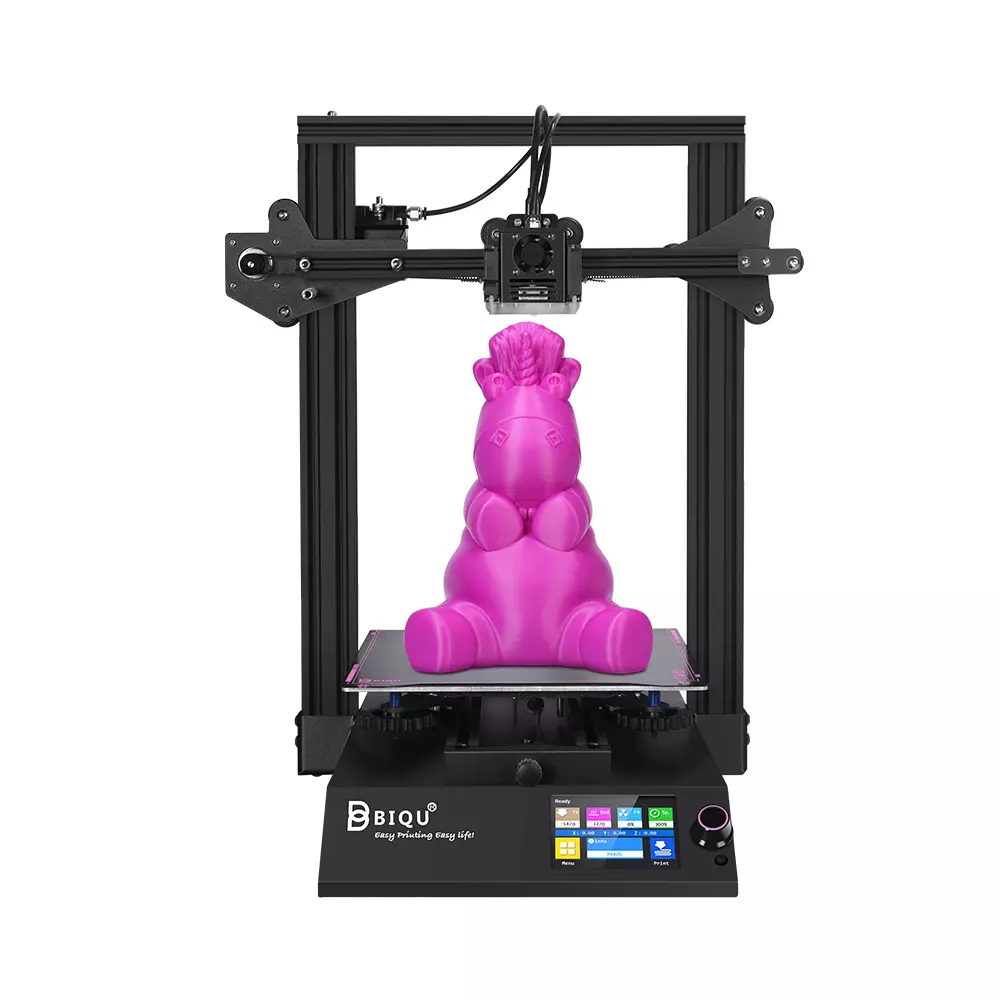
| Model | BigTreeTech BIQU B1 |
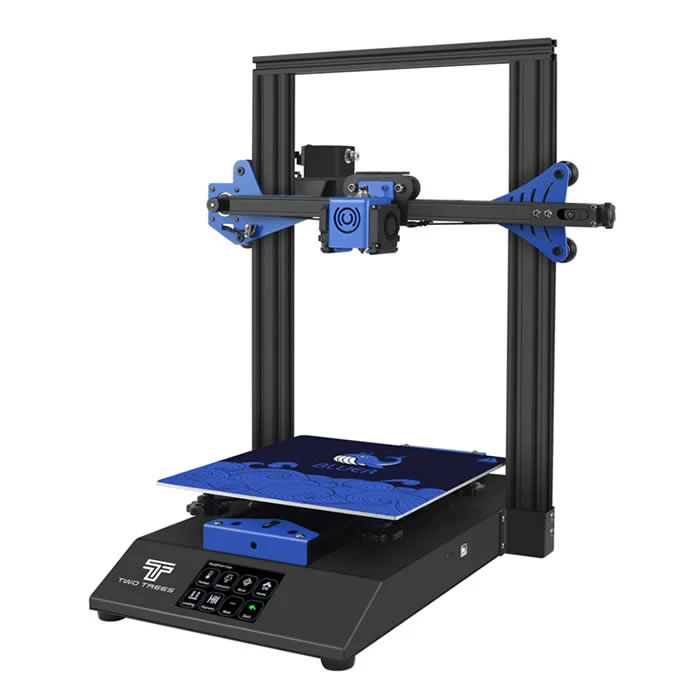
TwoTrees Bluer |
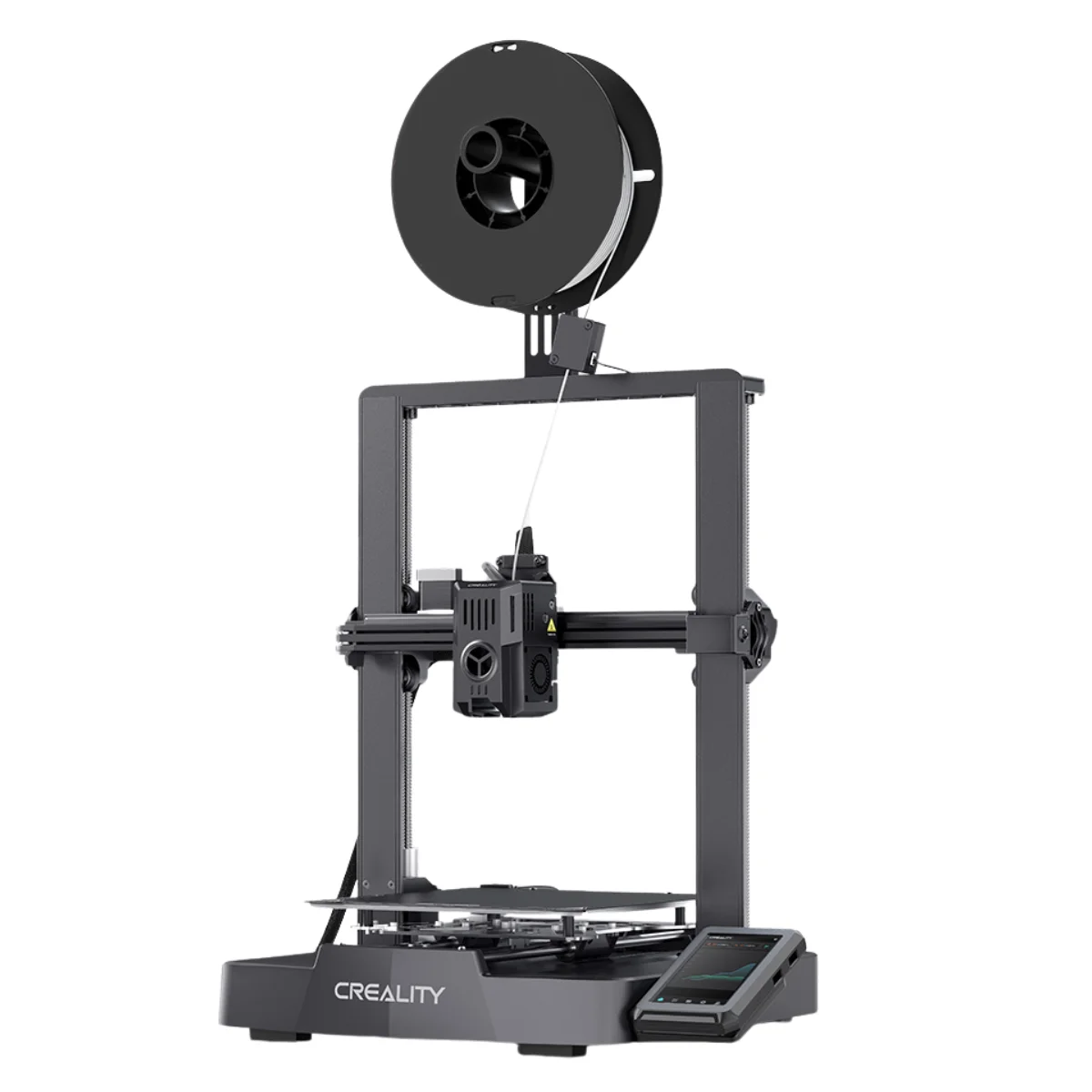
Creality Ender 3 V3 KE[BUY Ender 3 V3 KE] |
| Printing Material | Filament | Filament | Filament |
| Estimated price | $269,00 | $169,00 | $279,00 |
| Date of registration in the system | |||
| Fabricante | BigTreeTech | TwoTrees | Creality |
| Release Year | 2020 | 2019 | 2023 |
| Print Volume [mm] | 235x235x270 | 230x230x280 | 220x220x240 |
| Printer Size [mm] | 412x402x492 | 400x410x520 | 433x366x490 |
| Weight [kg] | 8,00 | 8 | 7,8 |
| Power Loss Recovery | YES | YES | YES |
| Enclosed printer | NO | NO | NO |
| Bed Leveling | Manual | Manual | Automatic |
| Filament End Sensor | YES | YES | YES |
| Bed type | Heated | Heated | Heated |
| Power supply system | Bowden | Bowden | Direct Drive |
| Standard nozzle | 0,4 | 0,4 | 0,4 |
| Maximum Nozzle Temperature [°C] | 250 | 260 | 300 |
| Maximum Bed Temperature [°C] | 100 | 100 | 100 |
| Maximum printing speed [mm/s] | 100 | 200 | 500 |
| Filament holder | YES | YES | YES |
| Camera for supervision | NO | NO | NO |
| Recommended filaments | PLA, TPU, ABS, PETG | PLA, PETG | PLA, PETG e TPU (95A+), ASA |
| Recommended slicers | Cura, Simplify, Slic3r | Cura, Simplify, Slic3r | Creality Print, Cura 5.0 ou superior, Prusa Slicer, Orca |
| Maximum Resolution [mm] | 0,1 | 0,1 | 0,1 |
| Kinematics | - | - | - |
| Extruder Type | - | - | - |
| Klipper Firmware | NO | NO | NO |
| Input Shaping | NO | NO | NO |
| Max Volumetric Flow [mm³/s] | - | - | - |
| Power Supply | 24V / 360W | 240W | 350 W |
| Connectivity | SD / USB | SD / USB | USB drive, LAN, Creality Cloud APP |
| Release date | 2020 | 2019 | 2023 |
| Extra features | The BIQU B1 is an advanced 3D printer with a silent 32-bit BTT SKR V1.4 motherboard and ARM Cortex-M3 CPU, offering DIY interfaces (I2C, SPI, WiFi) and dual Z-axis. Its dual BTT B1 TFT35 V3.0 operating system allows real-time monitoring and multiple printing modes, including G-code visualization effects. It stands out for its BIQU SSS (Super Spring Steel), ensuring easy model adhesion and simplified removal, with the possibility of using it on both sides. It includes a filament sensor, automatically pausing printing in case of filament breakage. The multicolored RGB lights integrated into the hotend allow you to view the printing status even at night. Additional notes include the need for a BIQU-specific Type-C cable and extra interfaces for smart filament sensor and BL Touch. | The Bluer offers interesting features such as automatic bed leveling, a 3.5-inch color touchscreen for easy operation, and a filament sensor to prevent print failures. It has a robust metal extruder and a generous 230 x 230 x 280 mm print volume, suitable for a variety of projects. The community mentions improvements made by Two Trees based on feedback, increasing its reliability. | The Ender 3 V3 KE, an advancement in the Ender line, achieves print speeds of up to 500mm/s with its touchscreen and WiFi connectivity. Although it has a slightly smaller print area than the SE model, it makes up for it with superior print quality. Its robust design, high-quality components, and intuitive wireless control are appreciated, although Creality's mobile app lacks practicality and does not have a closed system. It stands out for its linear track on the X-axis for stability at high speeds and the hotend that supports up to 300°C, ideal for high-temperature filaments. |
| Support for multiple colors and materials (AMS and CFS) | NO | NO | NO |
Notes * |
|||
| Cost-benefit | 8 / 10 | 8 / 10 | 8 / 10 |
| Hardware | 1 / 10 | 1 / 10 | 2.8 / 10 |
| Screen | . | . | . |
| Print volume | 10 / 10 | 10 / 10 | 10 / 10 |
| Performance | 6 / 10 | 7 / 10 | 9 / 10 |
| [BUY Ender 3 V3 KE] |
Conclusion |
| In evaluating the three 3D printers—BIQU B1, Bluer, and Ender 3 V3 KE—based on their features, performance, and cost-effectiveness, several key observations emerge. The **BIQU B1**, while being the most expensive, offers advanced features such as dual Z-axis, a silent motherboard, and impressive real-time monitoring capabilities. Its print quality benefits from a robust design, making it suitable for enthusiasts looking for enhanced capabilities. However, its slightly higher price may make it less attractive for those on a tight budget. The **Bluer** stands out as the most affordable option, providing essential features like automatic bed leveling and a decent print volume. It represents a solid entry point for beginners who want reliability and ease of use without breaking the bank. However, its overall performance might not match the higher-end models, making it less desirable for more demanding projects. The **Ender 3 V3 KE**, while not the cheapest, combines enhanced print speed and higher maximum temperatures with a robust build quality. It is positioned well for users needing versatility in filament types and rapid print capabilities. Its advanced features make it an appealing choice for those willing to invest a little more for superior performance and high-quality prints. In summary, choosing the best 3D printer depends on the user’s specific needs and budget. The **BIQU B1** is great for those who want advanced features and do not mind spending a bit more, the **Bluer** is perfect for beginners looking for affordability, and the **Ender 3 V3 KE** is a strong option for users seeking balance between performance and cost. Each printer has its strengths, making them suitable for different user scenarios in the diverse landscape of 3D printing. |