

Compare Bambu Lab P1S vs Creality K2 PRO Combo
Comparison between the best 3D printers
Choose the best 3D printer at the best price. The cheapest 3D printers are here.
Buy a 3D printer here with 3D Fila.
 |
 |
|
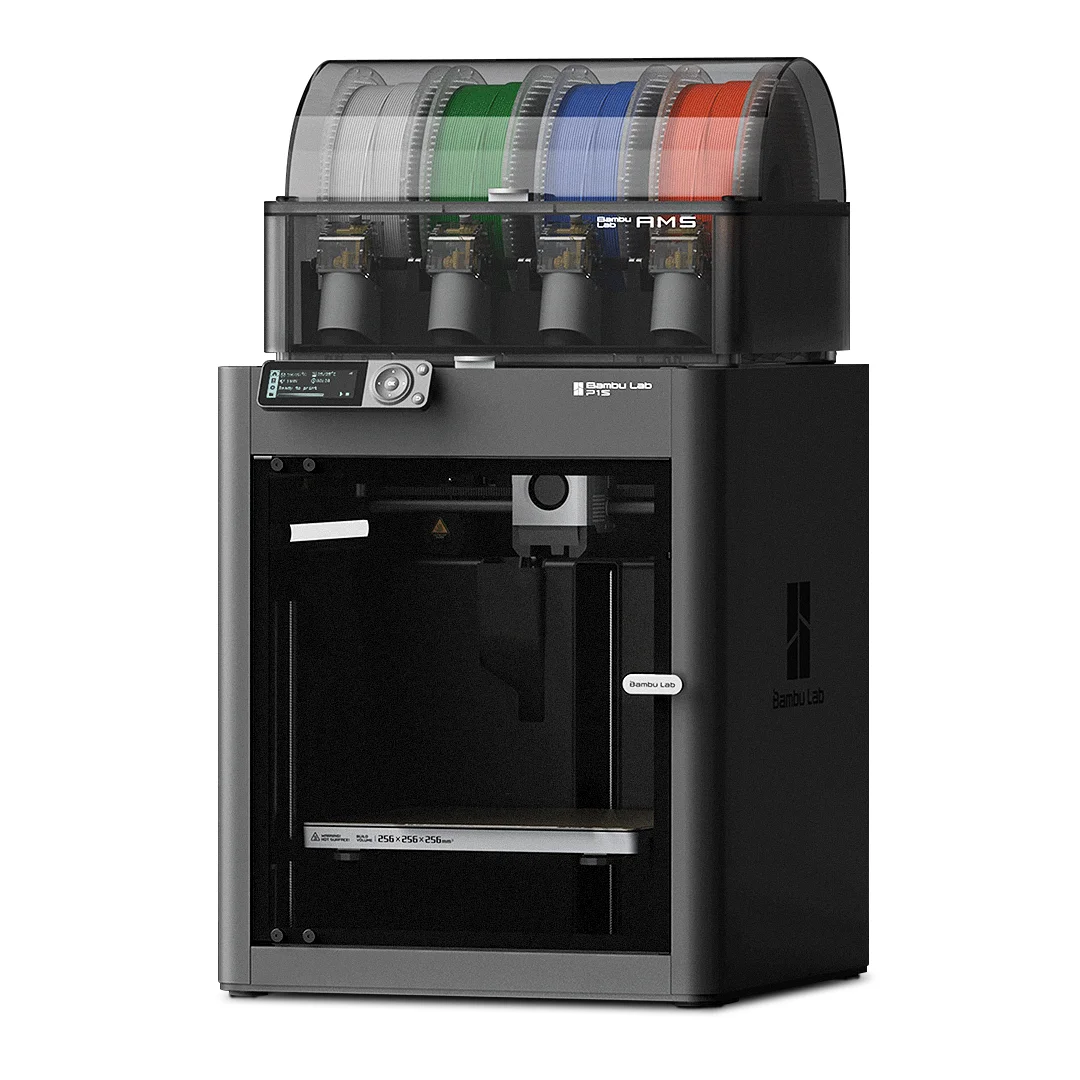
| Model | Bambu Lab P1S[BUY P1S] |
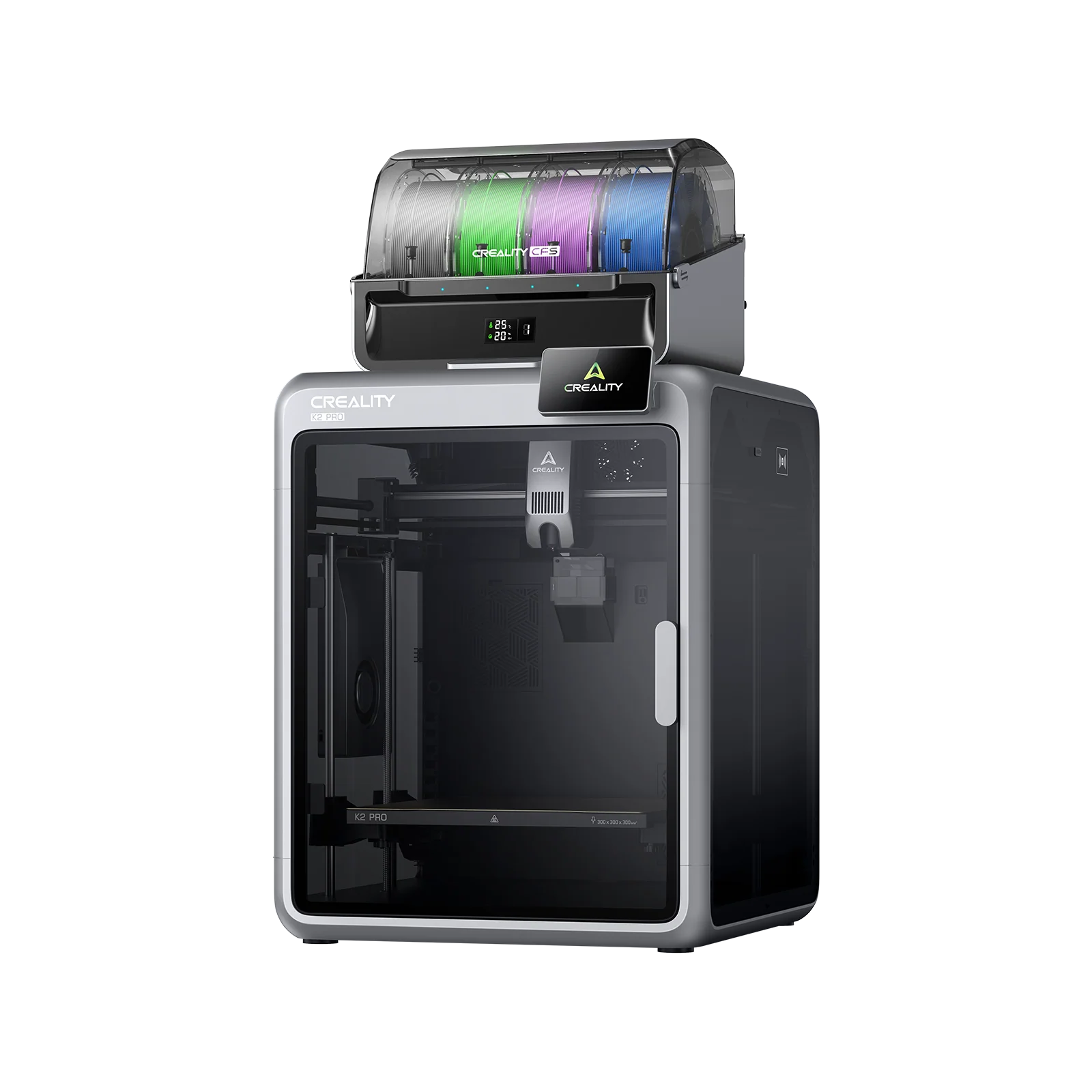
Creality K2 PRO Combo[BUY K2 PRO Combo] |
| Printing Material | Filament | Filament |
| Estimated price | $949,00 | $1049,00 |
| Date of registration in the system | ||
| Manufacturer | Bambu Lab | Creality |
| Release Year | 2023 | 2025 |
| Print Volume [mm] | 256x256x256 | 300x300x300 |
| Printer Size [mm] | 389x389x458 | 445x505x850 |
| Weight [kg] | 12,95 | 28,3 |
| Power Loss Recovery | YES | YES |
| Enclosed printer | YES | YES |
| Bed Leveling | Automatic | Automatic |
| Filament End Sensor | YES | YES |
| Bed type | Heated | Heated |
| Power supply system | Direct Drive | Direct Drive |
| Standard nozzle | 0,4 | 0,4 |
| Maximum Nozzle Temperature [°C] | 300 | 300 |
| Maximum Bed Temperature [°C] | 100 | 110 |
| Maximum printing speed [mm/s] | 500 | 23 |
| Filament holder | YES | YES |
| Camera for supervision | YES | YES |
| Recommended filaments | PLA, PETG, TPU, PVA, PA, PA-CF, Nylon, PC | PLA, TPU, TPE, HIPS, ABS, PETG, WOOD, PC, PA, PVA, ASA |
| Recommended slicers | Bambu Studio, Super Slicer, Cura, Prusa Slicer, Orca | Creality Print |
| Maximum Resolution [mm] | 0,1 | 0,1 |
| Kinematics | - | - |
| Extruder Type | - | - |
| Klipper Firmware | NO | NO |
| Input Shaping | NO | NO |
| Max Volumetric Flow [mm³/s] | - | - |
| Power Supply | 350 W | 1200W |
| Connectivity | Wifi, Bambu bus, Cartão SD | USB, Wifi |
| Release date | 2023 | 2025 |
| Extra features | The Bambu Lab P1S stands out for its âout-of-the-boxâ practicality, eliminating the need for manual adjustments with automatic calibrations such as bed leveling and vibration compensation. It features multicolor printing capability through the AMS system, allowing up to 16 colors when connecting four AMS units. With an advanced control algorithm, the P1S offers fast printing speeds without sacrificing quality. Equipped with modern features such as filament end sensor, semi-automatic belt tension, direct extruder, welded frame and all-metal hotend, along with a fully enclosed chamber, the P1S promotes a superior printing experience, supporting a wide range of materials. | K2 Pro Combo: Closed CoreXY (300Ã300Ã300 mm) with active heated chamber; CFS for multicolor (4â16 colors) with RFID and automatic swapping; two AI cameras for fault detection; localized auto-leveling; direct-drive extruder with magnetic cutter and quick-swap hotend (up to 300 °C); flexible PEI bed up to 110 °C; flow/filament sensors, power-loss recovery, and network printing with Creality Print. |
| Support for multiple colors and materials (AMS and CFS) | YES | YES |
Notes * |
||
| Cost-benefit | 6 / 10 | 5 / 10 |
| Hardware | 6.3 / 10 | 7.2 / 10 |
| Screen | . | . |
| Print volume | 10 / 10 | 10 / 10 |
| Performance | 9 / 10 | 5 / 10 |
| [BUY P1S] | [BUY K2 PRO Combo] |
Conclusion |
Conclusion and Comparison of P1S (Bambu Lab) and K2 PRO Combo (Creality) In evaluating the Bambu Lab P1S and the Creality K2 PRO Combo, both printers present unique advantages and are well-suited for different types of users. Below is a detailed comparison highlighting their pros and cons, followed by a final verdict on the best buy depending on user profiles. Bambu Lab P1S
Creality K2 PRO Combo
Final Verdict Choosing the best 3D printer ultimately depends on the user's specific needs:
In conclusion, both printers excel in their respective areas. The P1S is ideal for speed and ease of use, while the K2 PRO Combo offers depth in functionality and print size. Analyze your specific needs and printing goals to determine which model aligns best with your profile. |