

Compare Anycubic Kobra S1 Combo vs Creality K2 PRO Combo
Comparison between the best 3D printers
Choose the best 3D printer at the best price. The cheapest 3D printers are here.
Buy a 3D printer here with 3D Fila.
 |
 |
|
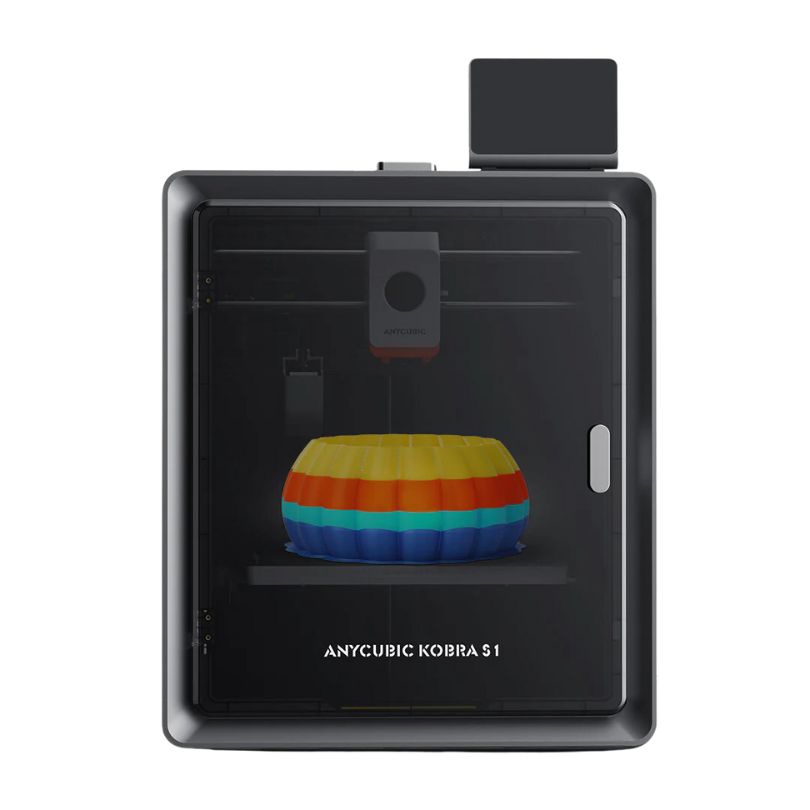
| Model | Anycubic Kobra S1 Combo[BUY Kobra S1 Combo] |
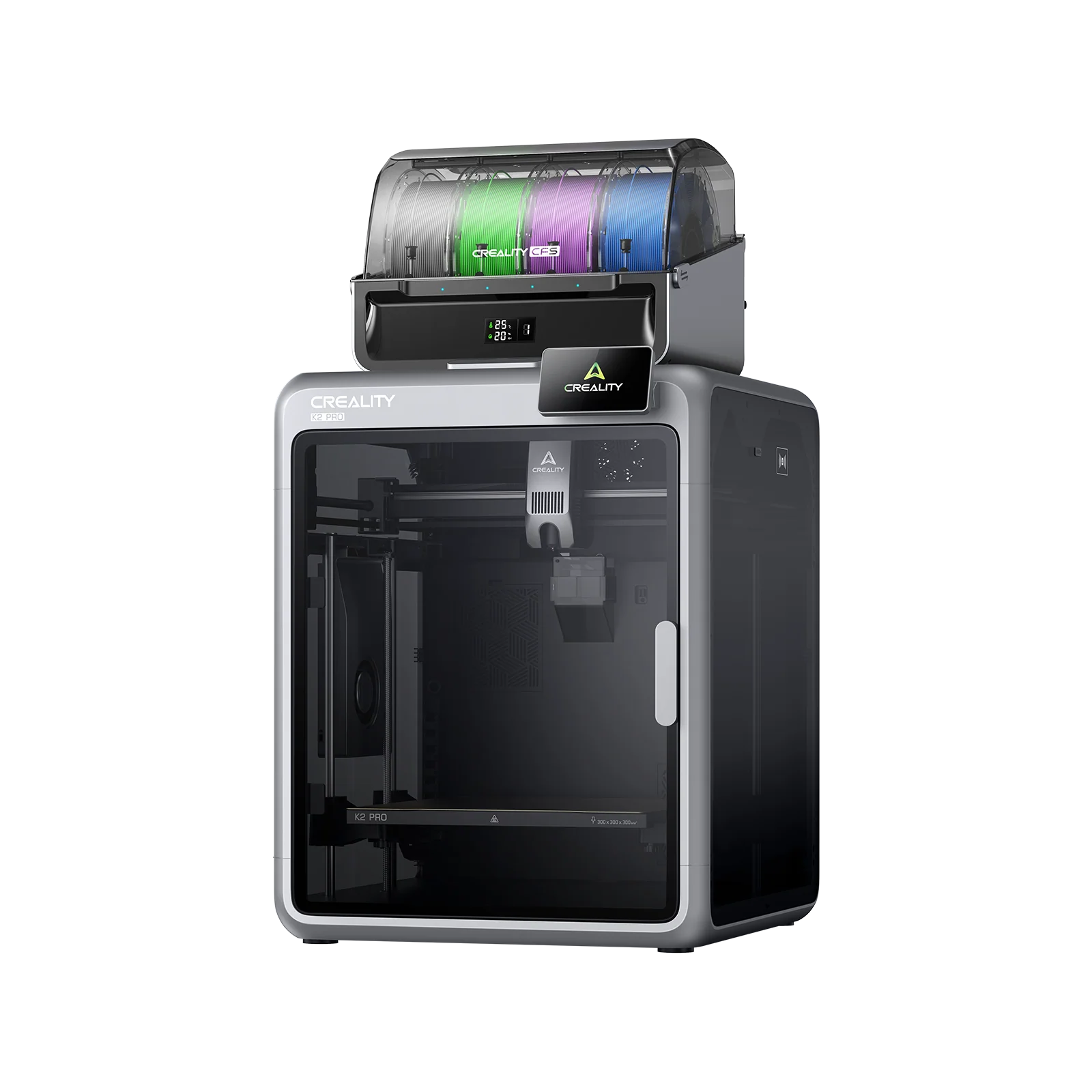
Creality K2 PRO Combo[BUY K2 PRO Combo] |
| Printing Material | Filament | Filament |
| Estimated price | $599,00 | $1049,00 |
| Date of registration in the system | ||
| Manufacturer | Anycubic | Creality |
| Release Year | 2025 | 2025 |
| Print Volume [mm] | 250x250x250 | 300x300x300 |
| Printer Size [mm] | 400x410x490 | 445x505x850 |
| Weight [kg] | 18 | 28,3 |
| Power Loss Recovery | YES | YES |
| Enclosed printer | YES | YES |
| Bed Leveling | Automatic | Automatic |
| Filament End Sensor | YES | YES |
| Bed type | Heated | Heated |
| Power supply system | Direct Drive | Direct Drive |
| Standard nozzle | 0,4 | 0,4 |
| Maximum Nozzle Temperature [°C] | 320 | 300 |
| Maximum Bed Temperature [°C] | 120 | 110 |
| Maximum printing speed [mm/s] | 600 | 23 |
| Filament holder | YES | YES |
| Camera for supervision | YES | YES |
| Recommended filaments | PLA, PETG, TPU[1], ABS, ASA | PLA, TPU, TPE, HIPS, ABS, PETG, WOOD, PC, PA, PVA, ASA |
| Recommended slicers | Anycubic Slicer Next, Orca Slicer | Creality Print |
| Maximum Resolution [mm] | 0,01 | 0,1 |
| Kinematics | - | - |
| Extruder Type | - | - |
| Klipper Firmware | NO | NO |
| Input Shaping | NO | NO |
| Max Volumetric Flow [mm³/s] | - | - |
| Power Supply | 1200W | |
| Connectivity | USB, Wifi | USB, Wifi |
| Release date | 2025 | 2025 |
| Extra features | The Anycubic Kobra S1 Combo is a fully enclosed CoreXY 3D printer with speeds up to 600mm/s and 20,000mm/s² acceleration. It features a 320°C hotend, native multicolor printing (4 to 8 colors with ACE Pro), and active filament drying. Equipped with LeviQ 3.0 auto-leveling, camera monitoring, AI failure detection, carbon filtration, and a 4.3â touchscreen, it ensures high-quality, efficient, and reliable 3D printing. | K2 Pro Combo: Closed CoreXY (300Ã300Ã300 mm) with active heated chamber; CFS for multicolor (4â16 colors) with RFID and automatic swapping; two AI cameras for fault detection; localized auto-leveling; direct-drive extruder with magnetic cutter and quick-swap hotend (up to 300 °C); flexible PEI bed up to 110 °C; flow/filament sensors, power-loss recovery, and network printing with Creality Print. |
| Support for multiple colors and materials (AMS and CFS) | YES | YES |
Notes * |
||
| Cost-benefit | 8 / 10 | 5 / 10 |
| Hardware | 8.1 / 10 | 7.2 / 10 |
| Screen | . | . |
| Print volume | 10 / 10 | 10 / 10 |
| Performance | 10 / 10 | 5 / 10 |
| [BUY Kobra S1 Combo] | [BUY K2 PRO Combo] |
Conclusion |
Conclusion: Comparing the Anycubic Kobra S1 Combo and Creality K2 PRO Combo When evaluating the Anycubic Kobra S1 Combo and the Creality K2 PRO Combo, users should consider their specific needs, preferences, and budget. Both printers cater to enthusiasts and professionals looking for high-quality FDM printing, but they differ significantly in features, build volume, and price points. Anycubic Kobra S1 Combo
However, there are some downsides:
Creality K2 PRO Combo
Nevertheless, it does come with some drawbacks:
Final Verdict: Conversely, if a larger build volume and versatile multicolor printing are essential, the Creality K2 PRO Combo is the superior option, ideal for those looking to tackle bigger projects with more complex color requirements. However, users should be prepared to invest more, both in terms of budget and the trade-off in print speed. Ultimately, the best choice depends on individual needs, making it essential to evaluate what aspects of 3D printing are most critical for your projects. |