

Compare Anycubic Kobra 3 V2 Combo vs Bambu Lab P1S
Comparison between the best 3D printers
Choose the best 3D printer at the best price. The cheapest 3D printers are here.
Buy a 3D printer here with 3D Fila.
 |
 |
|
| Model | Anycubic Kobra 3 V2 Combo[BUY Kobra 3 V2 Combo] |
Bambu Lab P1S[BUY P1S] |
| Printing Material | Filament | Filament |
| Estimated price | $379,00 | $949,00 |
| Date of registration in the system | ||
| Manufacturer | Anycubic | Bambu Lab |
| Release Year | 2025 | 2023 |
| Print Volume [mm] | 255x255x260 | 256x256x256 |
| Printer Size [mm] | 452x504x483 | 389x389x458 |
| Weight [kg] | 9,37 | 12,95 |
| Power Loss Recovery | YES | YES |
| Enclosed printer | NO | YES |
| Bed Leveling | Automatic | Automatic |
| Filament End Sensor | YES | YES |
| Bed type | Heated | Heated |
| Power supply system | Direct Drive | Direct Drive |
| Standard nozzle | 0,4 | 0,4 |
| Maximum Nozzle Temperature [°C] | 300 | 300 |
| Maximum Bed Temperature [°C] | 110 | 100 |
| Maximum printing speed [mm/s] | 600 | 500 |
| Filament holder | YES | YES |
| Camera for supervision | NO | YES |
| Recommended filaments | PLA/PETG/TPU (TPU is not compatible with the ACE Pro) | PLA, PETG, TPU, PVA, PA, PA-CF, Nylon, PC |
| Recommended slicers | Anycubic Slicer, Cura, Orca Slicer | Bambu Studio, Super Slicer, Cura, Prusa Slicer, Orca |
| Maximum Resolution [mm] | 0,1 | 0,1 |
| Kinematics | - | - |
| Extruder Type | - | - |
| Klipper Firmware | NO | NO |
| Input Shaping | NO | NO |
| Max Volumetric Flow [mm³/s] | - | - |
| Power Supply | 400 W | 350 W |
| Connectivity | USB, Wi-Fi, Cloud | Wifi, Bambu bus, Cartão SD |
| Release date | 2025 | 2023 |
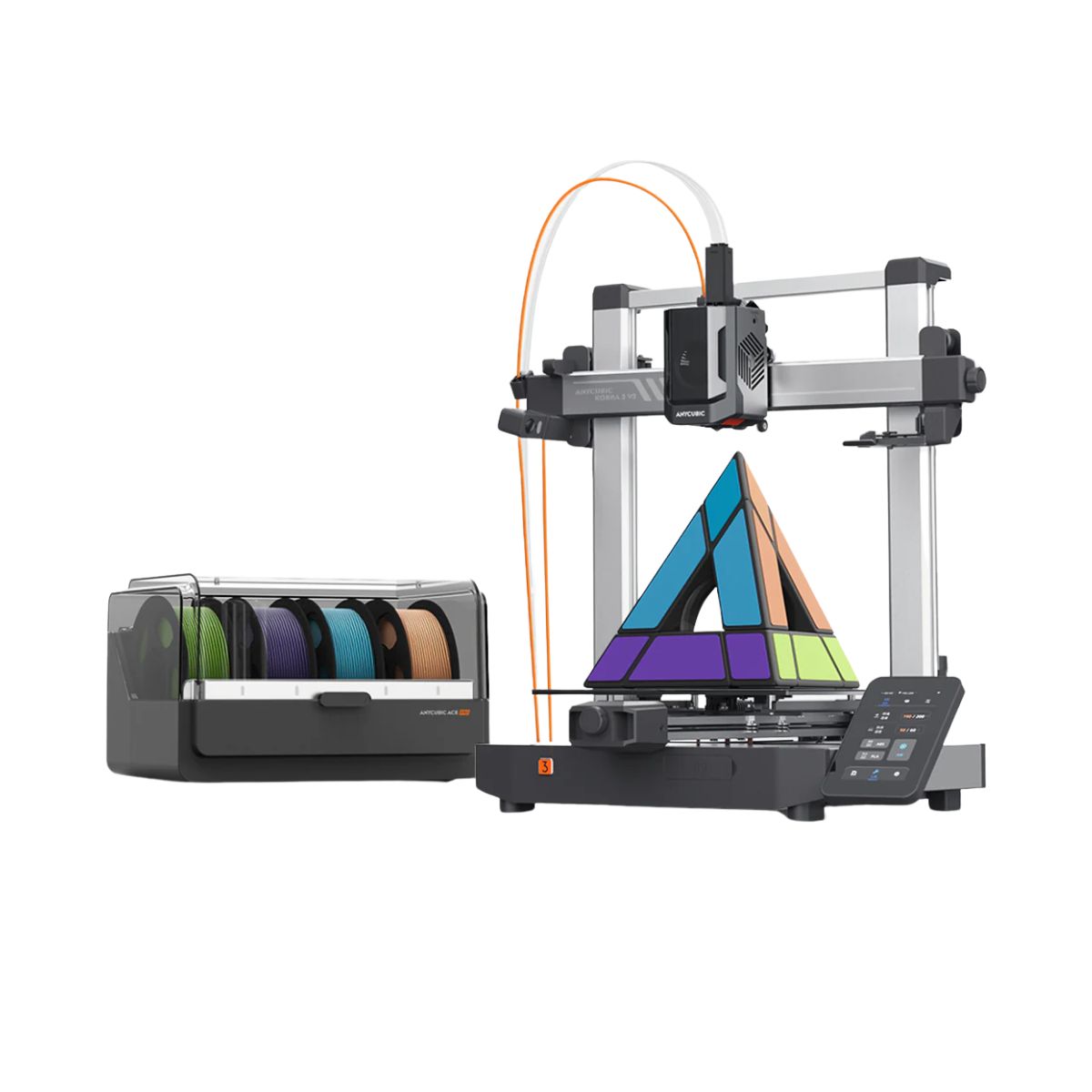
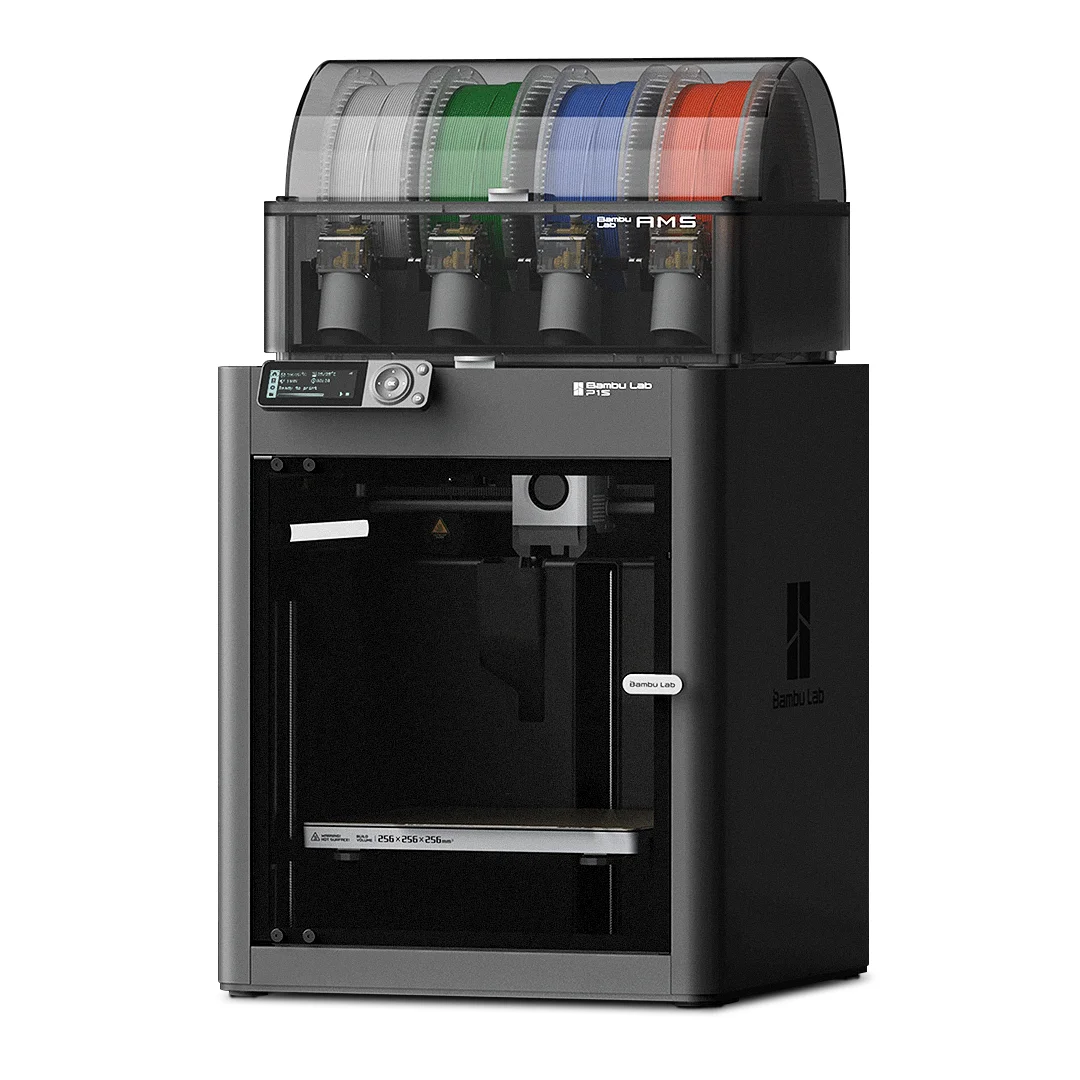
| Extra features | The Kobra 3 V2 Combo brings notable upgrades: a wider Y-axis and SG15 bearings on the X-axis for greater stability, a redesigned nozzle to prevent leakage, a larger build volume (255x255x260 mm), a built-in 720p camera, and native support for 4- or 8-color printing with no extra hub required. All of this combined with LeviQ 3.0 auto-leveling and integrated filament drying. | The Bambu Lab P1S stands out for its âout-of-the-boxâ practicality, eliminating the need for manual adjustments with automatic calibrations such as bed leveling and vibration compensation. It features multicolor printing capability through the AMS system, allowing up to 16 colors when connecting four AMS units. With an advanced control algorithm, the P1S offers fast printing speeds without sacrificing quality. Equipped with modern features such as filament end sensor, semi-automatic belt tension, direct extruder, welded frame and all-metal hotend, along with a fully enclosed chamber, the P1S promotes a superior printing experience, supporting a wide range of materials. |
| Support for multiple colors and materials (AMS and CFS) | YES | YES |
Notes * |
||
| Cost-benefit | 8 / 10 | 6 / 10 |
| Hardware | 6.3 / 10 | 6.3 / 10 |
| Screen | . | . |
| Print volume | 10 / 10 | 10 / 10 |
| Performance | 10 / 10 | 9 / 10 |
| [BUY Kobra 3 V2 Combo] | [BUY P1S] |
Conclusion |
Conclusion and Comparison of Kobra 3 V2 Combo vs. P1S When considering the Kobra 3 V2 Combo from Anycubic and the P1S from Bambu Lab, both printers bring unique advantages and disadvantages suited to different user profiles. Here's a detailed breakdown: Kobra 3 V2 Combo (Anycubic)
P1S (Bambu Lab)
Final Verdict: For users who prioritize speed, larger build volume, and advanced multi-color printing capabilities without the need for a controlled environment, the Kobra 3 V2 Combo is a fantastic choice. It is especially suitable for hobbyists and those looking for a cost-effective yet powerful printer. Conversely, for professional users or those who work with a wide variety of materials requiring stable conditions, the P1S is the better investment. Its higher price reflects a range of premium features and superior build quality that can significantly enhance the printing experience and output quality. Ultimately, the decision hinges on your specific needs and budget. If you’re a serious maker or professional, the investment in the P1S is likely worth it. For casual users or those starting in 3D printing, the Kobra 3 V2 Combo offers excellent value with ample features for diverse printing projects. |