

Compare Anycubic Kobra 3 V2 Combo vs Creality 3D K1C
Comparison between the best 3D printers
Choose the best 3D printer at the best price. The cheapest 3D printers are here.
Buy a 3D printer here with 3D Fila.
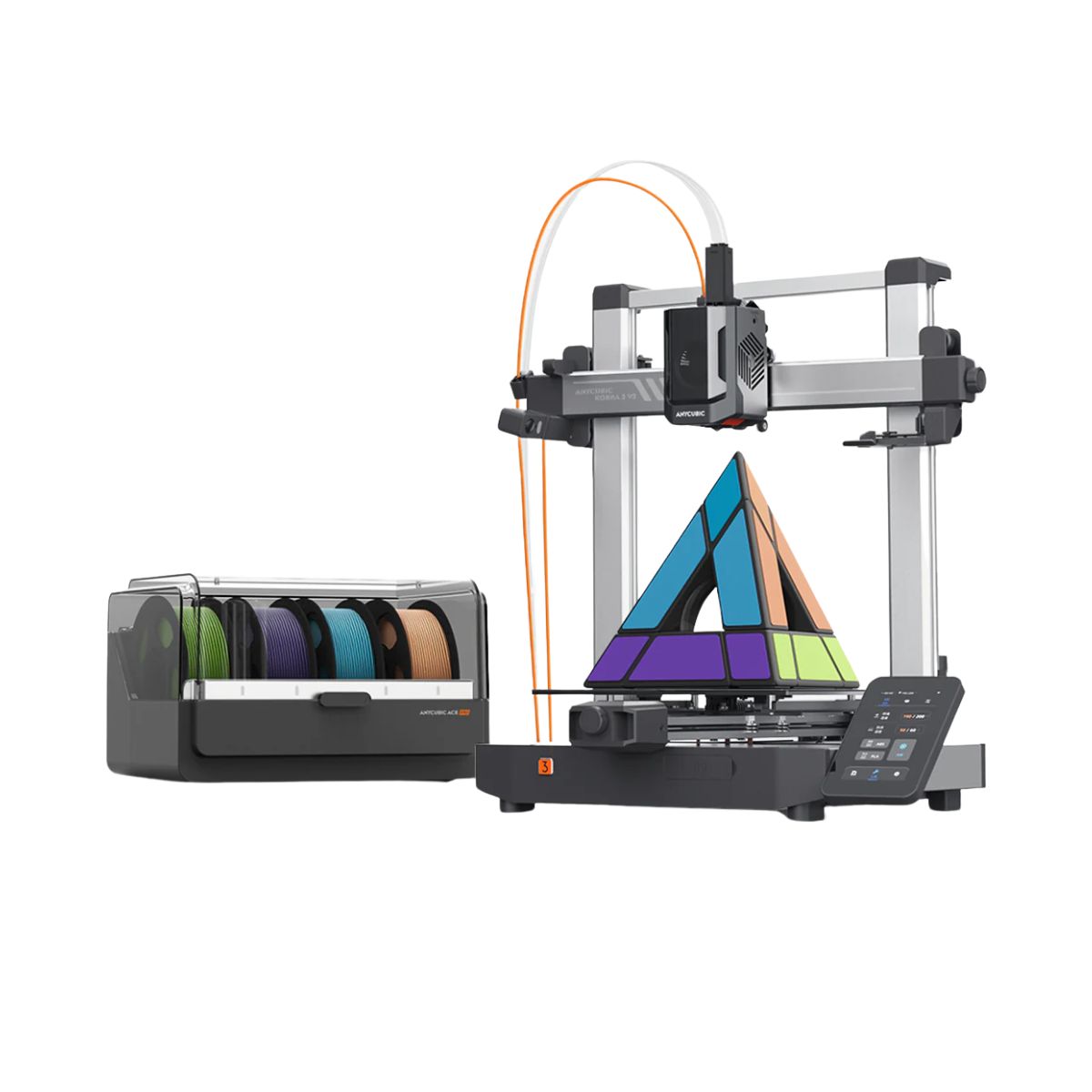 |
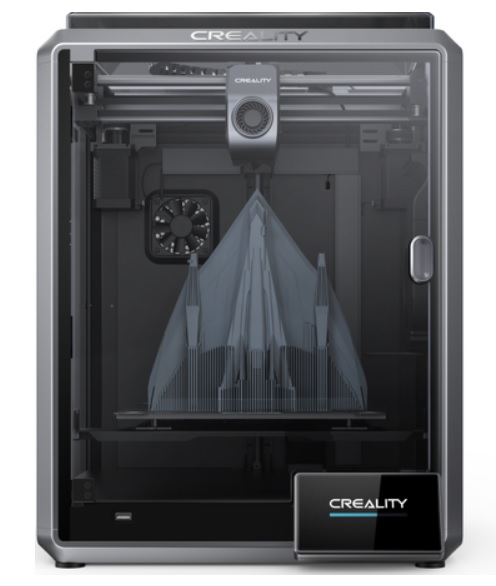 |
|
| Model | Anycubic Kobra 3 V2 Combo[BUY Kobra 3 V2 Combo] |
Creality 3D K1C[BUY K1C] |
| Printing Material | Filament | Filament |
| Estimated price | $379,00 | $449,00 |
| Date of registration in the system | ||
| Manufacturer | Anycubic | Creality 3D |
| Release Year | 2025 | 2024 |
| Print Volume [mm] | 255x255x260 | 220x220x250 |
| Printer Size [mm] | 452x504x483 | 355x355x480 |
| Weight [kg] | 9,37 | 12,4 |
| Power Loss Recovery | YES | YES |
| Enclosed printer | NO | YES |
| Bed Leveling | Automatic | Automatic |
| Filament End Sensor | YES | YES |
| Bed type | Heated | Heated |
| Power supply system | Direct Drive | Direct Drive |
| Standard nozzle | 0,4 | 0,4 |
| Maximum Nozzle Temperature [°C] | 300 | 300 |
| Maximum Bed Temperature [°C] | 110 | 120 |
| Maximum printing speed [mm/s] | 600 | 600 |
| Filament holder | YES | YES |
| Camera for supervision | NO | YES |
| Recommended filaments | PLA/PETG/TPU (TPU is not compatible with the ACE Pro) | ABS, PLA, PETG, PET, TPU, PA, ABS, ASA, PC, PLA-CF, PA-CF, PET-CF |
| Recommended slicers | Anycubic Slicer, Cura, Orca Slicer | Creality Print; Cura, Simplify3D e PrusaSlicer |
| Maximum Resolution [mm] | 0,1 | 0,1 |
| Kinematics | - | - |
| Extruder Type | - | - |
| Klipper Firmware | NO | NO |
| Input Shaping | NO | NO |
| Max Volumetric Flow [mm³/s] | - | - |
| Power Supply | 400 W | 110/220V / 350W |
| Connectivity | USB, Wi-Fi, Cloud | Ethernet / USB / Wi-Fi |
| Release date | 2025 | 2024 |
| Extra features | The Kobra 3 V2 Combo brings notable upgrades: a wider Y-axis and SG15 bearings on the X-axis for greater stability, a redesigned nozzle to prevent leakage, a larger build volume (255x255x260 mm), a built-in 720p camera, and native support for 4- or 8-color printing with no extra hub required. All of this combined with LeviQ 3.0 auto-leveling and integrated filament drying. | The Creality K1C is a fully enclosed CoreXY 3D printer featuring an all-metal extruder, tri-metal âUnicornâ nozzle for abrasive materials, automatic bed leveling with nozzle cleaning, AI-assisted failure detection, built-in camera for timelapse, enhanced cooling system, root access to Klipper firmware, and compatibility with PLA-CF, PA-CF, PET-CF, TPU, ABS, and more. |
| Support for multiple colors and materials (AMS and CFS) | YES | NO |
Notes * |
||
| Cost-benefit | 8 / 10 | 8 / 10 |
| Hardware | 6.3 / 10 | 4.8 / 10 |
| Screen | . | . |
| Print volume | 10 / 10 | 10 / 10 |
| Performance | 10 / 10 | 10 / 10 |
| [BUY Kobra 3 V2 Combo] | [BUY K1C] |
Conclusion |
Conclusion: Comparing the Kobra 3 V2 Combo and K1C 3D Printers When evaluating the Kobra 3 V2 Combo from Anycubic and the K1C from Creality 3D, we find distinct advantages and drawbacks that cater to different user profiles. Here’s a detailed comparison highlighting their key features, pros, and cons. Kobra 3 V2 Combo (Anycubic)
K1C (Creality 3D)
Final Verdict Choosing between the Kobra 3 V2 Combo and the K1C largely depends on the user’s needs and preferences:
Ultimately, both printers have their own strengths and weaknesses. However, understanding your specific printing needs will help you make the best choice for your 3D printing journey. |