

Compare Anycubic Kobra 3 V2 Combo vs Creality 3D K1 Max
Comparison between the best 3D printers
Choose the best 3D printer at the best price. The cheapest 3D printers are here.
Buy a 3D printer here with 3D Fila.
 |
 |
|
| Model | Anycubic Kobra 3 V2 Combo[BUY Kobra 3 V2 Combo] |
Creality 3D K1 Max[BUY K1 Max] |
| Printing Material | Filament | Filament |
| Estimated price | $379,00 | $1300,00 |
| Date of registration in the system | ||
| Manufacturer | Anycubic | Creality 3D |
| Release Year | 2025 | 2023 |
| Print Volume [mm] | 255x255x260 | 300x300x300 |
| Printer Size [mm] | 452x504x483 | 435x462x526 |
| Weight [kg] | 9,37 | 18 |
| Power Loss Recovery | YES | YES |
| Enclosed printer | NO | YES |
| Bed Leveling | Automatic | Automatic |
| Filament End Sensor | YES | YES |
| Bed type | Heated | Heated |
| Power supply system | Direct Drive | Direct Drive |
| Standard nozzle | 0,4 | 0,4 |
| Maximum Nozzle Temperature [°C] | 300 | 300 |
| Maximum Bed Temperature [°C] | 110 | 100 |
| Maximum printing speed [mm/s] | 600 | 600 |
| Filament holder | YES | YES |
| Camera for supervision | NO | YES |
| Recommended filaments | PLA/PETG/TPU (TPU is not compatible with the ACE Pro) | ABS, PLA, PETG, TPU, PA, ASA, PC, PLA-CF, PA-CF, PET-CF |
| Recommended slicers | Anycubic Slicer, Cura, Orca Slicer | Creality Print, Cura, Simplify, Slic3r, IdeaMaker e outros |
| Maximum Resolution [mm] | 0,1 | 0,1 |
| Kinematics | - | - |
| Extruder Type | - | - |
| Klipper Firmware | NO | NO |
| Input Shaping | NO | NO |
| Max Volumetric Flow [mm³/s] | - | - |
| Power Supply | 400 W | |
| Connectivity | USB, Wi-Fi, Cloud | USB / Wi-Fi / Ethernet |
| Release date | 2025 | 2023 |
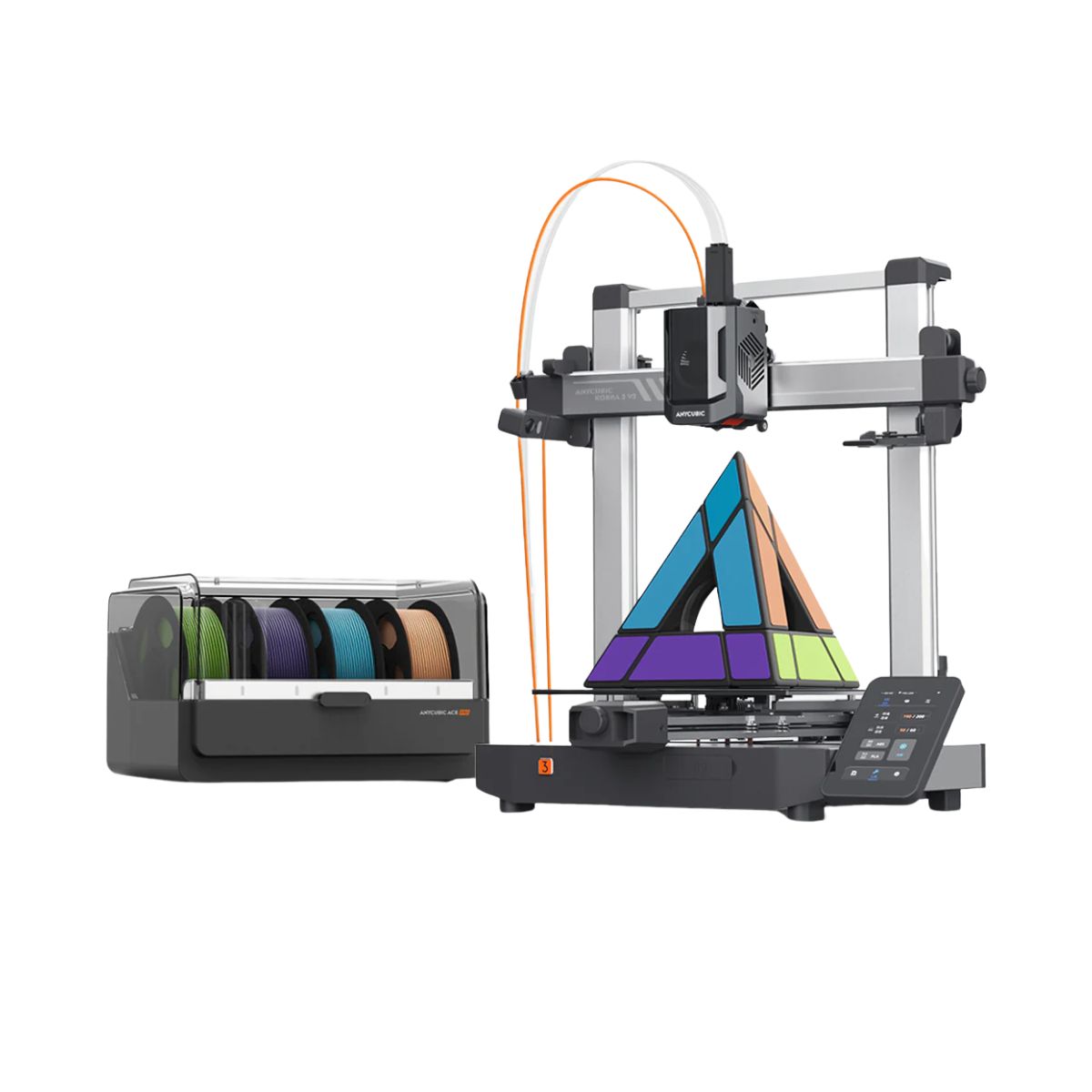
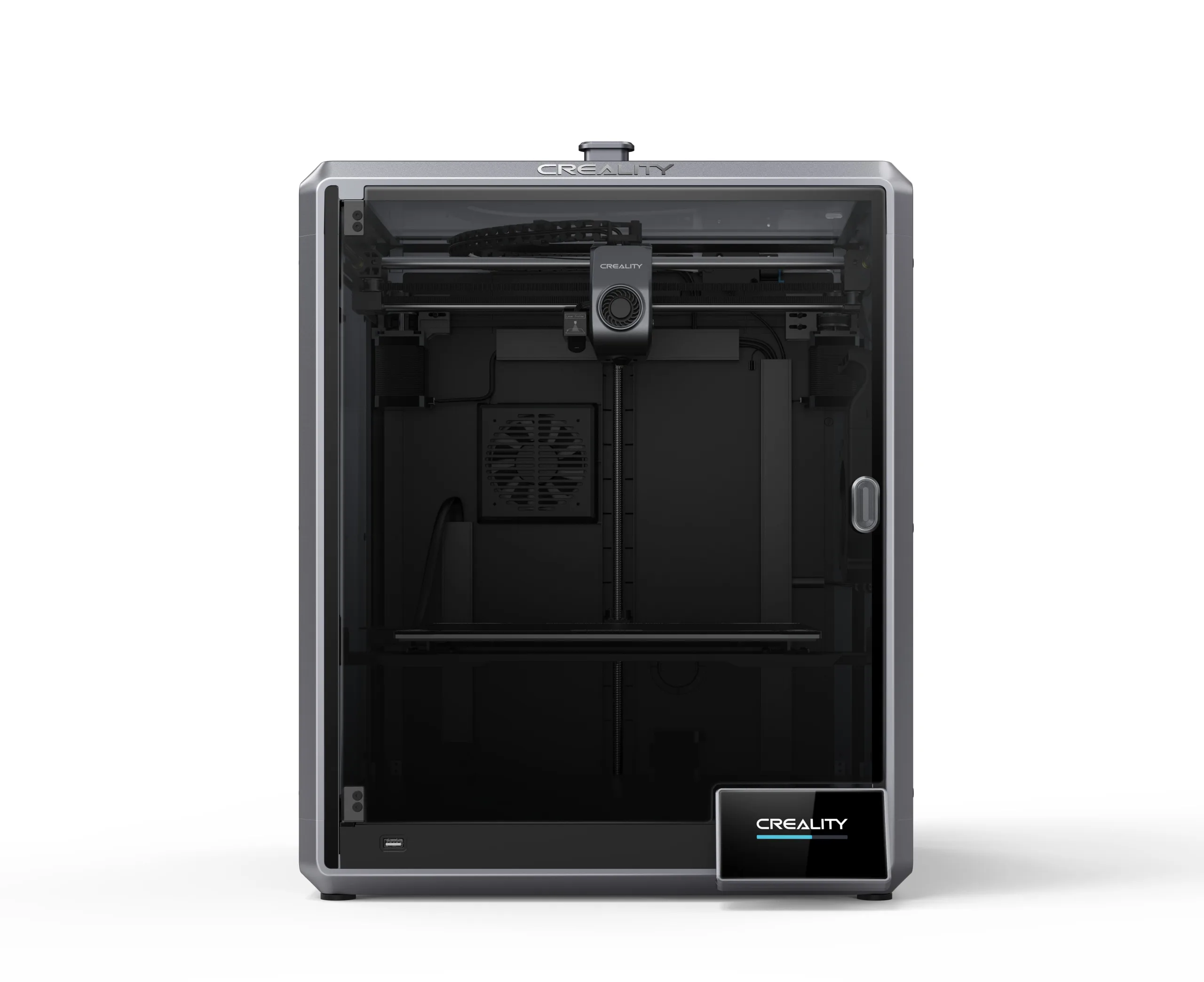
| Extra features | The Kobra 3 V2 Combo brings notable upgrades: a wider Y-axis and SG15 bearings on the X-axis for greater stability, a redesigned nozzle to prevent leakage, a larger build volume (255x255x260 mm), a built-in 720p camera, and native support for 4- or 8-color printing with no extra hub required. All of this combined with LeviQ 3.0 auto-leveling and integrated filament drying. | The Creality K1 Max stands out as a fast Core XY 3D printer with a large build volume of 300 x 300 x 300 mm. It is fully enclosed and equipped with AI sensors to prevent print failures. This model has a smooth and flexible PEI build platform, and uses an automatic leveling system with LIDAR, as well as a filament run-out sensor. LAN, Creality Cloud and USB Flash Disk connectivity are available, as well as a 4.3-inch touchscreen interface. The K1 Max is robust, weighing in at 18 kg, and includes an AI camera and limited version of the Klipper firmware. Its motion system is solid and the printer is efficient with high-temperature filaments, but it is not silent. Assembly is 99% complete, requiring only minor adjustments before use. |
| Support for multiple colors and materials (AMS and CFS) | YES | NO |
Notes * |
||
| Cost-benefit | 8 / 10 | 6 / 10 |
| Hardware | 6.3 / 10 | 4.2 / 10 |
| Screen | . | . |
| Print volume | 10 / 10 | 10 / 10 |
| Performance | 10 / 10 | 10 / 10 |
| [BUY Kobra 3 V2 Combo] | [BUY K1 Max] |
Conclusion |
Conclusion: Comparative Review of Kobra 3 V2 Combo (Anycubic) vs. K1 Max (Creality 3D) In the realm of 3D printing, choosing the right printer can significantly impact your creative projects and productivity. Let’s analyze the Kobra 3 V2 Combo from Anycubic and the K1 Max from Creality 3D, evaluating their features, pros, cons, and overall suitability for different user profiles. Kobra 3 V2 Combo (Anycubic)
K1 Max (Creality 3D)
Final Verdict: For users who are new to 3D printing or those with a limited budget, the Kobra 3 V2 Combo is an excellent choice. Its combination of features like automatic leveling, integrated camera, and multi-color printing support makes it versatile and user-friendly. The open design may limit some professional applications, but it is perfect for hobbyists and casual users. On the other hand, the K1 Max is better suited for serious makers and professionals who require a robust, reliable, and versatile machine with advanced features. Its larger build volume, enclosed design, and sophisticated leveling system justify the higher price tag, especially for users who plan to work with a variety of materials, including high-temperature filaments. In conclusion, if budget and ease of use are your primary concerns, go for the Kobra 3 V2 Combo. If you're looking for a more advanced machine capable of handling demanding projects and you have the budget to match, the K1 Max is worth the investment. |