

Compare Anycubic Kobra 3 V2 Combo vs Creality 3D Ender 3
Comparison between the best 3D printers
Choose the best 3D printer at the best price. The cheapest 3D printers are here.
Buy a 3D printer here with 3D Fila.
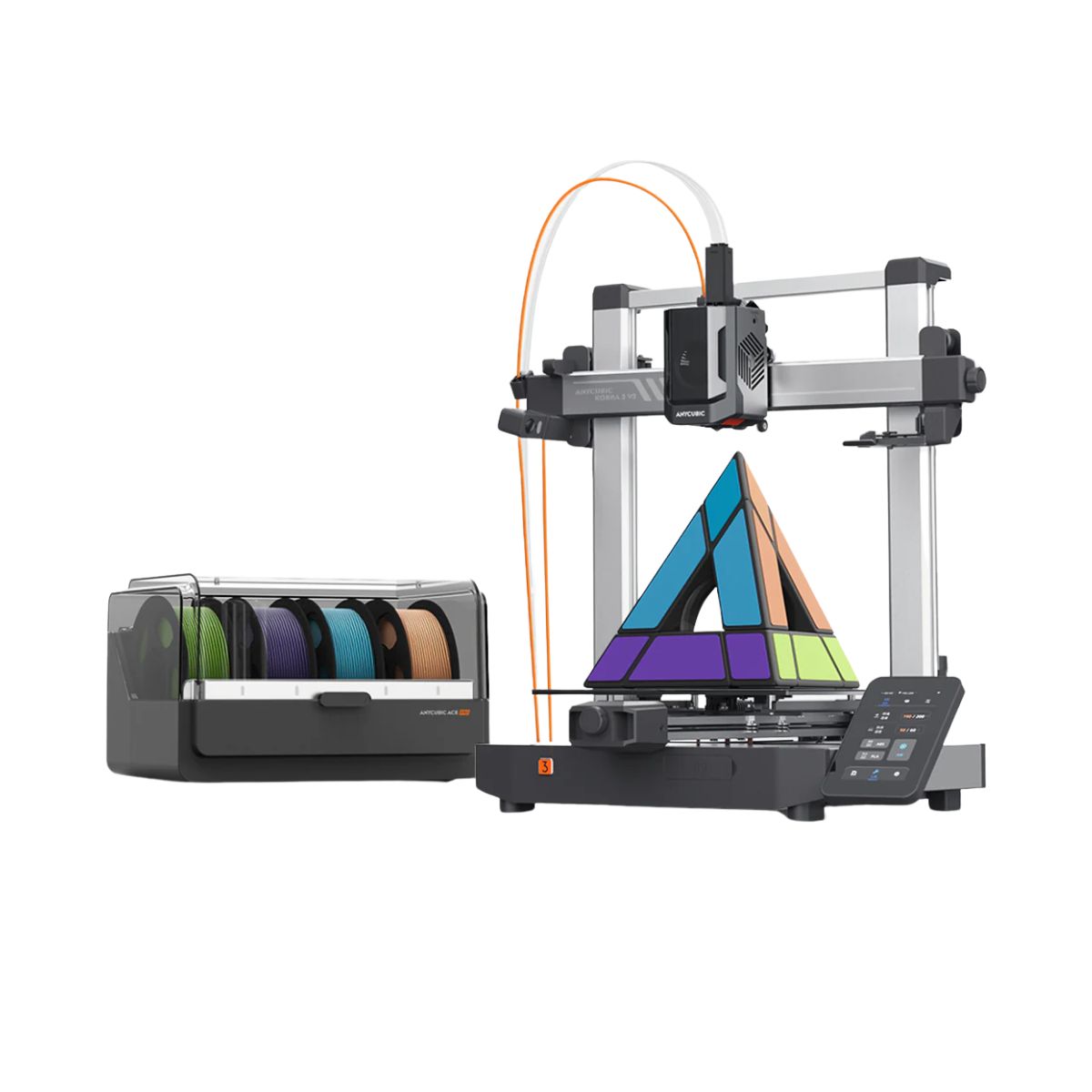 |
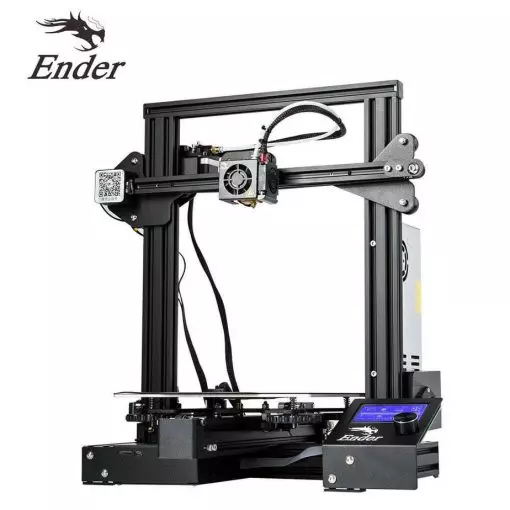 |
|
| Model | Anycubic Kobra 3 V2 Combo[BUY Kobra 3 V2 Combo] |
Creality 3D Ender 3[BUY Ender 3] |
| Printing Material | Filament | Filament |
| Estimated price | $379,00 | $210,00 |
| Date of registration in the system | ||
| Manufacturer | Anycubic | Creality 3D |
| Release Year | 2025 | 2018 |
| Print Volume [mm] | 255x255x260 | 220x220x250 |
| Printer Size [mm] | 452x504x483 | 440x440x465 |
| Weight [kg] | 9,37 | 6,62 |
| Power Loss Recovery | YES | NO |
| Enclosed printer | NO | NO |
| Bed Leveling | Automatic | Manual |
| Filament End Sensor | YES | NO |
| Bed type | Heated | Heated |
| Power supply system | Direct Drive | Bowden |
| Standard nozzle | 0,4 | 0,4 |
| Maximum Nozzle Temperature [°C] | 300 | 255 |
| Maximum Bed Temperature [°C] | 110 | 110 |
| Maximum printing speed [mm/s] | 600 | 180 |
| Filament holder | YES | YES |
| Camera for supervision | NO | NO |
| Recommended filaments | PLA/PETG/TPU (TPU is not compatible with the ACE Pro) | PLA, TPU, ABS, PETG |
| Recommended slicers | Anycubic Slicer, Cura, Orca Slicer | Cura, Simplify, Slic3r |
| Maximum Resolution [mm] | 0,1 | 0,1 |
| Kinematics | - | - |
| Extruder Type | - | - |
| Klipper Firmware | NO | NO |
| Input Shaping | NO | NO |
| Max Volumetric Flow [mm³/s] | - | - |
| Power Supply | 400 W | 24V / 270W |
| Connectivity | USB, Wi-Fi, Cloud | SD / USB |
| Release date | 2025 | 2018 |
| Extra features | The Kobra 3 V2 Combo brings notable upgrades: a wider Y-axis and SG15 bearings on the X-axis for greater stability, a redesigned nozzle to prevent leakage, a larger build volume (255x255x260 mm), a built-in 720p camera, and native support for 4- or 8-color printing with no extra hub required. All of this combined with LeviQ 3.0 auto-leveling and integrated filament drying. | The Ender 3 V1 is a DIY assembly 3D printer, a sales leader since 2017, standing out for its cost-benefit. With a wide printing capacity, it has a CNC machined structure for precision and stability. It offers high-precision prints with low noise, thanks to its innovative V-profile and pulleys. It has a self-adhesive magnetic platform for easy removal of models and excellent adhesion. The Ender 3 heats up quickly, reaching 100°C in 5 minutes, ideal for agile prints. It includes protection against power failures, allowing you to resume printing after interruptions, saving time and material. |
| Support for multiple colors and materials (AMS and CFS) | YES | NO |
Notes * |
||
| Cost-benefit | 8 / 10 | 8 / 10 |
| Hardware | 6.3 / 10 | 0.5 / 10 |
| Screen | . | . |
| Print volume | 10 / 10 | 10 / 10 |
| Performance | 10 / 10 | 7 / 10 |
| [BUY Kobra 3 V2 Combo] | [BUY Ender 3] |
Conclusion |
Conclusion: When comparing the Kobra 3 V2 Combo from Anycubic and the Ender 3 from Creality 3D, it's essential to consider various factors such as technology, build volume, leveling methods, maximum speed, features, and overall user experience. Each printer has its own strengths and weaknesses, making them suitable for different user profiles. Kobra 3 V2 Combo (Anycubic)
Ender 3 (Creality 3D)
Final Verdict: For beginners or hobbyists on a budget, the Ender 3 is an excellent choice due to its affordability, reliable performance, and community support. Its manual leveling may be a drawback for some, but it is a manageable trade-off for the price. On the other hand, if you're a more experienced user or someone who values advanced features and higher print speeds, the Kobra 3 V2 Combo offers a more comprehensive printing solution. Its automatic leveling, larger build volume, and integrated features justify the higher price for those looking to take their 3D printing to the next level. Ultimately, the best buy depends on your specific needs and experience level. For casual users or those new to 3D printing, the Ender 3 is the best buy, while the Kobra 3 V2 Combo is ideal for those seeking advanced capabilities and features. |