

Compare Anycubic Kobra 3 V2 Combo vs Creality Ender 3 V3 SE
Comparison between the best 3D printers
Choose the best 3D printer at the best price. The cheapest 3D printers are here.
Buy a 3D printer here with 3D Fila.
 |
 |
|
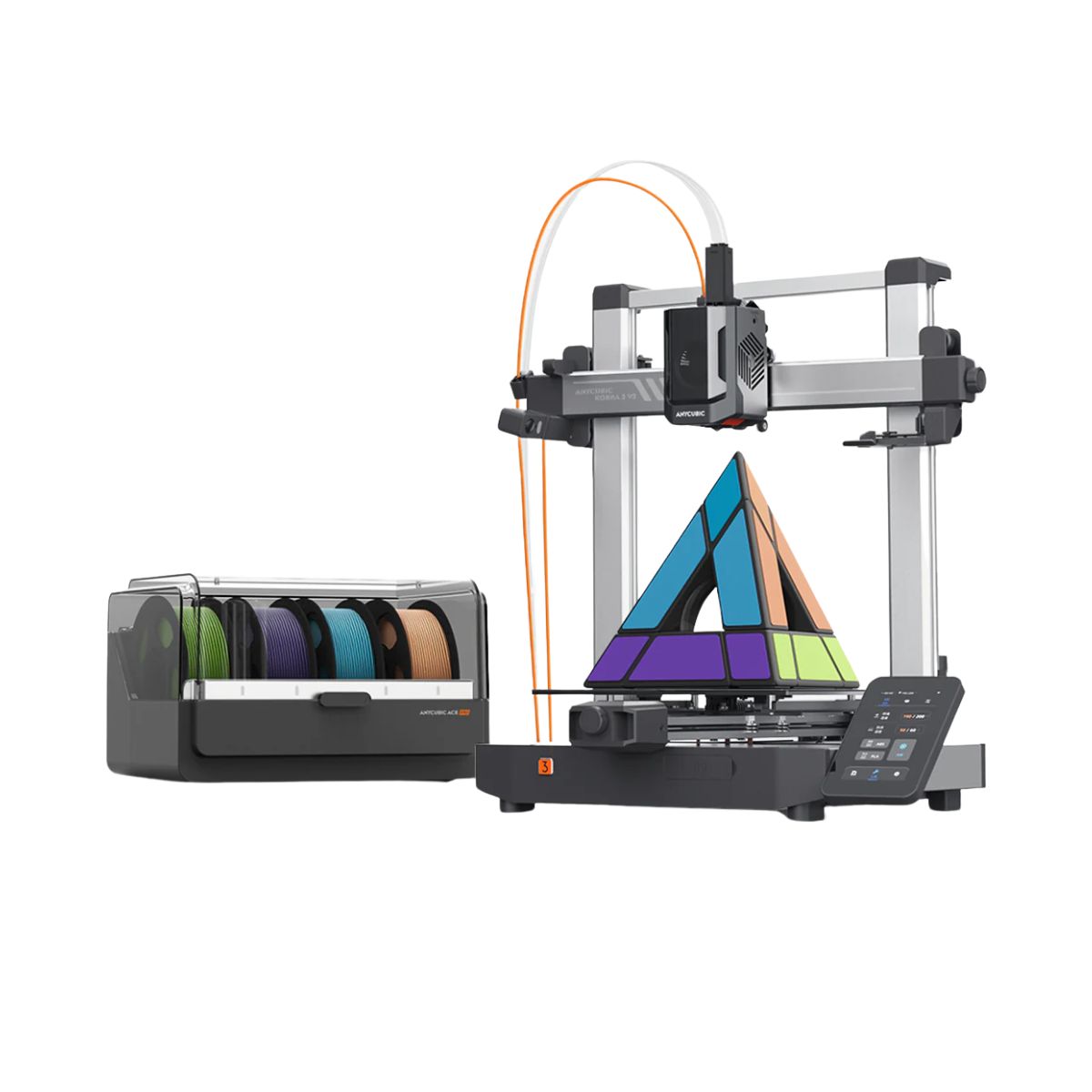
| Model | Anycubic Kobra 3 V2 Combo[BUY Kobra 3 V2 Combo] |
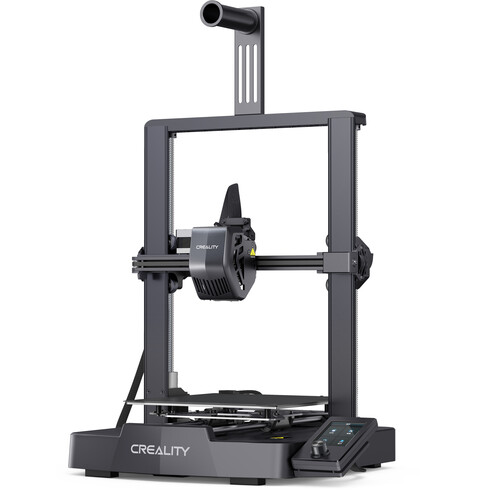
Creality Ender 3 V3 SE[BUY Ender 3 V3 SE] |
| Printing Material | Filament | Filament |
| Estimated price | $379,00 | $199,00 |
| Date of registration in the system | ||
| Manufacturer | Anycubic | Creality |
| Release Year | 2025 | 2023 |
| Print Volume [mm] | 255x255x260 | 220x220x250 |
| Printer Size [mm] | 452x504x483 | 420x366x490 |
| Weight [kg] | 9,37 | 7,34 |
| Power Loss Recovery | YES | NO |
| Enclosed printer | NO | NO |
| Bed Leveling | Automatic | Automatic |
| Filament End Sensor | YES | NO |
| Bed type | Heated | Heated |
| Power supply system | Direct Drive | Direct Drive |
| Standard nozzle | 0,4 | 0,4 |
| Maximum Nozzle Temperature [°C] | 300 | 260 |
| Maximum Bed Temperature [°C] | 110 | 100 |
| Maximum printing speed [mm/s] | 600 | 250 |
| Filament holder | YES | YES |
| Camera for supervision | NO | NO |
| Recommended filaments | PLA/PETG/TPU (TPU is not compatible with the ACE Pro) | PLA, PETG e TPU (95A+) |
| Recommended slicers | Anycubic Slicer, Cura, Orca Slicer | Creality Print, Cura 5.0 ou superior, Prusa Slicer, Orca |
| Maximum Resolution [mm] | 0,1 | 0,1 |
| Kinematics | - | - |
| Extruder Type | - | - |
| Klipper Firmware | NO | NO |
| Input Shaping | NO | NO |
| Max Volumetric Flow [mm³/s] | - | - |
| Power Supply | 400 W | 350 W |
| Connectivity | USB, Wi-Fi, Cloud | SD |
| Release date | 2025 | 2023 |
| Extra features | The Kobra 3 V2 Combo brings notable upgrades: a wider Y-axis and SG15 bearings on the X-axis for greater stability, a redesigned nozzle to prevent leakage, a larger build volume (255x255x260 mm), a built-in 720p camera, and native support for 4- or 8-color printing with no extra hub required. All of this combined with LeviQ 3.0 auto-leveling and integrated filament drying. | The Ender 3 V3 SE stands out for its easy assembly, excellent automatic bed leveling, direct extrusion and easy interface, ideal for beginners. Although it uses a coated PC board, it offers robust performance, with print speeds of up to 250mm/s, thanks to a solid construction and linear rods on the Y axis. It lacks Wi-Fi, preferring file transfer via SD card. |
| Support for multiple colors and materials (AMS and CFS) | YES | NO |
Notes * |
||
| Cost-benefit | 8 / 10 | 8 / 10 |
| Hardware | 6.3 / 10 | 2.1 / 10 |
| Screen | . | . |
| Print volume | 10 / 10 | 10 / 10 |
| Performance | 10 / 10 | 7 / 10 |
| [BUY Kobra 3 V2 Combo] | [BUY Ender 3 V3 SE] |
Conclusion |
Conclusion: Comparing the Kobra 3 V2 Combo and Ender 3 V3 SE When selecting the right 3D printer for your needs, both the Kobra 3 V2 Combo from Anycubic and the Ender 3 V3 SE from Creality offer unique features and advantages. Below is a detailed comparison of both models to help you determine which is the best fit for your user profile. Kobra 3 V2 Combo (Anycubic)
Ender 3 V3 SE (Creality)
Final Verdict: For users who are beginners or those looking for a budget-friendly option, the Ender 3 V3 SE is the best buy. It strikes a balance between ease of use and performance, making it a solid choice for those new to 3D printing. On the other hand, if you are an experienced user or someone looking to produce larger and more complex prints with advanced features, the Kobra 3 V2 Combo is worth the investment. Its enhanced capabilities and larger build volume justify the higher price for those who need them. Ultimately, the best choice depends on the user's experience level, budget, and specific printing needs. |