
Compare Anycubic Kobra 3 V2 Combo vs Creality 3D Ender 3 V2
Comparison between the best 3D printers
Choose the best 3D printer at the best price. The cheapest 3D printers are here.
Buy a 3D printer here with 3D Fila.
 |
 |
|
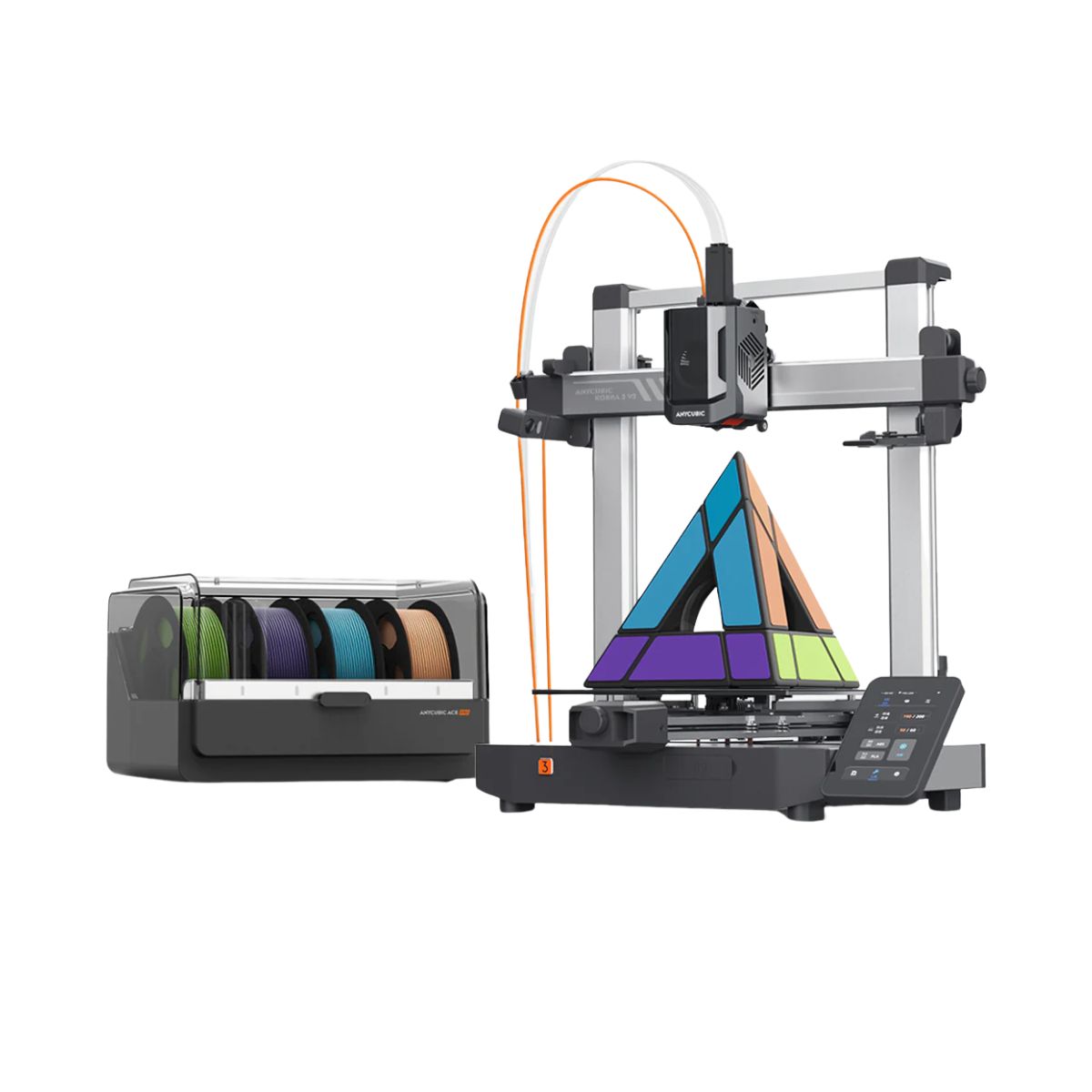
| Model | Anycubic Kobra 3 V2 Combo[BUY Kobra 3 V2 Combo] |
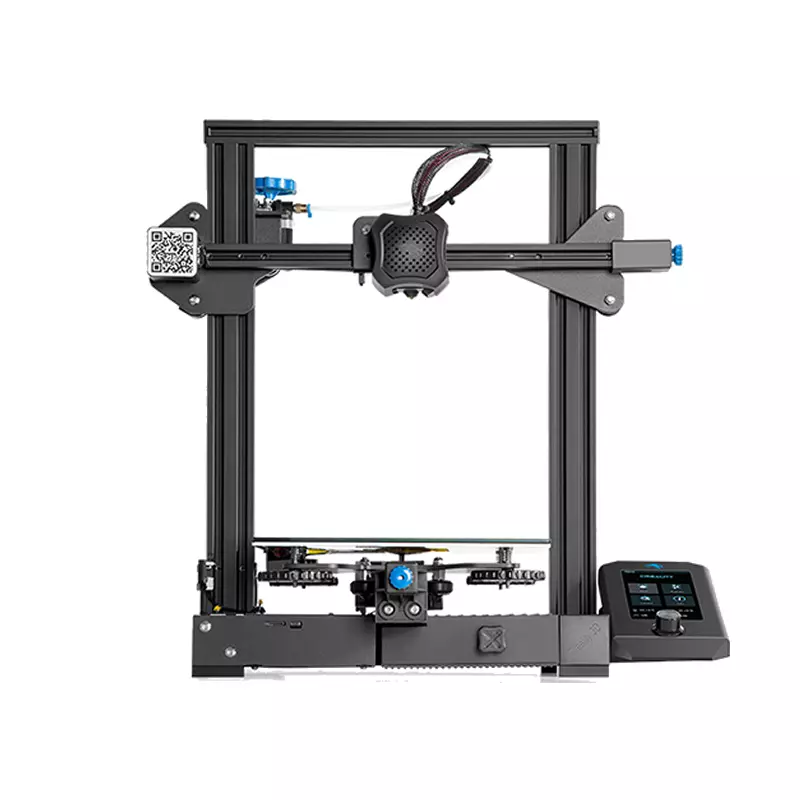
Creality 3D Ender 3 V2[BUY Ender 3 V2] |
| Printing Material | Filament | Filament |
| Estimated price | $379,00 | $289,00 |
| Date of registration in the system | ||
| Manufacturer | Anycubic | Creality 3D |
| Release Year | 2025 | 2022 |
| Print Volume [mm] | 255x255x260 | 220x220x250 |
| Printer Size [mm] | 452x504x483 | 470x475x620 |
| Weight [kg] | 9,37 | 7,8 |
| Power Loss Recovery | YES | YES |
| Enclosed printer | NO | NO |
| Bed Leveling | Automatic | Manual |
| Filament End Sensor | YES | NO |
| Bed type | Heated | Heated |
| Power supply system | Direct Drive | Bowden |
| Standard nozzle | 0,4 | 0,4 |
| Maximum Nozzle Temperature [°C] | 300 | 255 |
| Maximum Bed Temperature [°C] | 110 | 100 |
| Maximum printing speed [mm/s] | 600 | 180 |
| Filament holder | YES | YES |
| Camera for supervision | NO | NO |
| Recommended filaments | PLA/PETG/TPU (TPU is not compatible with the ACE Pro) | PLA, TPU, ABS, PETG |
| Recommended slicers | Anycubic Slicer, Cura, Orca Slicer | Cura, Simplify, Slic3r |
| Maximum Resolution [mm] | 0,1 | 0,1 |
| Kinematics | - | - |
| Extruder Type | - | - |
| Klipper Firmware | NO | NO |
| Input Shaping | NO | NO |
| Max Volumetric Flow [mm³/s] | - | - |
| Power Supply | 400 W | 24V / 360W |
| Connectivity | USB, Wi-Fi, Cloud | SD / USB |
| Release date | 2025 | 2022 |
| Extra features | The Kobra 3 V2 Combo brings notable upgrades: a wider Y-axis and SG15 bearings on the X-axis for greater stability, a redesigned nozzle to prevent leakage, a larger build volume (255x255x260 mm), a built-in 720p camera, and native support for 4- or 8-color printing with no extra hub required. All of this combined with LeviQ 3.0 auto-leveling and integrated filament drying. | The Creality Ender-3 V2, with a design inspired by the Prusa i3 series, stands out for its DIY assembly structure. With an area of ??250x250x250mm, it supports a variety of projects. It has a micro-USB port, microSD slot and integrated tool drawer. The tension adjustment adapts to different regions. Its manual print bed leveling process requires attention, but offers an enriching experience. Ideal for 3D printing enthusiasts willing to invest time in assembly and adjustment. |
| Support for multiple colors and materials (AMS and CFS) | YES | NO |
Notes * |
||
| Cost-benefit | 8 / 10 | 8 / 10 |
| Hardware | 6.3 / 10 | 0.6 / 10 |
| Screen | . | . |
| Print volume | 10 / 10 | 10 / 10 |
| Performance | 10 / 10 | 7 / 10 |
| [BUY Kobra 3 V2 Combo] | [BUY Ender 3 V2] |
Conclusion |
| In comparing the Kobra 3 V2 Combo and the Ender 3 V2, several factors stand out that can guide a potential buyer’s choice. The Kobra 3 V2 Combo, although priced higher, offers a range of advanced features that may justify the investment for serious users. It boasts a larger print volume, automatic bed leveling, filament end sensor, and higher temperature capabilities for both the nozzle and the heated bed. These features enhance usability and flexibility, allowing for a wider array of printing materials and colors. Additionally, the printer’s improved stability and design updates contribute to a more reliable printing experience. On the other hand, the Ender 3 V2 presents a more budget-friendly option for those who enjoy a hands-on approach to 3D printing. While it lacks many of the automatic features of the Kobra, such as the filament end sensor and auto-leveling bed, it remains a popular choice among DIY enthusiasts who appreciate the challenge of manual assembly and adjustment. The Ender 3 V2’s lower price point makes it an attractive choice for beginners or those with budget constraints. Ultimately, the decision between the two will depend on the user's priorities. Those seeking advanced functionality and ease of use may find the Kobra 3 V2 Combo to be worth the extra cost, while those interested in a more traditional, hands-on 3D printing experience may prefer the Ender 3 V2 for its accessibility and robust community support. Therefore, both printers have their unique advantages, catering to different segments of the 3D printing market. |