

Compare Anycubic Kobra 3 V2 Combo vs Creality 3D Ender 3 V2 Neo
Comparison between the best 3D printers
Choose the best 3D printer at the best price. The cheapest 3D printers are here.
Buy a 3D printer here with 3D Fila.
 |
 |
|
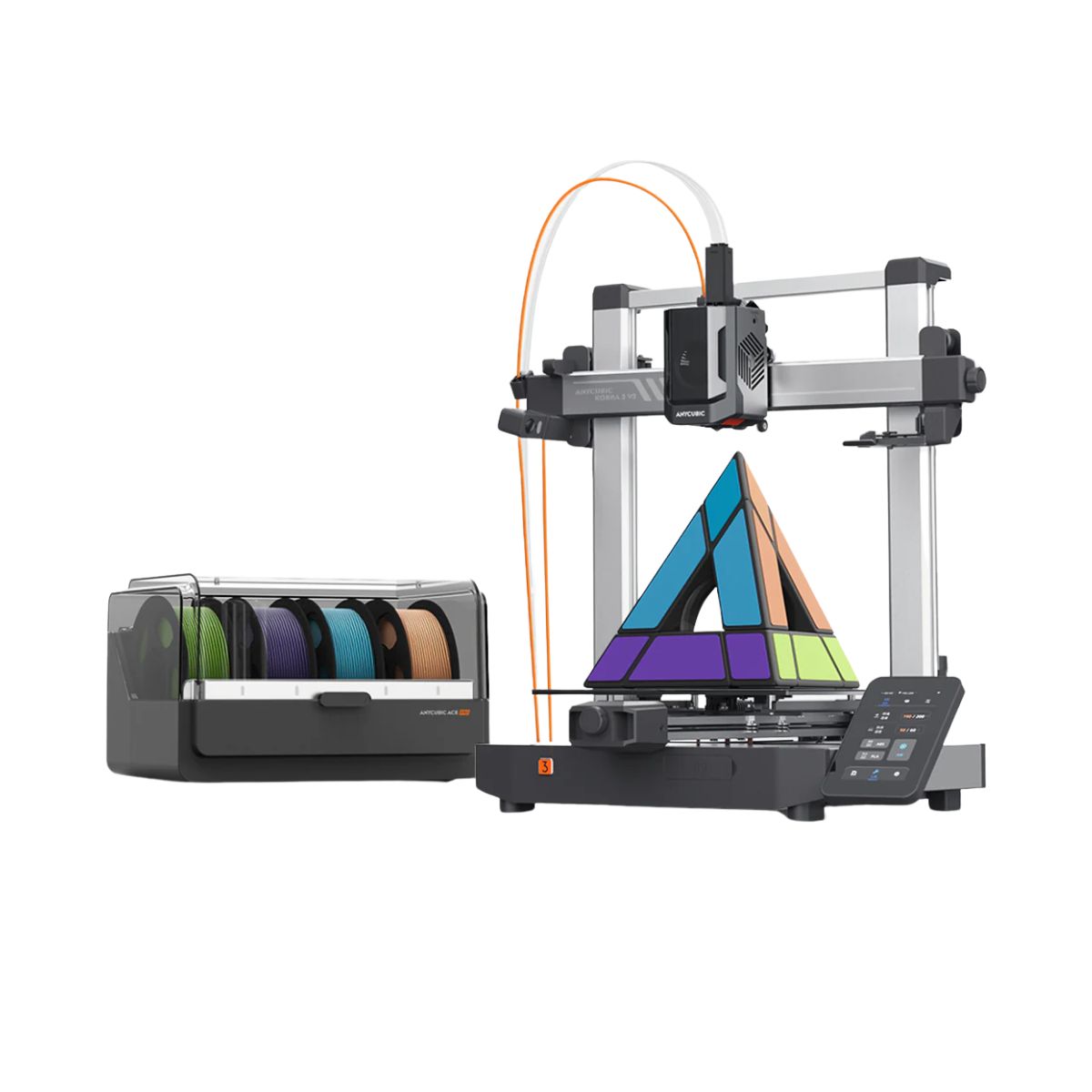
| Model | Anycubic Kobra 3 V2 Combo[BUY Kobra 3 V2 Combo] |
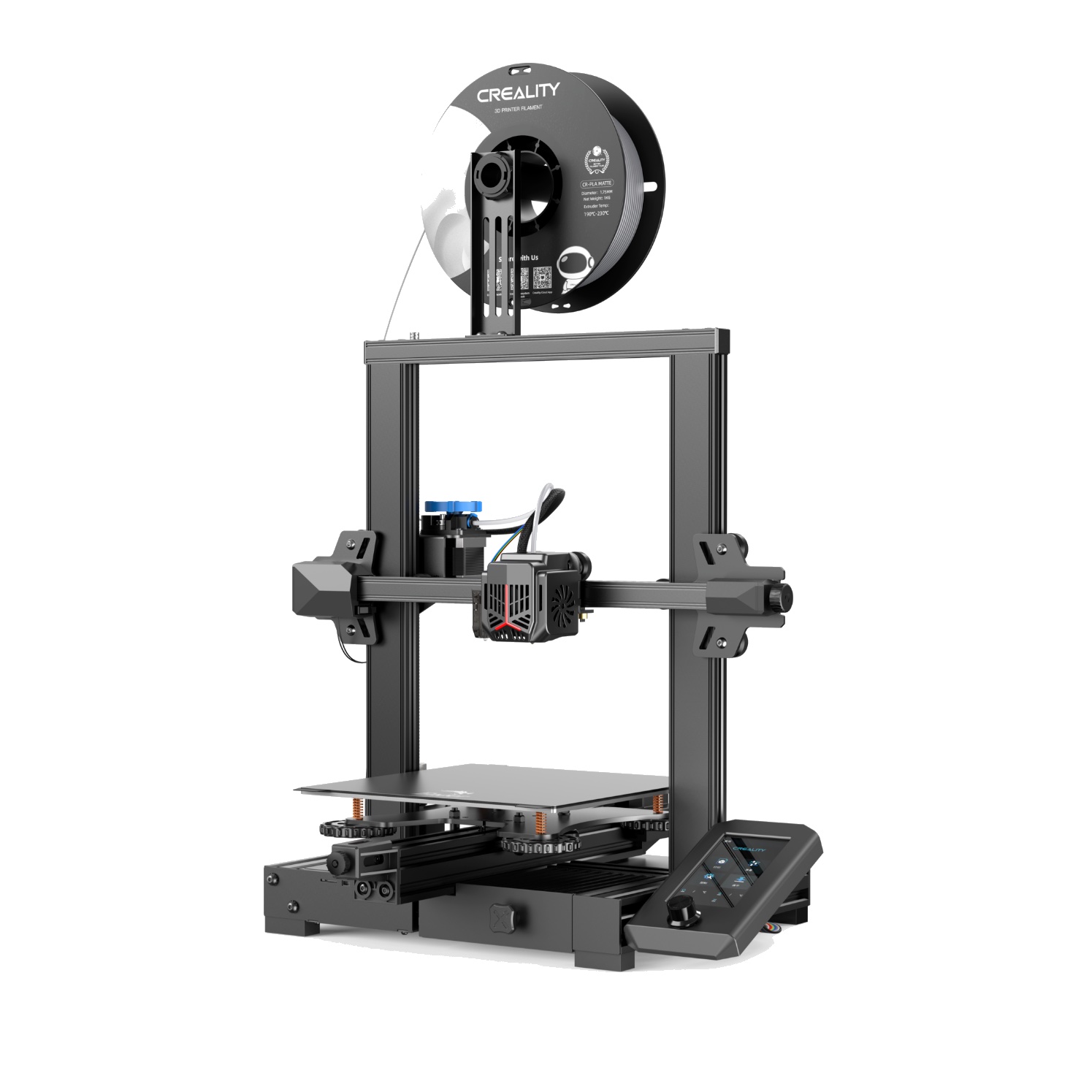
Creality 3D Ender 3 V2 Neo[BUY Ender 3 V2 Neo] |
| Printing Material | Filament | Filament |
| Estimated price | $379,00 | $310,00 |
| Date of registration in the system | ||
| Manufacturer | Anycubic | Creality 3D |
| Release Year | 2025 | 2022 |
| Print Volume [mm] | 255x255x260 | 220x220x250 |
| Printer Size [mm] | 452x504x483 | 438x424x472 |
| Weight [kg] | 9,37 | 9,8 |
| Power Loss Recovery | YES | YES |
| Enclosed printer | NO | NO |
| Bed Leveling | Automatic | Automatic |
| Filament End Sensor | YES | YES |
| Bed type | Heated | Heated |
| Power supply system | Direct Drive | Bowden |
| Standard nozzle | 0,4 | 0,4 |
| Maximum Nozzle Temperature [°C] | 300 | 260 |
| Maximum Bed Temperature [°C] | 110 | 100 |
| Maximum printing speed [mm/s] | 600 | 80 |
| Filament holder | YES | YES |
| Camera for supervision | NO | NO |
| Recommended filaments | PLA/PETG/TPU (TPU is not compatible with the ACE Pro) | PLA, PETG |
| Recommended slicers | Anycubic Slicer, Cura, Orca Slicer | Cura, Simplify, Slic3r, IdeaMaker |
| Maximum Resolution [mm] | 0,1 | 0,1 |
| Kinematics | - | - |
| Extruder Type | - | - |
| Klipper Firmware | NO | NO |
| Input Shaping | NO | NO |
| Max Volumetric Flow [mm³/s] | - | - |
| Power Supply | 400 W | |
| Connectivity | USB, Wi-Fi, Cloud | SD / USB |
| Release date | 2025 | 2022 |
| Extra features | The Kobra 3 V2 Combo brings notable upgrades: a wider Y-axis and SG15 bearings on the X-axis for greater stability, a redesigned nozzle to prevent leakage, a larger build volume (255x255x260 mm), a built-in 720p camera, and native support for 4- or 8-color printing with no extra hub required. All of this combined with LeviQ 3.0 auto-leveling and integrated filament drying. | The Ender 3 V2 Neo printer stands out for its automatic bed leveling with the CR Touch system, ensuring high-quality initial layers. It features an all-metal Bowden extruder for increased durability and improved filament handling. Its flexible, PC-coated magnetic build plate makes it easy to remove prints and is durable and easy to clean. It also includes a new user interface with model preview and an updated gantry design. The Ender 3 V2 Neo maintains the same build volume and temperatures as the previous version, supporting popular filaments such as PLA and ABS. It features a quiet 32-bit mainboard and additional features such as a filament sensor, print recovery, simple 3-step assembly, an integrated toolbox, and belt tensioners. |
| Support for multiple colors and materials (AMS and CFS) | YES | NO |
Notes * |
||
| Cost-benefit | 8 / 10 | 7 / 10 |
| Hardware | 6.3 / 10 | 2.4 / 10 |
| Screen | . | . |
| Print volume | 10 / 10 | 10 / 10 |
| Performance | 10 / 10 | 5 / 10 |
| [BUY Kobra 3 V2 Combo] | [BUY Ender 3 V2 Neo] |
Conclusion |
Conclusion: Comparative Review of Kobra 3 V2 Combo vs. Ender 3 V2 Neo When considering the Kobra 3 V2 Combo from Anycubic and the Ender 3 V2 Neo from Creality 3D, both offer solid options in the realm of FDM 3D printing, but they cater to different user profiles and preferences. Kobra 3 V2 Combo (Anycubic)Pros:
Cons:
Ender 3 V2 Neo (Creality 3D)Pros:
Cons:
Final VerdictChoosing the best 3D printer ultimately depends on the user's needs:
In summary, both printers have their strengths and ideal applications, but depending on your level of expertise and project demands, the Ender 3 V2 Neo is the better buy for beginners, while the Kobra 3 V2 Combo is more suited for advanced users seeking additional features and capabilities. |