

Compare Anycubic Kobra 3 V2 Combo vs Creality 3D Ender 3 PRO
Comparison between the best 3D printers
Choose the best 3D printer at the best price. The cheapest 3D printers are here.
Buy a 3D printer here with 3D Fila.
 |
 |
|
| Model | Anycubic Kobra 3 V2 Combo[BUY Kobra 3 V2 Combo] |
Creality 3D Ender 3 PRO[BUY Ender 3 PRO] |
| Printing Material | Filament | Filament |
| Estimated price | $379,00 | $258,00 |
| Date of registration in the system | ||
| Manufacturer | Anycubic | Creality 3D |
| Release Year | 2025 | 2019 |
| Print Volume [mm] | 255x255x260 | 220x220x250 |
| Printer Size [mm] | 452x504x483 | 440x440x465 |
| Weight [kg] | 9,37 | 6,62 |
| Power Loss Recovery | YES | NO |
| Enclosed printer | NO | NO |
| Bed Leveling | Automatic | Manual |
| Filament End Sensor | YES | NO |
| Bed type | Heated | Heated |
| Power supply system | Direct Drive | Bowden |
| Standard nozzle | 0,4 | 0,4 |
| Maximum Nozzle Temperature [°C] | 300 | 255 |
| Maximum Bed Temperature [°C] | 110 | 110 |
| Maximum printing speed [mm/s] | 600 | 180 |
| Filament holder | YES | YES |
| Camera for supervision | NO | NO |
| Recommended filaments | PLA/PETG/TPU (TPU is not compatible with the ACE Pro) | PLA, TPU, ABS, PETG |
| Recommended slicers | Anycubic Slicer, Cura, Orca Slicer | Cura, Simplify, Slic3r |
| Maximum Resolution [mm] | 0,1 | 0,1 |
| Kinematics | - | - |
| Extruder Type | - | - |
| Klipper Firmware | NO | NO |
| Input Shaping | NO | NO |
| Max Volumetric Flow [mm³/s] | - | - |
| Power Supply | 400 W | 24V / 360W Meanwell |
| Connectivity | USB, Wi-Fi, Cloud | SD / USB |
| Release date | 2025 | 2019 |
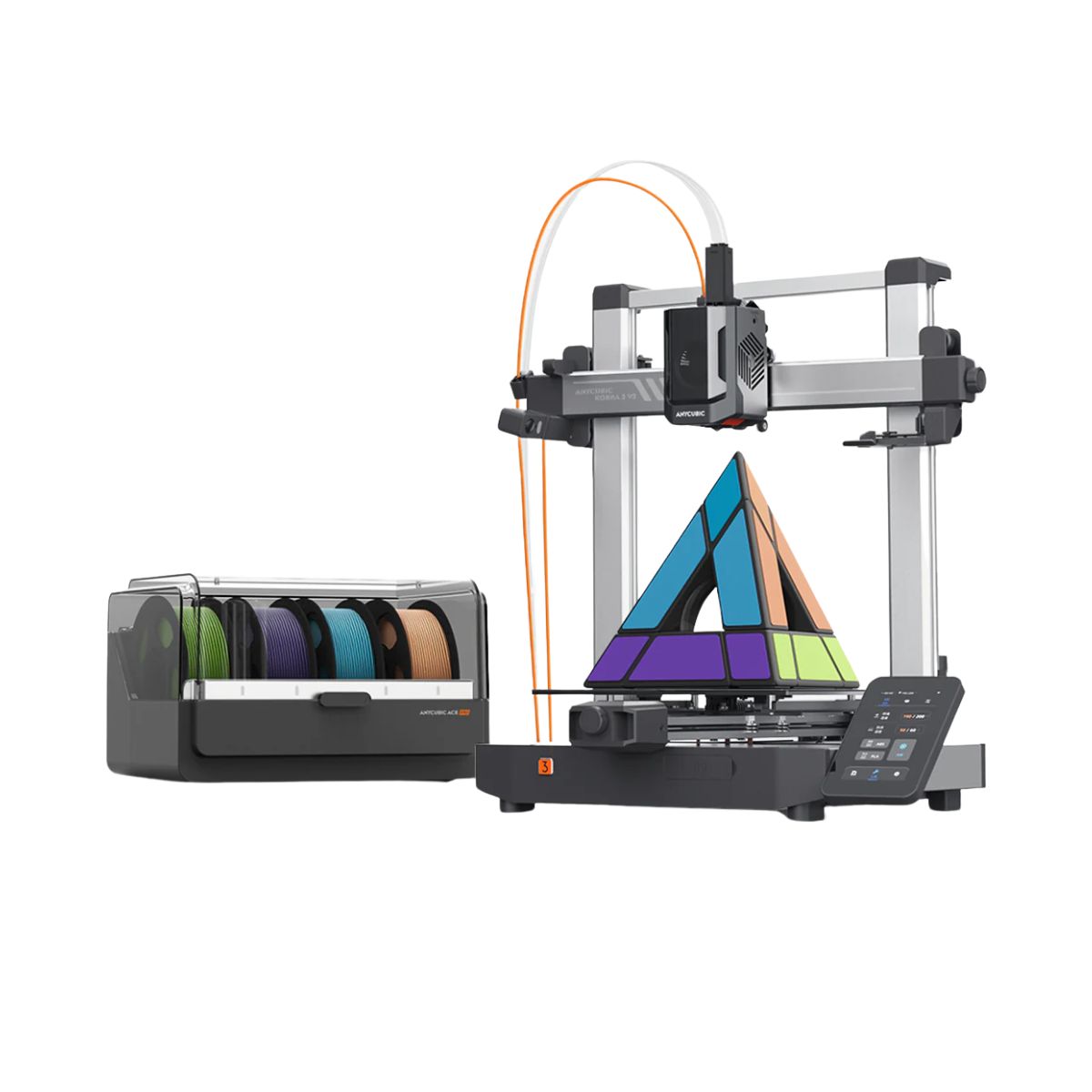
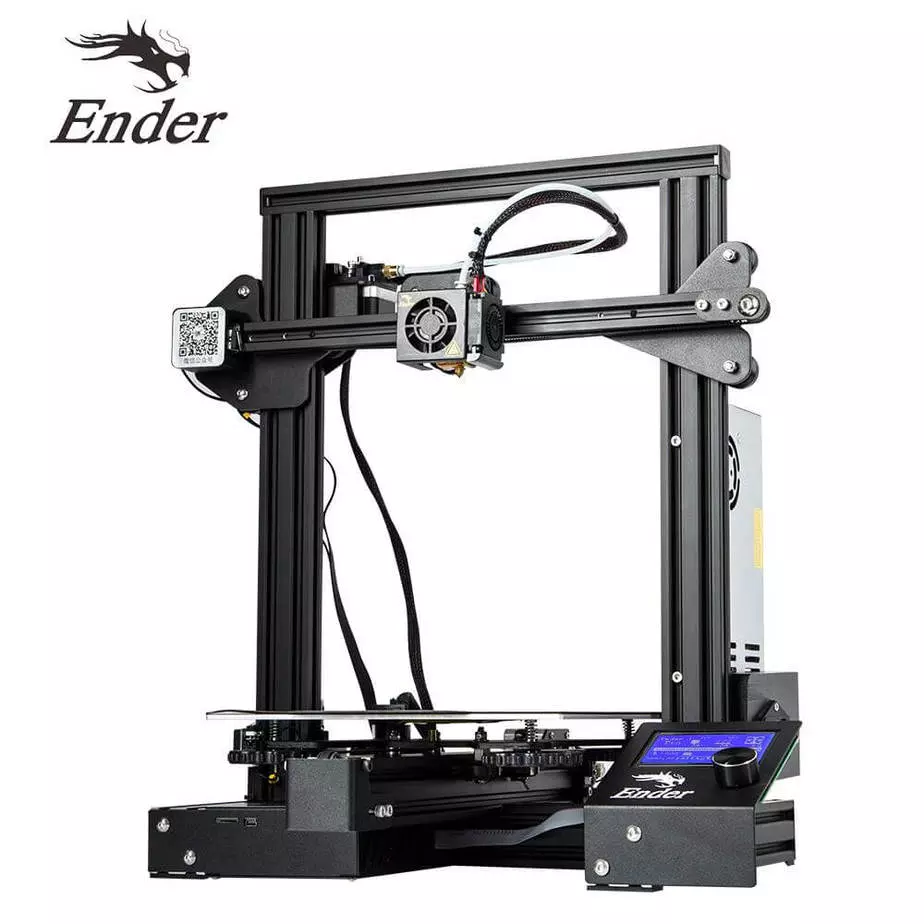
| Extra features | The Kobra 3 V2 Combo brings notable upgrades: a wider Y-axis and SG15 bearings on the X-axis for greater stability, a redesigned nozzle to prevent leakage, a larger build volume (255x255x260 mm), a built-in 720p camera, and native support for 4- or 8-color printing with no extra hub required. All of this combined with LeviQ 3.0 auto-leveling and integrated filament drying. | The Ender 3 Pro stands out for its beginner-friendly assembly and easily modifiable structure. With a 350W power supply, it heats up quickly and has a simple application that offers good print quality. However, its motors and fans are noisy, and the interface seems outdated. Assembly is accessible, without the need for advanced techniques, and it has integrated belt tensioners. It includes a detailed guide and supports microSD card and USB. |
| Support for multiple colors and materials (AMS and CFS) | YES | NO |
Notes * |
||
| Cost-benefit | 8 / 10 | 8 / 10 |
| Hardware | 6.3 / 10 | 0.5 / 10 |
| Screen | . | . |
| Print volume | 10 / 10 | 10 / 10 |
| Performance | 10 / 10 | 7 / 10 |
| [BUY Kobra 3 V2 Combo] | [BUY Ender 3 PRO] |
Conclusion |
Conclusion: Comparative Review of Kobra 3 V2 Combo and Ender 3 PRO When evaluating the Kobra 3 V2 Combo by Anycubic and the Ender 3 PRO by Creality 3D, it becomes clear that each printer caters to different user profiles. Below, we will examine the pros and cons of each model to help potential buyers make an informed decision. Kobra 3 V2 Combo (Anycubic)
Ender 3 PRO (Creality 3D)
Final Verdict For beginners or those on a tighter budget, the Ender 3 PRO is an excellent choice due to its affordability, ease of assembly, and community support for modifications. Its manual leveling process, while a bit daunting, provides valuable hands-on experience. Conversely, for more experienced users or those seeking the latest technology, the Kobra 3 V2 Combo stands out with its advanced features, greater speed, and larger build volume. Its automatic leveling and multi-color printing capabilities make it suitable for more complex projects. In summary, the choice ultimately depends on the user's specific needs, budget, and experience level. The Kobra 3 V2 Combo is the best buy for users looking for advanced features and convenience, while the Ender 3 PRO remains a solid option for those prioritizing cost-effectiveness and simplicity. |