

Compare Creality K2 Plus vs Creality 3D K1C
Comparison between the best 3D printers
Choose the best 3D printer at the best price. The cheapest 3D printers are here.
Buy a 3D printer here with 3D Fila.
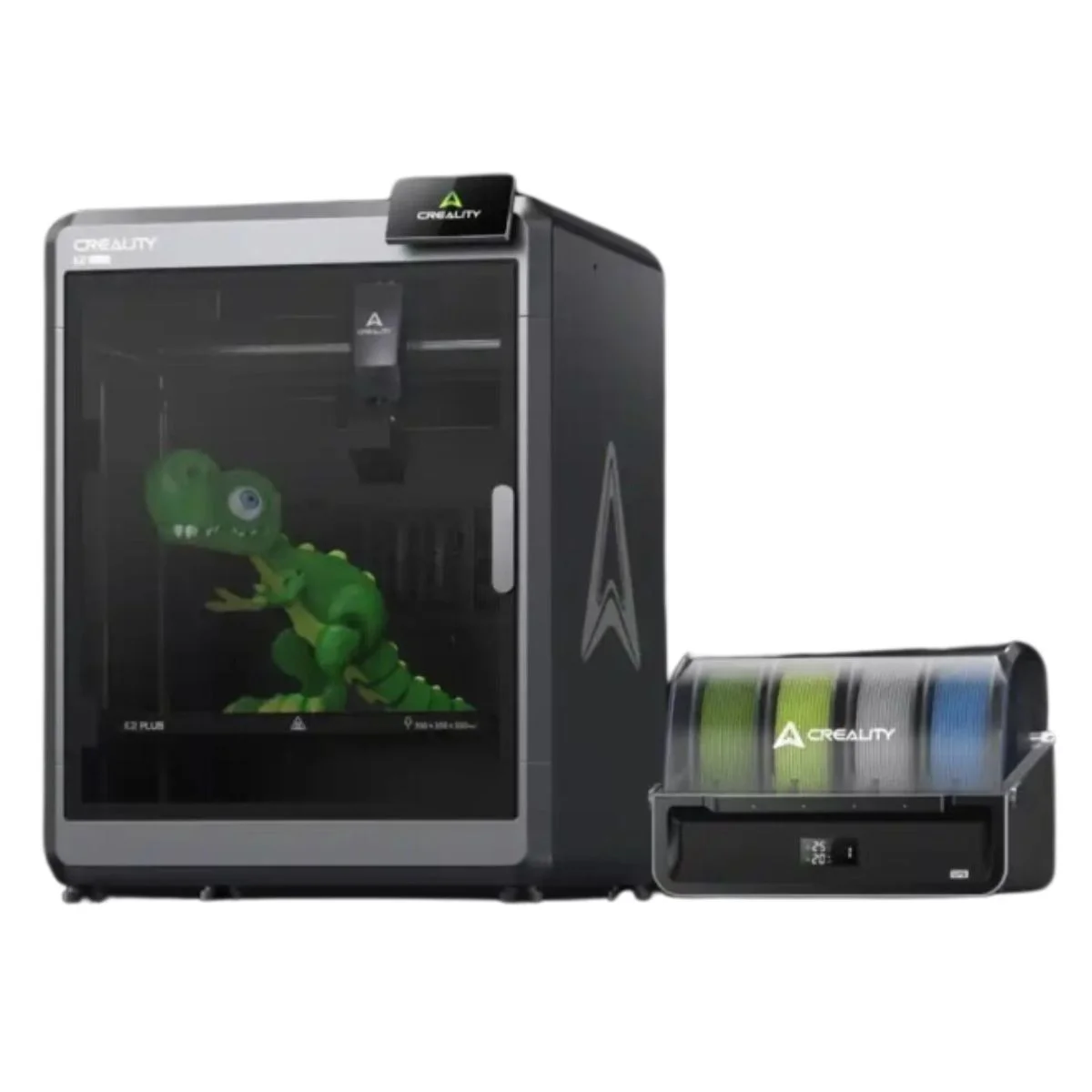 |
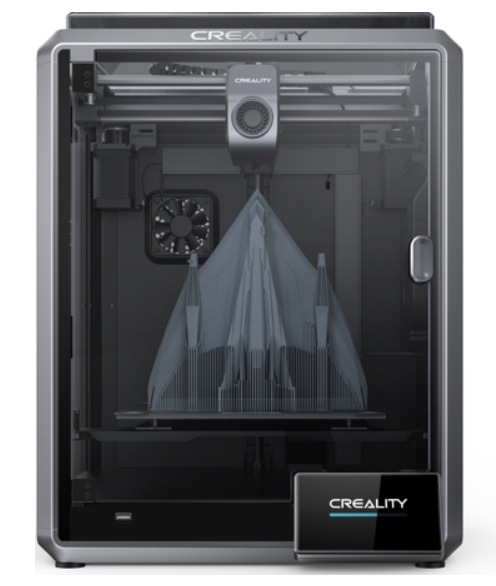 |
|
| Model | Creality K2 Plus[BUY K2 Plus] |
Creality 3D K1C[BUY K1C] |
| Printing Material | Filament | Filament |
| Estimated price | $1500,00 | $449,00 |
| Date of registration in the system | ||
| Manufacturer | Creality | Creality 3D |
| Release Year | 2024 | 2024 |
| Print Volume [mm] | 350x350x350 | 220x220x250 |
| Printer Size [mm] | 495x515x640 | 355x355x480 |
| Weight [kg] | 33,5 | 12,4 |
| Power Loss Recovery | YES | YES |
| Enclosed printer | YES | YES |
| Bed Leveling | Automatic | Automatic |
| Filament End Sensor | YES | YES |
| Bed type | Heated | Heated |
| Power supply system | Direct Drive | Direct Drive |
| Standard nozzle | 0,4 | 0,4 |
| Maximum Nozzle Temperature [°C] | 350 | 300 |
| Maximum Bed Temperature [°C] | 120 | 120 |
| Maximum printing speed [mm/s] | 600 | 600 |
| Filament holder | YES | YES |
| Camera for supervision | YES | YES |
| Recommended filaments | PLA, PETG, PET, TPU, PA, ASA, PC, PLA CE, PA-CF, PET-CF | ABS, PLA, PETG, PET, TPU, PA, ABS, ASA, PC, PLA-CF, PA-CF, PET-CF |
| Recommended slicers | Creality Print 5, Bambu Studio, Super Slicer, Cura, Prusa Slicer, Orca Slicer | Creality Print; Cura, Simplify3D e PrusaSlicer |
| Maximum Resolution [mm] | 0,1 | 0,1 |
| Kinematics | - | - |
| Extruder Type | - | - |
| Klipper Firmware | NO | NO |
| Input Shaping | NO | NO |
| Max Volumetric Flow [mm³/s] | - | - |
| Power Supply | 1200 W | 110/220V / 350W |
| Connectivity | USB / WIfi | Ethernet / USB / Wi-Fi |
| Release date | 2024 | 2024 |
| Extra features | The Creality K2 Plus 3D Printer stands out for its multicolor printing, large build volume (350x350x350 mm) and Apus Direct Drive extruder with tri-metal protection nozzle. It features automatic anti-tilt leveling, FOC closed-loop motors and active chamber heating. In addition, it has an intelligent CFS filament management system, cameras for calibration and monitoring, a 4.3-inch touchscreen and advanced sensors to optimize the printing process. | The Creality K1C is a fully enclosed CoreXY 3D printer featuring an all-metal extruder, tri-metal âUnicornâ nozzle for abrasive materials, automatic bed leveling with nozzle cleaning, AI-assisted failure detection, built-in camera for timelapse, enhanced cooling system, root access to Klipper firmware, and compatibility with PLA-CF, PA-CF, PET-CF, TPU, ABS, and more. |
| Support for multiple colors and materials (AMS and CFS) | YES | NO |
Notes * |
||
| Cost-benefit | 6 / 10 | 8 / 10 |
| Hardware | 7.2 / 10 | 4.8 / 10 |
| Screen | . | . |
| Print volume | 10 / 10 | 10 / 10 |
| Performance | 10 / 10 | 10 / 10 |
| [BUY K2 Plus] | [BUY K1C] |
Conclusion |
Conclusion and Comparison of K2 Plus and K1C 3D Printers In the rapidly evolving world of 3D printing, both the K2 Plus and K1C from Creality showcase impressive advancements in technology and design. However, they cater to different user profiles and needs. Below is a detailed comparison highlighting the pros and cons of each model. K2 Plus (Creality)
K1C (Creality 3D)
Final Verdict Choosing between the K2 Plus and K1C ultimately depends on the user's specific needs and budget. For professionals or serious enthusiasts who require large build volumes and advanced features for high-quality multicolor prints, the K2 Plus is the superior choice. Its capabilities cater well to complex projects and demanding materials. Conversely, the K1C serves as an excellent entry-level printer for hobbyists or those new to 3D printing. Its affordability, ease of use, and versatility in material compatibility make it a fantastic option for users looking to explore 3D printing without a significant financial commitment. In summary, if you are a professional or an advanced user, the K2 Plus is worth the investment. However, for beginners or casual users, the K1C offers exceptional value and functionality, making it the best buy for that user profile. |