

Compare Creality 3D K1C vs Toybox Toybox
Comparison between the best 3D printers
Choose the best 3D printer at the best price. The cheapest 3D printers are here.
Buy a 3D printer here with 3D Fila.
 |
 |
|
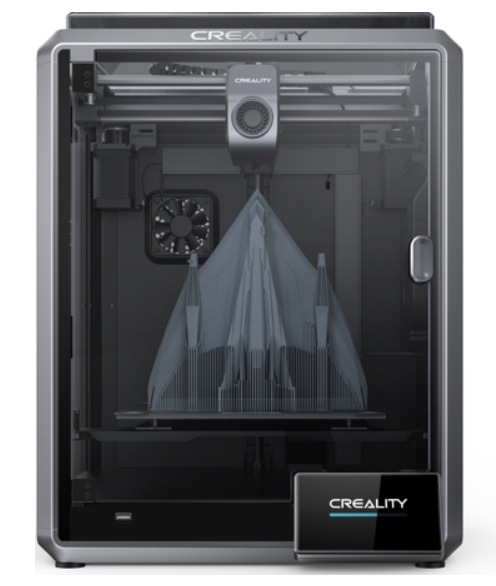
| Model | Creality 3D K1C[BUY K1C] |
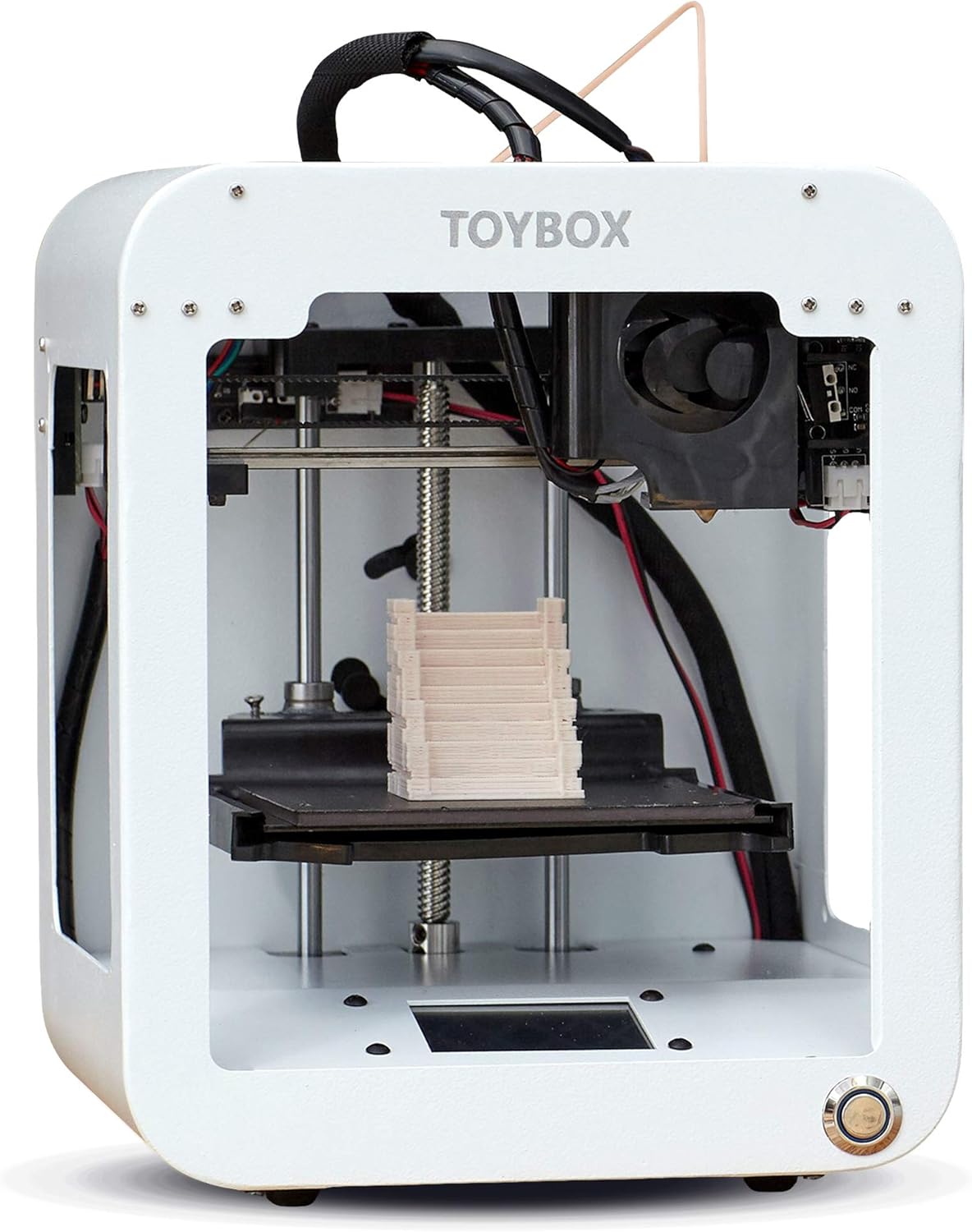
Toybox Toybox[BUY Toybox] |
| Printing Material | Filament | Filament |
| Estimated price | $449,00 | $299,00 |
| Date of registration in the system | ||
| Manufacturer | Creality 3D | Toybox |
| Release Year | 2024 | 2024 |
| Print Volume [mm] | 220x220x250 | 70x80x90 |
| Printer Size [mm] | 355x355x480 | 190x190x230 |
| Weight [kg] | 12,4 | 3 |
| Power Loss Recovery | YES | NO |
| Enclosed printer | YES | NO |
| Bed Leveling | Automatic | Manual |
| Filament End Sensor | YES | NO |
| Bed type | Heated | |
| Power supply system | Direct Drive | Direct Drive |
| Standard nozzle | 0,4 | 0,5 |
| Maximum Nozzle Temperature [°C] | 300 | 210 |
| Maximum Bed Temperature [°C] | 120 | |
| Maximum printing speed [mm/s] | 600 | 60 |
| Filament holder | YES | YES |
| Camera for supervision | YES | NO |
| Recommended filaments | ABS, PLA, PETG, PET, TPU, PA, ABS, ASA, PC, PLA-CF, PA-CF, PET-CF | PLA |
| Recommended slicers | Creality Print; Cura, Simplify3D e PrusaSlicer | Toybox |
| Maximum Resolution [mm] | 0,1 | 0,2 |
| Kinematics | - | - |
| Extruder Type | - | - |
| Klipper Firmware | NO | NO |
| Input Shaping | NO | NO |
| Max Volumetric Flow [mm³/s] | - | - |
| Power Supply | 110/220V / 350W | |
| Connectivity | Ethernet / USB / Wi-Fi | Wi-fi |
| Release date | 2024 | 2024 |
| Extra features | The Creality K1C is a fully enclosed CoreXY 3D printer featuring an all-metal extruder, tri-metal âUnicornâ nozzle for abrasive materials, automatic bed leveling with nozzle cleaning, AI-assisted failure detection, built-in camera for timelapse, enhanced cooling system, root access to Klipper firmware, and compatibility with PLA-CF, PA-CF, PET-CF, TPU, ABS, and more. | The Toybox 3D printer is an excellent option for children and beginners. Easy to use, with intuitive setup and simplified operation via an app. The Toybox allows you to print thousands of toys and projects through a user-friendly interface. It has a removable magnetic table that makes it easy to remove printed objects. The filament is PLA, safe for children, and the printing is reliable and error-free. It also offers custom design options, allowing you to create and print drawings and photos. |
| Support for multiple colors and materials (AMS and CFS) | NO | NO |
Notes * |
||
| Cost-benefit | 8 / 10 | 7 / 10 |
| Hardware | 4.8 / 10 | 0 / 10 |
| Screen | . | . |
| Print volume | 10 / 10 | 10 / 10 |
| Performance | 10 / 10 | 5 / 10 |
| [BUY K1C] | [BUY Toybox] |
Conclusion |
Conclusion: Comparative Review of 3D Printers K1C (Creality 3D) vs. Toybox In this review, we will compare the Creality K1C and the Toybox 3D printers, focusing on their features, pros and cons, and the best user profiles for each model. Both printers cater to different markets and user needs, making it essential to evaluate them based on their intended audience. Creality K1C
Pros:
Cons:
Toybox
Pros:
Cons:
Final Verdict Choosing the right 3D printer largely depends on the user profile. For beginners, especially children, the Toybox is the clear winner. Its ease of use, safety features, and focus on fun projects make it an excellent entry point into the world of 3D printing. The intuitive app and ability to create custom designs enhance the learning experience while ensuring reliable performance. On the other hand, the Creality K1C is designed for more advanced users, hobbyists, or small businesses that require a versatile and high-performance machine. Its larger build volume, automatic leveling, and compatibility with various filament types allow for a wider range of applications, making it suitable for more serious projects. In conclusion, if you are a beginner or looking for a 3D printer for children, the Toybox is the best buy. However, if you are an experienced user or need a machine for more complex projects, the Creality K1C is the better investment. |