

Compare Creality 3D K1C vs AnkerMake M5
Comparison between the best 3D printers
Choose the best 3D printer at the best price. The cheapest 3D printers are here.
Buy a 3D printer here with 3D Fila.
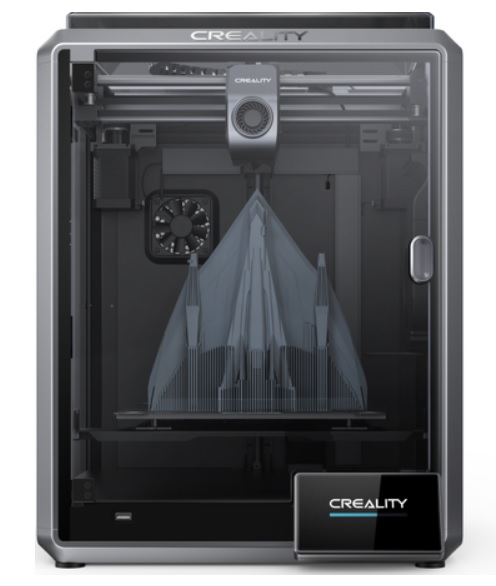 |
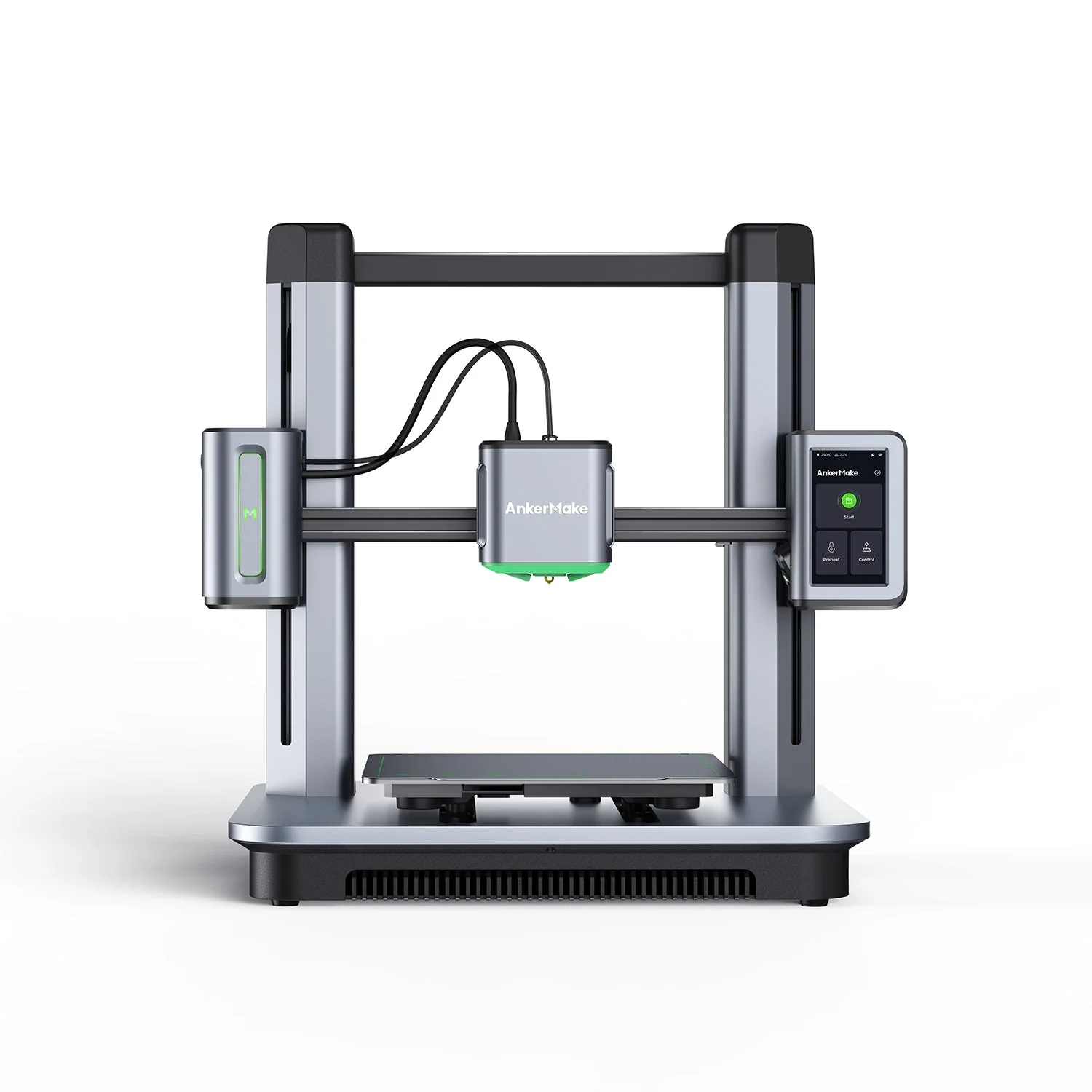 |
|
| Model | Creality 3D K1C[BUY K1C] |
AnkerMake M5 |
| Printing Material | Filament | Filament |
| Estimated price | $449,00 | $497,00 |
| Date of registration in the system | ||
| Manufacturer | Creality 3D | AnkerMake |
| Release Year | 2024 | 2023 |
| Print Volume [mm] | 220x220x250 | 235x235x250 |
| Printer Size [mm] | 355x355x480 | 502x438x470 |
| Weight [kg] | 12,4 | 12,6 |
| Power Loss Recovery | YES | YES |
| Enclosed printer | YES | NO |
| Bed Leveling | Automatic | Automatic |
| Filament End Sensor | YES | YES |
| Bed type | Heated | Heated |
| Power supply system | Direct Drive | Direct Drive |
| Standard nozzle | 0,4 | 0,4 |
| Maximum Nozzle Temperature [°C] | 300 | 260 |
| Maximum Bed Temperature [°C] | 120 | 100 |
| Maximum printing speed [mm/s] | 600 | 500 |
| Filament holder | YES | YES |
| Camera for supervision | YES | YES |
| Recommended filaments | ABS, PLA, PETG, PET, TPU, PA, ABS, ASA, PC, PLA-CF, PA-CF, PET-CF | PLA, PETG, ABS |
| Recommended slicers | Creality Print; Cura, Simplify3D e PrusaSlicer | AnkerMake Studio (macOS, Windows), Simplify3D, Ultimaker Cura, PrusaSlicer |
| Maximum Resolution [mm] | 0,1 | 0,1 |
| Kinematics | - | - |
| Extruder Type | - | - |
| Klipper Firmware | NO | NO |
| Input Shaping | NO | NO |
| Max Volumetric Flow [mm³/s] | - | - |
| Power Supply | 110/220V / 350W | 350 W |
| Connectivity | Ethernet / USB / Wi-Fi | Wi-Fi, USB-C, OTA Upgrade |
| Release date | 2024 | 2023 |
| Extra features | The Creality K1C is a fully enclosed CoreXY 3D printer featuring an all-metal extruder, tri-metal âUnicornâ nozzle for abrasive materials, automatic bed leveling with nozzle cleaning, AI-assisted failure detection, built-in camera for timelapse, enhanced cooling system, root access to Klipper firmware, and compatibility with PLA-CF, PA-CF, PET-CF, TPU, ABS, and more. | The AnkerMake M5 printer stands out for its impressive print speed, reaching up to 500mm/s. It features AI print monitoring, an integrated camera for creating timelapses, auto-leveling bed with pressure sensor, direct extruder, flexible PEI-coated build plate, and Wi-Fi and USB-C connectivity. Assembly is quick and easy, and the printer is designed to deliver high print quality and ease of use. |
| Support for multiple colors and materials (AMS and CFS) | NO | NO |
Notes * |
||
| Cost-benefit | 8 / 10 | 7 / 10 |
| Hardware | 4.8 / 10 | 3.5 / 10 |
| Screen | . | . |
| Print volume | 10 / 10 | 10 / 10 |
| Performance | 10 / 10 | 9 / 10 |
| [BUY K1C] |
Conclusion |
Conclusion: Comparative Review of K1C (Creality 3D) and M5 (AnkerMake) When choosing between the Creality K1C and the AnkerMake M5, each printer presents its own unique advantages and potential drawbacks, making them suitable for different user profiles. K1C (Creality 3D)
M5 (AnkerMake)
Final Verdict: Choosing the best 3D printer between the K1C and M5 ultimately depends on the user's specific needs:
In conclusion, both printers offer valuable features, but the K1C excels in versatility and advanced options, while the M5 shines in ease of use and accessibility. Choose based on your experience level and project requirements. |