

Compare Creality 3D K1C vs Creality K2 PRO Combo
Comparison between the best 3D printers
Choose the best 3D printer at the best price. The cheapest 3D printers are here.
Buy a 3D printer here with 3D Fila.
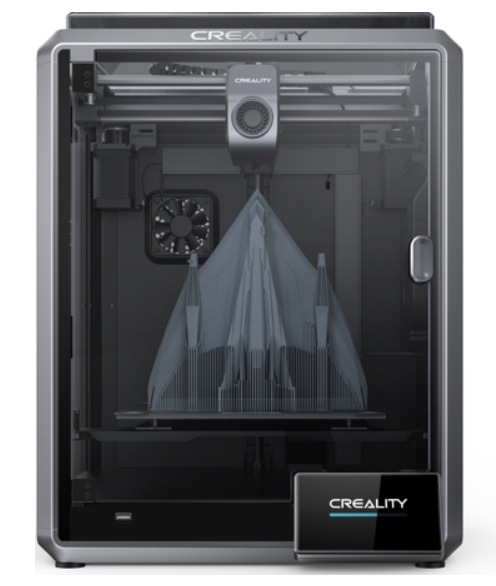 |
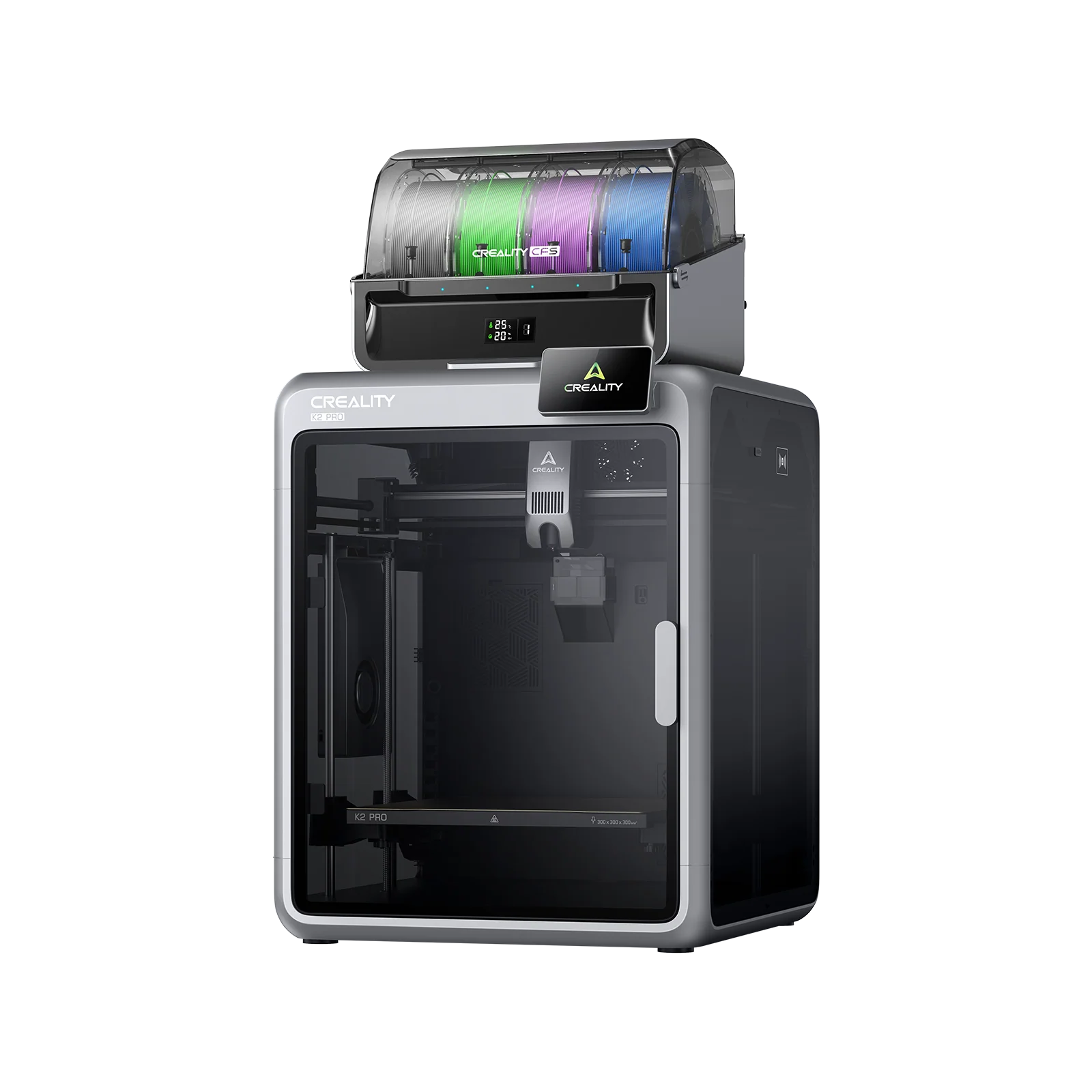 |
|
| Model | Creality 3D K1C[BUY K1C] |
Creality K2 PRO Combo[BUY K2 PRO Combo] |
| Printing Material | Filament | Filament |
| Estimated price | $449,00 | $1049,00 |
| Date of registration in the system | ||
| Manufacturer | Creality 3D | Creality |
| Release Year | 2024 | 2025 |
| Print Volume [mm] | 220x220x250 | 300x300x300 |
| Printer Size [mm] | 355x355x480 | 445x505x850 |
| Weight [kg] | 12,4 | 28,3 |
| Power Loss Recovery | YES | YES |
| Enclosed printer | YES | YES |
| Bed Leveling | Automatic | Automatic |
| Filament End Sensor | YES | YES |
| Bed type | Heated | Heated |
| Power supply system | Direct Drive | Direct Drive |
| Standard nozzle | 0,4 | 0,4 |
| Maximum Nozzle Temperature [°C] | 300 | 300 |
| Maximum Bed Temperature [°C] | 120 | 110 |
| Maximum printing speed [mm/s] | 600 | 23 |
| Filament holder | YES | YES |
| Camera for supervision | YES | YES |
| Recommended filaments | ABS, PLA, PETG, PET, TPU, PA, ABS, ASA, PC, PLA-CF, PA-CF, PET-CF | PLA, TPU, TPE, HIPS, ABS, PETG, WOOD, PC, PA, PVA, ASA |
| Recommended slicers | Creality Print; Cura, Simplify3D e PrusaSlicer | Creality Print |
| Maximum Resolution [mm] | 0,1 | 0,1 |
| Kinematics | - | - |
| Extruder Type | - | - |
| Klipper Firmware | NO | NO |
| Input Shaping | NO | NO |
| Max Volumetric Flow [mm³/s] | - | - |
| Power Supply | 110/220V / 350W | 1200W |
| Connectivity | Ethernet / USB / Wi-Fi | USB, Wifi |
| Release date | 2024 | 2025 |
| Extra features | The Creality K1C is a fully enclosed CoreXY 3D printer featuring an all-metal extruder, tri-metal âUnicornâ nozzle for abrasive materials, automatic bed leveling with nozzle cleaning, AI-assisted failure detection, built-in camera for timelapse, enhanced cooling system, root access to Klipper firmware, and compatibility with PLA-CF, PA-CF, PET-CF, TPU, ABS, and more. | K2 Pro Combo: Closed CoreXY (300Ã300Ã300 mm) with active heated chamber; CFS for multicolor (4â16 colors) with RFID and automatic swapping; two AI cameras for fault detection; localized auto-leveling; direct-drive extruder with magnetic cutter and quick-swap hotend (up to 300 °C); flexible PEI bed up to 110 °C; flow/filament sensors, power-loss recovery, and network printing with Creality Print. |
| Support for multiple colors and materials (AMS and CFS) | NO | YES |
Notes * |
||
| Cost-benefit | 8 / 10 | 5 / 10 |
| Hardware | 4.8 / 10 | 7.2 / 10 |
| Screen | . | . |
| Print volume | 10 / 10 | 10 / 10 |
| Performance | 10 / 10 | 5 / 10 |
| [BUY K1C] | [BUY K2 PRO Combo] |
Conclusion |
Conclusion: Comparison of the K1C and K2 PRO Combo 3D Printers When evaluating the Creality K1C and K2 PRO Combo, it's essential to consider the different user needs and preferences, as both printers excel in various aspects while also presenting certain drawbacks. K1C (Creality 3D)
K2 PRO Combo (Creality)
Final Verdict: Choosing the right printer ultimately depends on the user's specific needs:
In conclusion, both printers have their merits, but the best buy heavily leans on the user's profile and requirements. The K1C offers great value for entry-level users, while the K2 PRO Combo provides extensive capabilities for serious makers and professionals. |