

Compare Creality 3D K1C vs Prusa Core One
Comparison between the best 3D printers
Choose the best 3D printer at the best price. The cheapest 3D printers are here.
Buy a 3D printer here with 3D Fila.
 |
 |
|
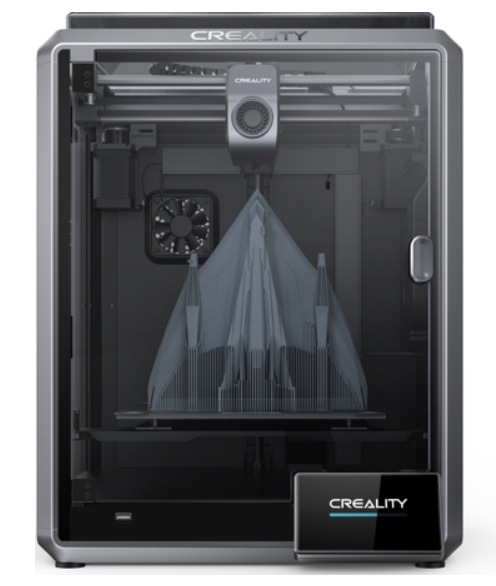
| Model | Creality 3D K1C[BUY K1C] |
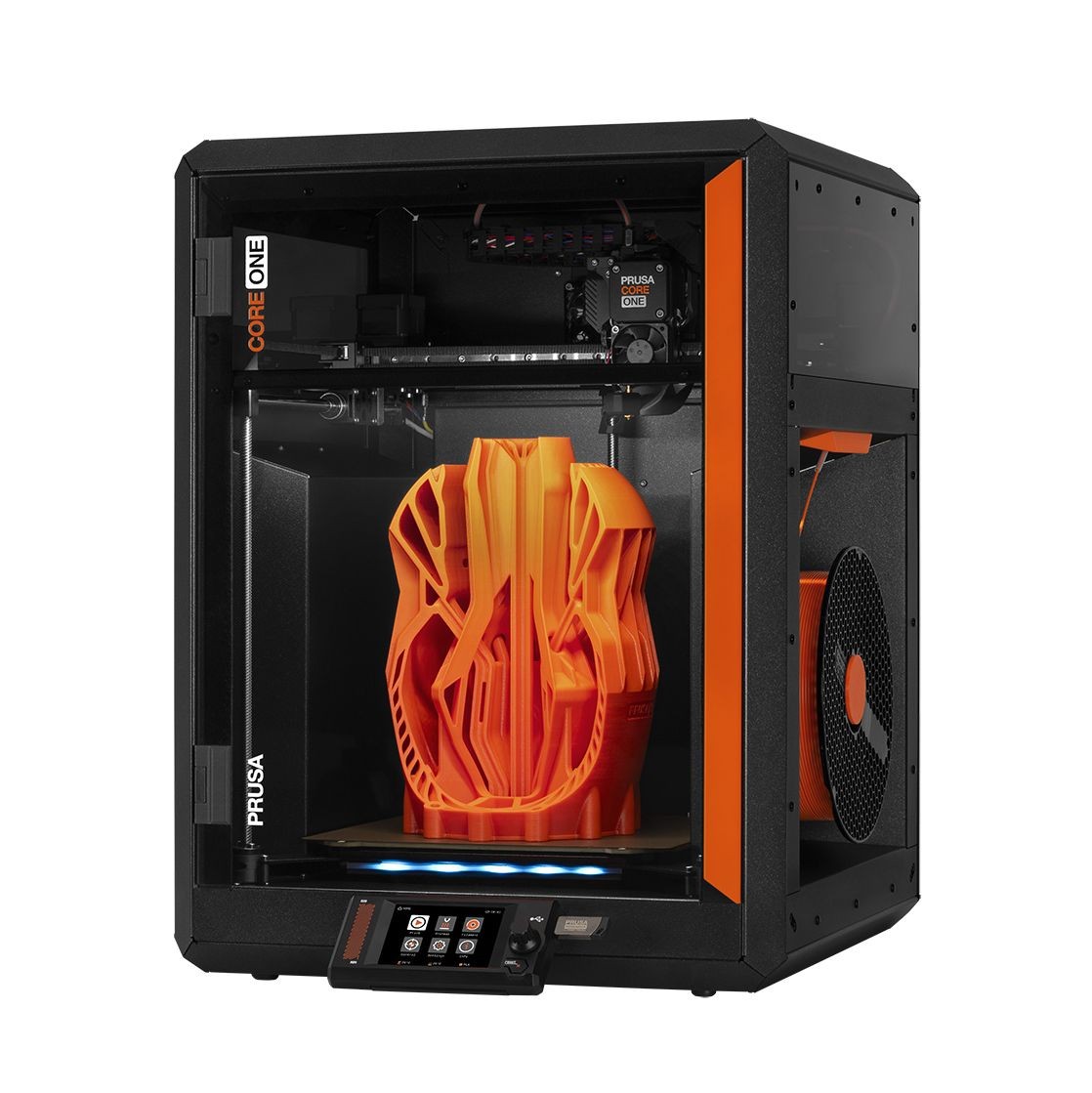
Prusa Core One |
| Printing Material | Filament | Filament |
| Estimated price | $449,00 | $1200,00 |
| Date of registration in the system | ||
| Manufacturer | Creality 3D | Prusa |
| Release Year | 2024 | 2025 |
| Print Volume [mm] | 220x220x250 | 250x220x270 |
| Printer Size [mm] | 355x355x480 | 385x340x620 |
| Weight [kg] | 12,4 | 14 |
| Power Loss Recovery | YES | YES |
| Enclosed printer | YES | YES |
| Bed Leveling | Automatic | Automatic |
| Filament End Sensor | YES | YES |
| Bed type | Heated | Heated |
| Power supply system | Direct Drive | Direct Drive |
| Standard nozzle | 0,4 | 0,4 |
| Maximum Nozzle Temperature [°C] | 300 | 300 |
| Maximum Bed Temperature [°C] | 120 | 120 |
| Maximum printing speed [mm/s] | 600 | 500 |
| Filament holder | YES | YES |
| Camera for supervision | YES | NO |
| Recommended filaments | ABS, PLA, PETG, PET, TPU, PA, ABS, ASA, PC, PLA-CF, PA-CF, PET-CF | PLA, TPU, TPE, HIPS, ABS, PETG, WOOD, PC, PA, PVA, ASA |
| Recommended slicers | Creality Print; Cura, Simplify3D e PrusaSlicer | Cura, Prusa Slicer, Orca |
| Maximum Resolution [mm] | 0,1 | 0,01 |
| Kinematics | - | - |
| Extruder Type | - | - |
| Klipper Firmware | NO | NO |
| Input Shaping | NO | NO |
| Max Volumetric Flow [mm³/s] | - | - |
| Power Supply | 110/220V / 350W | 240 W |
| Connectivity | Ethernet / USB / Wi-Fi | SD |
| Release date | 2024 | 2025 |
| Extra features | The Creality K1C is a fully enclosed CoreXY 3D printer featuring an all-metal extruder, tri-metal âUnicornâ nozzle for abrasive materials, automatic bed leveling with nozzle cleaning, AI-assisted failure detection, built-in camera for timelapse, enhanced cooling system, root access to Klipper firmware, and compatibility with PLA-CF, PA-CF, PET-CF, TPU, ABS, and more. | The Prusa Core One is a CoreXY 3D printer featuring a robust steel frame, a 3.5" touchscreen, and a heated chamber for technical filaments. It offers 360° cooling for improved print quality and supports upgrades from the MK4S model. With a compact design, a print volume of 270x250x220 mm, and compatibility with the MMU3 for multi-color printing, it stands out for its ease of maintenance, precision, and speeds up to 260% faster than the MK3S+. |
| Support for multiple colors and materials (AMS and CFS) | NO | YES |
Notes * |
||
| Cost-benefit | 8 / 10 | 6 / 10 |
| Hardware | 4.8 / 10 | 7.2 / 10 |
| Screen | . | . |
| Print volume | 10 / 10 | 10 / 10 |
| Performance | 10 / 10 | 9 / 10 |
| [BUY K1C] |
Conclusion |
Conclusion: Comparing the K1C (Creality 3D) and Core One (Prusa) When it comes to selecting a 3D printer between the K1C from Creality and the Core One from Prusa, users must consider their specific needs, budget, and the types of projects they intend to undertake. Both printers utilize Fused Deposition Modeling (FDM) technology, but they cater to different segments of the market based on features, build volume, and overall performance. K1C (Creality 3D)
Core One (Prusa)
Final Verdict: For users who are just getting started with 3D printing or who require a reliable machine for smaller projects without breaking the bank, the K1C (Creality 3D) presents an excellent option. Its features make it beginner-friendly with capabilities that can handle diverse materials. On the other hand, for experienced users or professionals looking to produce high-quality prints with advanced features, the Core One (Prusa) stands out as the superior choice. Its larger build volume, robust construction, and extensive support network justify the higher investment for those who require precision and versatility in their printing tasks. Ultimately, the best buy depends on the user's profile: casual hobbyists may find the K1C to be the ideal match, while seasoned professionals and enthusiasts may lean towards the Core One for its advanced capabilities and larger print area. |