

Compare Creality 3D K1 Max vs Creality 3D K1C
Comparison between the best 3D printers
Choose the best 3D printer at the best price. The cheapest 3D printers are here.
Buy a 3D printer here with 3D Fila.
 |
 |
|
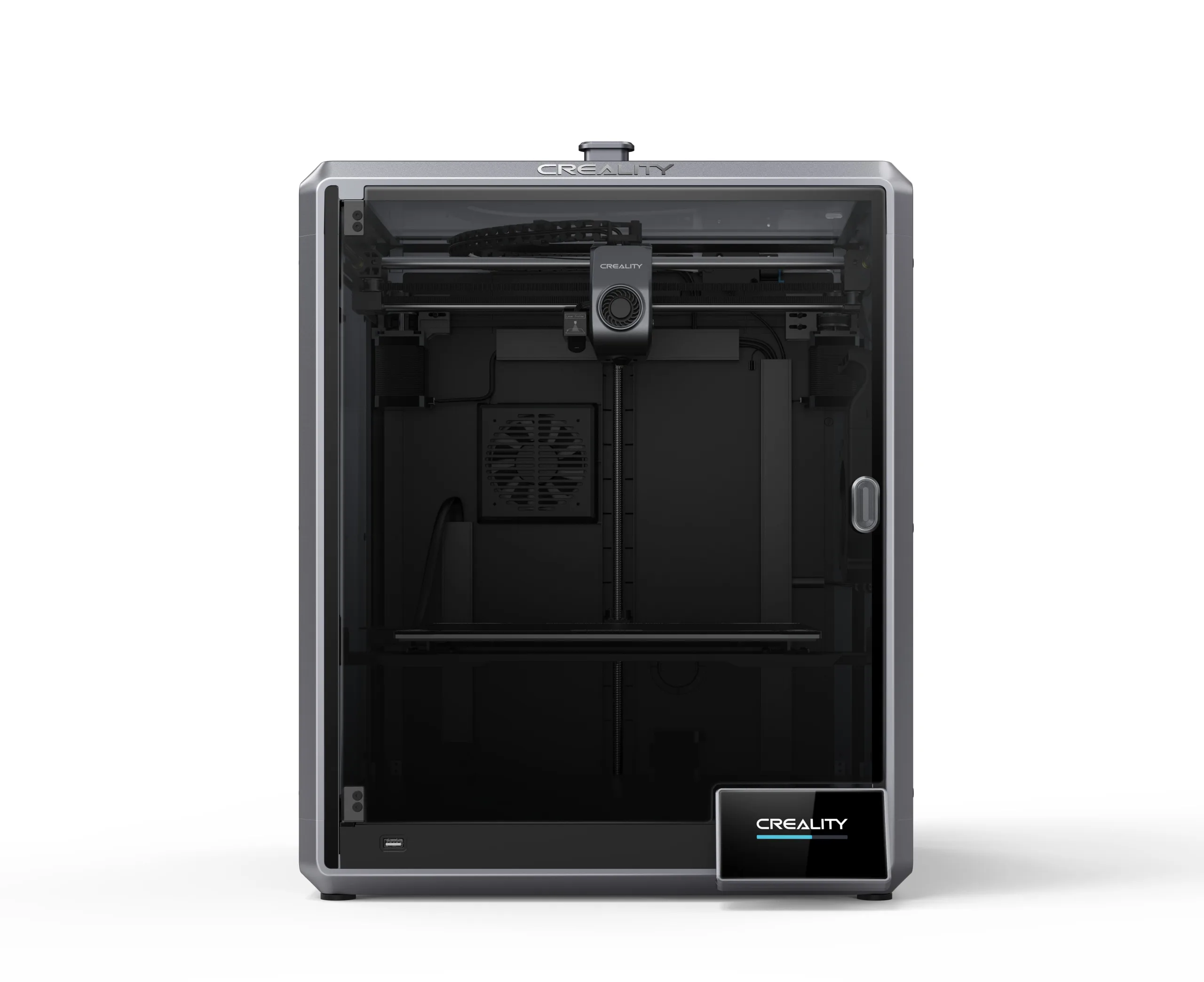
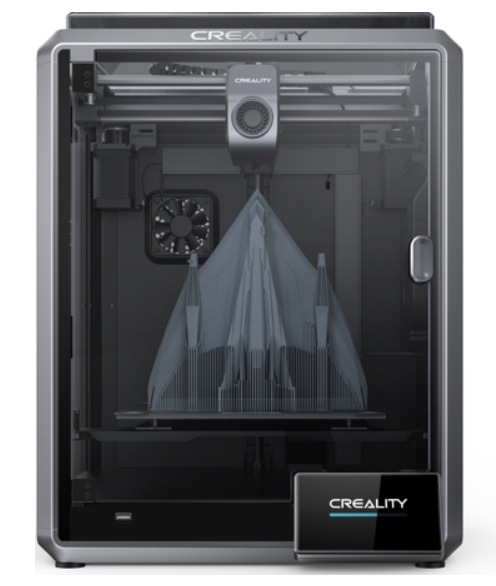
| Model | Creality 3D K1 Max[BUY K1 Max] |
Creality 3D K1C[BUY K1C] |
| Printing Material | Filament | Filament |
| Estimated price | $1300,00 | $449,00 |
| Date of registration in the system | ||
| Manufacturer | Creality 3D | Creality 3D |
| Release Year | 2023 | 2024 |
| Print Volume [mm] | 300x300x300 | 220x220x250 |
| Printer Size [mm] | 435x462x526 | 355x355x480 |
| Weight [kg] | 18 | 12,4 |
| Power Loss Recovery | YES | YES |
| Enclosed printer | YES | YES |
| Bed Leveling | Automatic | Automatic |
| Filament End Sensor | YES | YES |
| Bed type | Heated | Heated |
| Power supply system | Direct Drive | Direct Drive |
| Standard nozzle | 0,4 | 0,4 |
| Maximum Nozzle Temperature [°C] | 300 | 300 |
| Maximum Bed Temperature [°C] | 100 | 120 |
| Maximum printing speed [mm/s] | 600 | 600 |
| Filament holder | YES | YES |
| Camera for supervision | YES | YES |
| Recommended filaments | ABS, PLA, PETG, TPU, PA, ASA, PC, PLA-CF, PA-CF, PET-CF | ABS, PLA, PETG, PET, TPU, PA, ABS, ASA, PC, PLA-CF, PA-CF, PET-CF |
| Recommended slicers | Creality Print, Cura, Simplify, Slic3r, IdeaMaker e outros | Creality Print; Cura, Simplify3D e PrusaSlicer |
| Maximum Resolution [mm] | 0,1 | 0,1 |
| Kinematics | - | - |
| Extruder Type | - | - |
| Klipper Firmware | NO | NO |
| Input Shaping | NO | NO |
| Max Volumetric Flow [mm³/s] | - | - |
| Power Supply | 110/220V / 350W | |
| Connectivity | USB / Wi-Fi / Ethernet | Ethernet / USB / Wi-Fi |
| Release date | 2023 | 2024 |
| Extra features | The Creality K1 Max stands out as a fast Core XY 3D printer with a large build volume of 300 x 300 x 300 mm. It is fully enclosed and equipped with AI sensors to prevent print failures. This model has a smooth and flexible PEI build platform, and uses an automatic leveling system with LIDAR, as well as a filament run-out sensor. LAN, Creality Cloud and USB Flash Disk connectivity are available, as well as a 4.3-inch touchscreen interface. The K1 Max is robust, weighing in at 18 kg, and includes an AI camera and limited version of the Klipper firmware. Its motion system is solid and the printer is efficient with high-temperature filaments, but it is not silent. Assembly is 99% complete, requiring only minor adjustments before use. | The Creality K1C is a fully enclosed CoreXY 3D printer featuring an all-metal extruder, tri-metal âUnicornâ nozzle for abrasive materials, automatic bed leveling with nozzle cleaning, AI-assisted failure detection, built-in camera for timelapse, enhanced cooling system, root access to Klipper firmware, and compatibility with PLA-CF, PA-CF, PET-CF, TPU, ABS, and more. |
| Support for multiple colors and materials (AMS and CFS) | NO | NO |
Notes * |
||
| Cost-benefit | 6 / 10 | 8 / 10 |
| Hardware | 4.2 / 10 | 4.8 / 10 |
| Screen | . | . |
| Print volume | 10 / 10 | 10 / 10 |
| Performance | 10 / 10 | 10 / 10 |
| [BUY K1 Max] | [BUY K1C] |
Conclusion |
Conclusion: A Comprehensive Comparison of the K1 Max and K1C 3D Printers When evaluating the Creality K1 Max and K1C 3D printers, each model has distinct advantages and drawbacks that cater to different user profiles. Below is a detailed comparison based on their features, performance, and overall value. K1 Max (Creality 3D)
K1C (Creality 3D)
Final Verdict: Choosing the right 3D printer ultimately depends on the user’s needs and budget. The K1 Max is ideal for advanced users or professionals who require a larger build volume, speed, and advanced features for high-temperature materials. Its robust design and comprehensive features make it a top choice for serious projects, despite its higher price point and noise level. On the other hand, the K1C is a great entry-level printer that offers solid performance and advanced features at a more accessible price. It’s best suited for hobbyists or those who primarily work on smaller projects and want a reliable machine without breaking the bank. If budget is a primary concern, and the user does not require a larger build volume, the K1C stands out as the best buy. In summary, for professionals and serious enthusiasts, the K1 Max is the best investment, while the K1C is perfect for beginners and casual users seeking quality at an affordable price. |