

Compare Creality 3D Ender 3 vs Anycubic Kobra 3 V2 Combo
Comparison between the best 3D printers
Choose the best 3D printer at the best price. The cheapest 3D printers are here.
Buy a 3D printer here with 3D Fila.
 |
 |
|
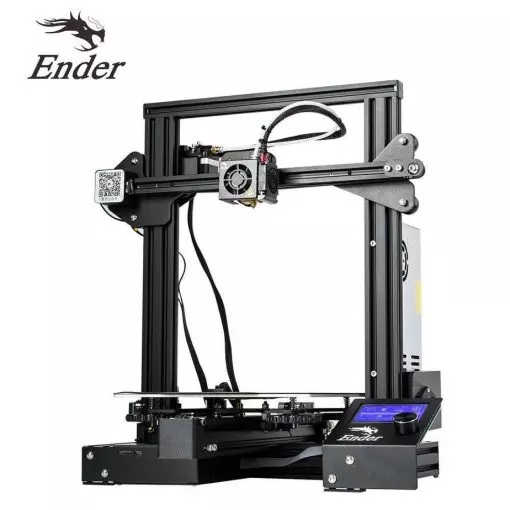
| Model | Creality 3D Ender 3[BUY Ender 3] |
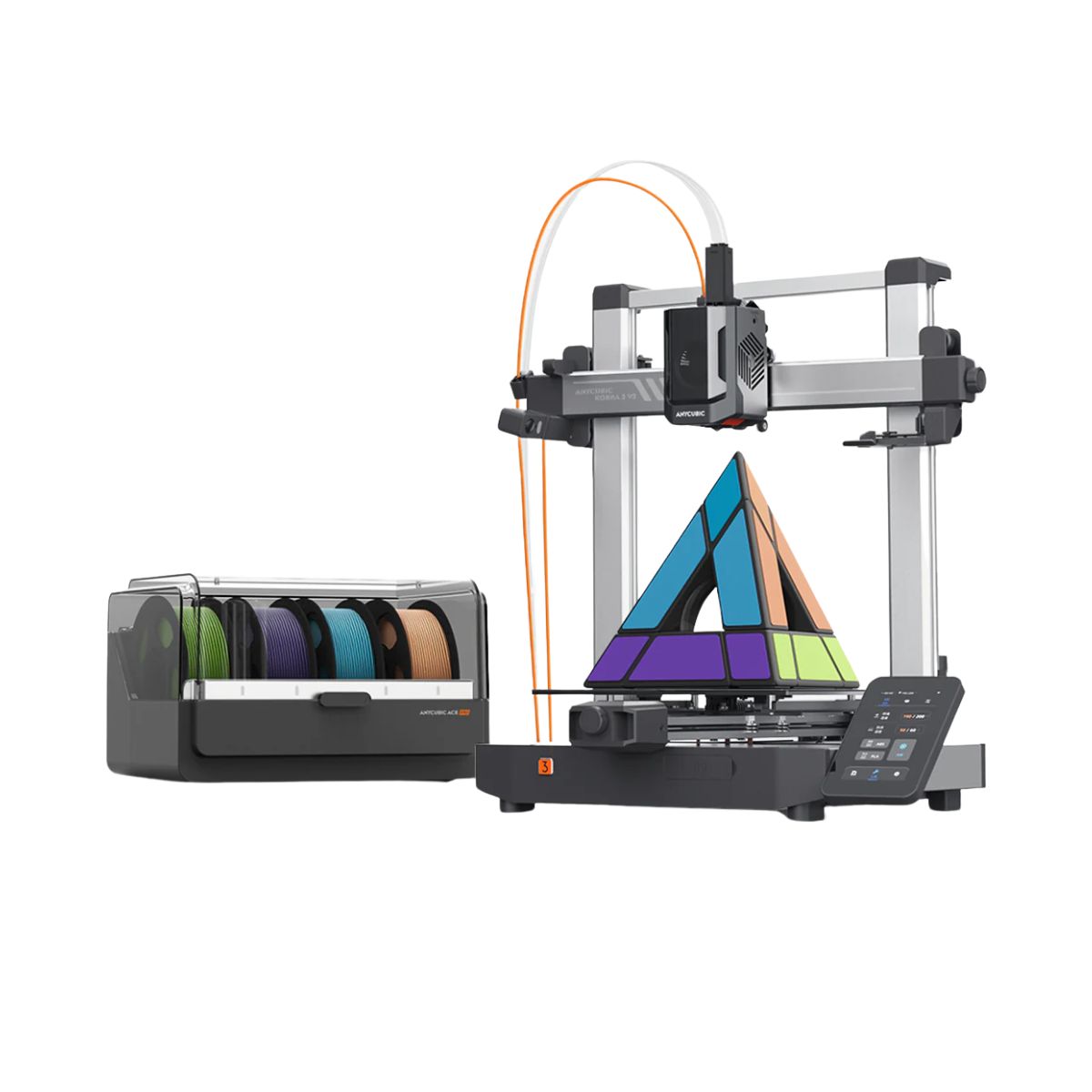
Anycubic Kobra 3 V2 Combo[BUY Kobra 3 V2 Combo] |
| Printing Material | Filament | Filament |
| Estimated price | $210,00 | $379,00 |
| Date of registration in the system | ||
| Manufacturer | Creality 3D | Anycubic |
| Release Year | 2018 | 2025 |
| Print Volume [mm] | 220x220x250 | 255x255x260 |
| Printer Size [mm] | 440x440x465 | 452x504x483 |
| Weight [kg] | 6,62 | 9,37 |
| Power Loss Recovery | NO | YES |
| Enclosed printer | NO | NO |
| Bed Leveling | Manual | Automatic |
| Filament End Sensor | NO | YES |
| Bed type | Heated | Heated |
| Power supply system | Bowden | Direct Drive |
| Standard nozzle | 0,4 | 0,4 |
| Maximum Nozzle Temperature [°C] | 255 | 300 |
| Maximum Bed Temperature [°C] | 110 | 110 |
| Maximum printing speed [mm/s] | 180 | 600 |
| Filament holder | YES | YES |
| Camera for supervision | NO | NO |
| Recommended filaments | PLA, TPU, ABS, PETG | PLA/PETG/TPU (TPU is not compatible with the ACE Pro) |
| Recommended slicers | Cura, Simplify, Slic3r | Anycubic Slicer, Cura, Orca Slicer |
| Maximum Resolution [mm] | 0,1 | 0,1 |
| Kinematics | - | - |
| Extruder Type | - | - |
| Klipper Firmware | NO | NO |
| Input Shaping | NO | NO |
| Max Volumetric Flow [mm³/s] | - | - |
| Power Supply | 24V / 270W | 400 W |
| Connectivity | SD / USB | USB, Wi-Fi, Cloud |
| Release date | 2018 | 2025 |
| Extra features | The Ender 3 V1 is a DIY assembly 3D printer, a sales leader since 2017, standing out for its cost-benefit. With a wide printing capacity, it has a CNC machined structure for precision and stability. It offers high-precision prints with low noise, thanks to its innovative V-profile and pulleys. It has a self-adhesive magnetic platform for easy removal of models and excellent adhesion. The Ender 3 heats up quickly, reaching 100°C in 5 minutes, ideal for agile prints. It includes protection against power failures, allowing you to resume printing after interruptions, saving time and material. | The Kobra 3 V2 Combo brings notable upgrades: a wider Y-axis and SG15 bearings on the X-axis for greater stability, a redesigned nozzle to prevent leakage, a larger build volume (255x255x260 mm), a built-in 720p camera, and native support for 4- or 8-color printing with no extra hub required. All of this combined with LeviQ 3.0 auto-leveling and integrated filament drying. |
| Support for multiple colors and materials (AMS and CFS) | NO | YES |
Notes * |
||
| Cost-benefit | 8 / 10 | 8 / 10 |
| Hardware | 0.5 / 10 | 6.3 / 10 |
| Screen | . | . |
| Print volume | 10 / 10 | 10 / 10 |
| Performance | 7 / 10 | 10 / 10 |
| [BUY Ender 3] | [BUY Kobra 3 V2 Combo] |
Conclusion |
Conclusion: Comparing the Ender 3 and Kobra 3 V2 Combo 3D Printers When comparing the Ender 3 by Creality and the Kobra 3 V2 Combo by Anycubic, we see two distinct offerings in the FDM 3D printing market, each catering to different user profiles and needs. Ender 3 (Creality 3D) Pros:
Cons:
Kobra 3 V2 Combo (Anycubic) Pros:
Cons:
Final Verdict: In summary, the choice between the Ender 3 and the Kobra 3 V2 Combo largely depends on the user's experience level and requirements:
Ultimately, both printers have their merits, but the best buy will depend on your specific needs and budget. |