

Compare Creality Ender 3 V3 KE vs Creality 3D K1C
Comparison between the best 3D printers
Choose the best 3D printer at the best price. The cheapest 3D printers are here.
Buy a 3D printer here with 3D Fila.
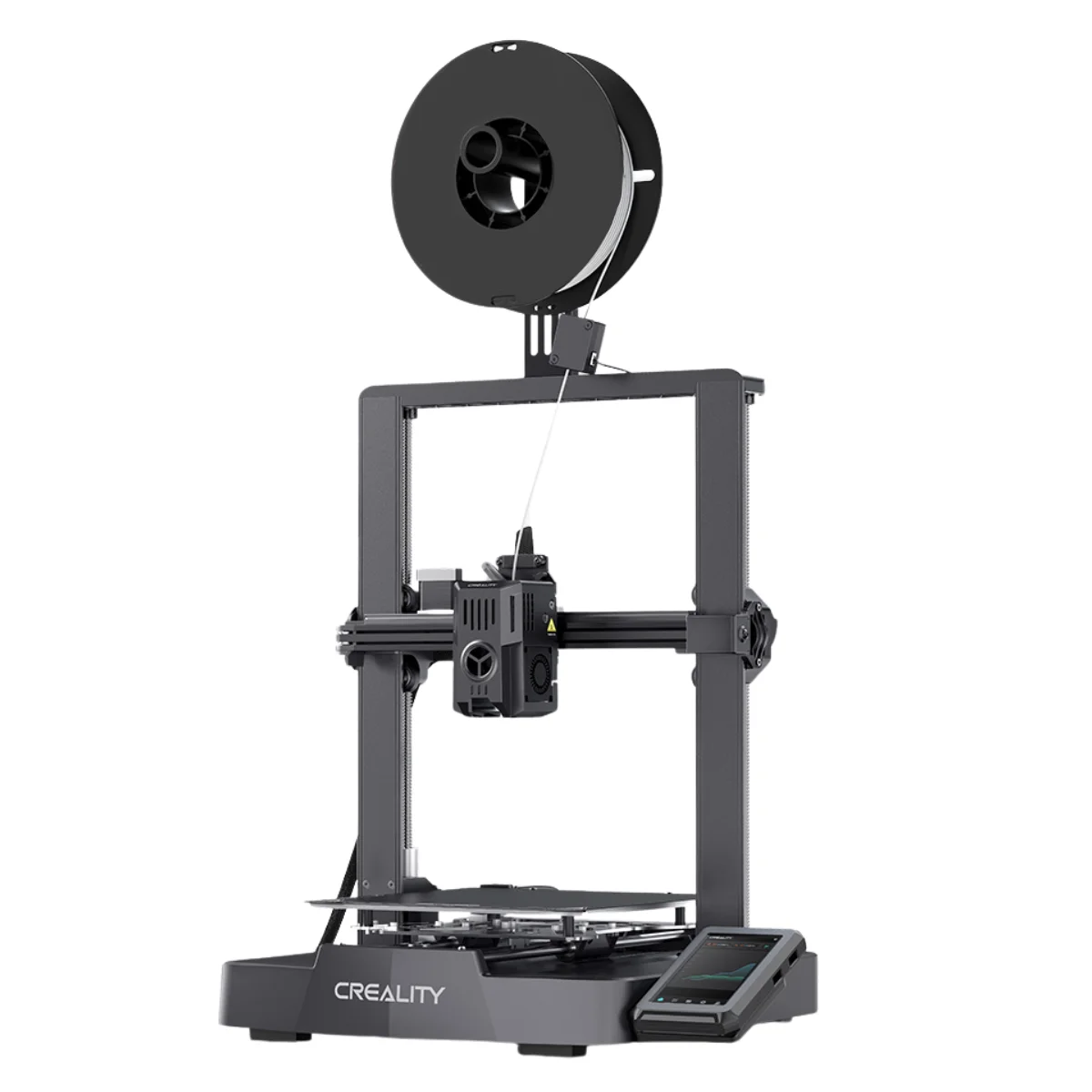 |
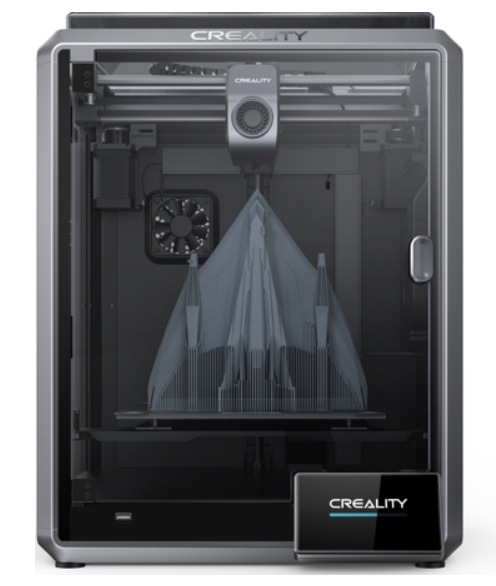 |
|
| Model | Creality Ender 3 V3 KE[BUY Ender 3 V3 KE] |
Creality 3D K1C[BUY K1C] |
| Printing Material | Filament | Filament |
| Estimated price | $279,00 | $449,00 |
| Date of registration in the system | ||
| Manufacturer | Creality | Creality 3D |
| Release Year | 2023 | 2024 |
| Print Volume [mm] | 220x220x240 | 220x220x250 |
| Printer Size [mm] | 433x366x490 | 355x355x480 |
| Weight [kg] | 7,8 | 12,4 |
| Power Loss Recovery | YES | YES |
| Enclosed printer | NO | YES |
| Bed Leveling | Automatic | Automatic |
| Filament End Sensor | YES | YES |
| Bed type | Heated | Heated |
| Power supply system | Direct Drive | Direct Drive |
| Standard nozzle | 0,4 | 0,4 |
| Maximum Nozzle Temperature [°C] | 300 | 300 |
| Maximum Bed Temperature [°C] | 100 | 120 |
| Maximum printing speed [mm/s] | 500 | 600 |
| Filament holder | YES | YES |
| Camera for supervision | NO | YES |
| Recommended filaments | PLA, PETG e TPU (95A+), ASA | ABS, PLA, PETG, PET, TPU, PA, ABS, ASA, PC, PLA-CF, PA-CF, PET-CF |
| Recommended slicers | Creality Print, Cura 5.0 ou superior, Prusa Slicer, Orca | Creality Print; Cura, Simplify3D e PrusaSlicer |
| Maximum Resolution [mm] | 0,1 | 0,1 |
| Kinematics | - | - |
| Extruder Type | - | - |
| Klipper Firmware | NO | NO |
| Input Shaping | NO | NO |
| Max Volumetric Flow [mm³/s] | - | - |
| Power Supply | 350 W | 110/220V / 350W |
| Connectivity | USB drive, LAN, Creality Cloud APP | Ethernet / USB / Wi-Fi |
| Release date | 2023 | 2024 |
| Extra features | The Ender 3 V3 KE, an advancement in the Ender line, achieves print speeds of up to 500mm/s with its touchscreen and WiFi connectivity. Although it has a slightly smaller print area than the SE model, it makes up for it with superior print quality. Its robust design, high-quality components, and intuitive wireless control are appreciated, although Creality's mobile app lacks practicality and does not have a closed system. It stands out for its linear track on the X-axis for stability at high speeds and the hotend that supports up to 300°C, ideal for high-temperature filaments. | The Creality K1C is a fully enclosed CoreXY 3D printer featuring an all-metal extruder, tri-metal âUnicornâ nozzle for abrasive materials, automatic bed leveling with nozzle cleaning, AI-assisted failure detection, built-in camera for timelapse, enhanced cooling system, root access to Klipper firmware, and compatibility with PLA-CF, PA-CF, PET-CF, TPU, ABS, and more. |
| Support for multiple colors and materials (AMS and CFS) | NO | NO |
Notes * |
||
| Cost-benefit | 8 / 10 | 8 / 10 |
| Hardware | 2.8 / 10 | 4.8 / 10 |
| Screen | . | . |
| Print volume | 10 / 10 | 10 / 10 |
| Performance | 9 / 10 | 10 / 10 |
| [BUY Ender 3 V3 KE] | [BUY K1C] |
Conclusion |
Conclusion: 3D Printer Comparison - Ender 3 V3 KE vs. K1C When evaluating the Ender 3 V3 KE and the K1C, it’s essential to consider their build quality, features, user experience, and intended application. Both printers are solid choices for different user profiles, but they cater to distinct needs and preferences. Ender 3 V3 KE (Creality)
K1C (Creality 3D)
Final Verdict: Choosing the best 3D printer depends significantly on the user's needs and experience level.
In conclusion, both printers have their unique strengths, and the best buy ultimately depends on the user's specific requirements and skill level. The Ender 3 V3 KE is perfect for those starting their 3D printing journey, while the K1C caters to experienced users seeking advanced functionality and flexibility. |