

Compare Creality CR10 SE vs AnkerMake M5
Comparison between the best 3D printers
Choose the best 3D printer at the best price. The cheapest 3D printers are here.
Buy a 3D printer here with 3D Fila.
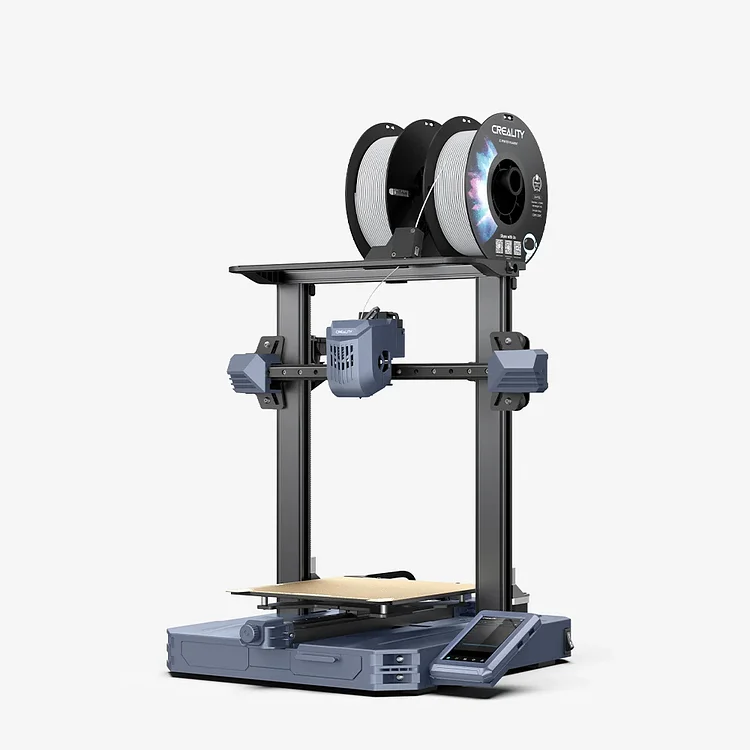 |
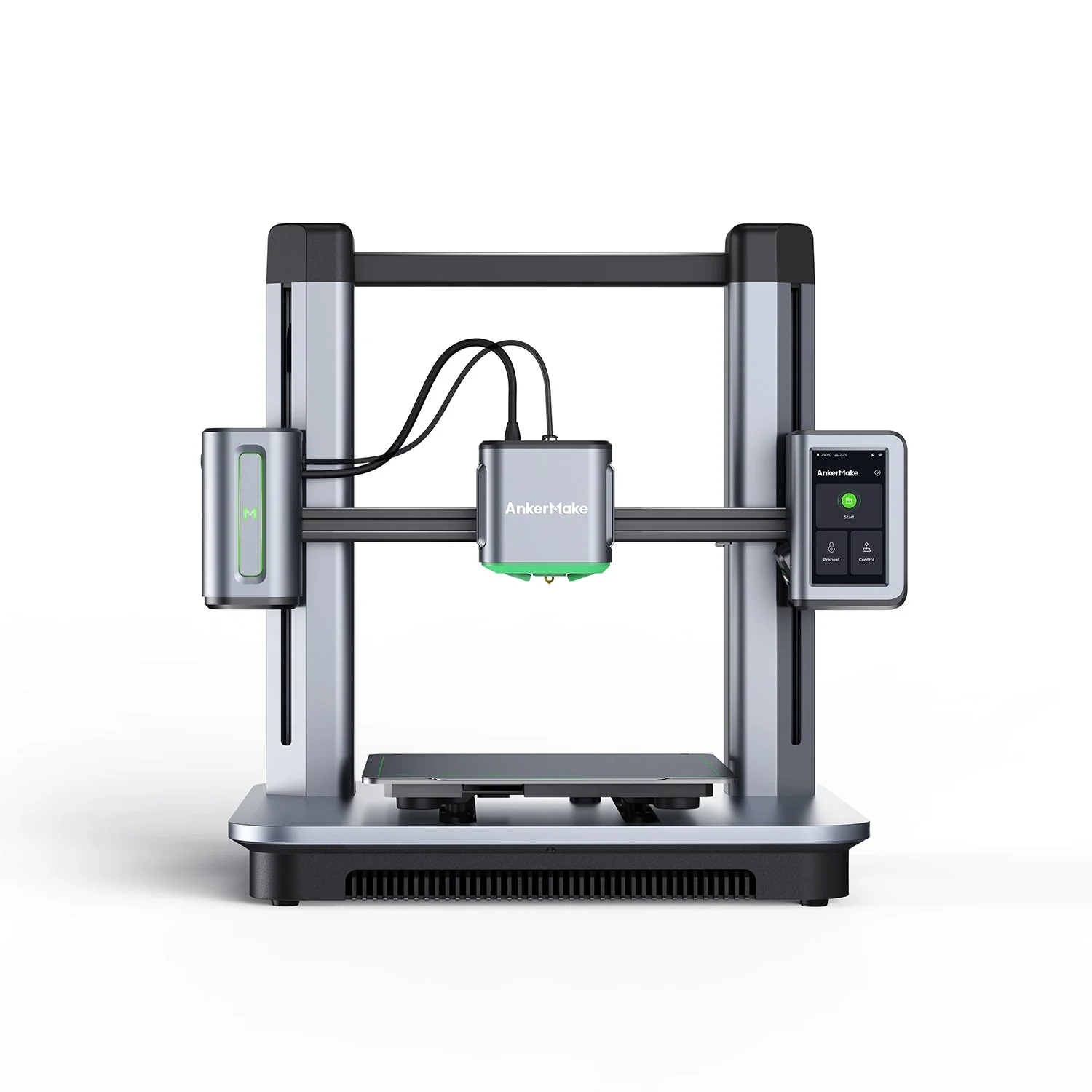 |
|
| Model | Creality CR10 SE |
AnkerMake M5 |
| Printing Material | Filament | Filament |
| Estimated price | $386,00 | $497,00 |
| Date of registration in the system | ||
| Manufacturer | Creality | AnkerMake |
| Release Year | 2023 | 2023 |
| Print Volume [mm] | 220x220x265 | 235x235x250 |
| Printer Size [mm] | 490x470x625 | 502x438x470 |
| Weight [kg] | 6,9 | 12,6 |
| Power Loss Recovery | NO | YES |
| Enclosed printer | NO | NO |
| Bed Leveling | Automatic | |
| Filament End Sensor | NO | YES |
| Bed type | Heated | |
| Power supply system | Direct Drive | Direct Drive |
| Standard nozzle | 0,4 | 0,4 |
| Maximum Nozzle Temperature [°C] | 300 | 260 |
| Maximum Bed Temperature [°C] | 110 | 100 |
| Maximum printing speed [mm/s] | 600 | 500 |
| Filament holder | YES | YES |
| Camera for supervision | YES | YES |
| Recommended filaments | PLA, PETG, PET, TPU, PA Wood, ABS, ASA, PA, PLA-CF | PLA, PETG, ABS |
| Recommended slicers | Creality Print, Cura, Simplify3D, PrusaSlicer, Orca Slice | AnkerMake Studio (macOS, Windows), Simplify3D, Ultimaker Cura, PrusaSlicer |
| Maximum Resolution [mm] | 0,1 | 0,1 |
| Kinematics | - | - |
| Extruder Type | - | - |
| Klipper Firmware | NO | NO |
| Input Shaping | NO | NO |
| Max Volumetric Flow [mm³/s] | - | - |
| Power Supply | 350 W | |
| Connectivity | USB, Wifi | Wi-Fi, USB-C, OTA Upgrade |
| Release date | 2023 | 2023 |
| Extra features | The Creality CR10 SE stands out for its printing speed of up to 600 mm/s, easy and intuitive assembly, direct extruder with double gears, hotend with hardened steel nozzle and ceramic heater, automatic leveling with CR-Touch and pressure sensor, and use of Creality OS firmware based on Klipper, with automatic input shaping calibration. It also includes Wi-Fi connectivity, a filament out-of-stock sensor and a robust structure with linear rails on the X and Y axes. | The AnkerMake M5 printer stands out for its impressive print speed, reaching up to 500mm/s. It features AI print monitoring, an integrated camera for creating timelapses, auto-leveling bed with pressure sensor, direct extruder, flexible PEI-coated build plate, and Wi-Fi and USB-C connectivity. Assembly is quick and easy, and the printer is designed to deliver high print quality and ease of use. |
| Support for multiple colors and materials (AMS and CFS) | NO | NO |
Notes * |
||
| Cost-benefit | 8 / 10 | 7 / 10 |
| Hardware | 0.7 / 10 | 3.5 / 10 |
| Screen | . | . |
| Print volume | 10 / 10 | 10 / 10 |
| Performance | 10 / 10 | 9 / 10 |
Conclusion |
| In comparing the Creality CR10 SE and the AnkerMake M5, both models emerge as strong contenders within the 3D printing market, having been released in 2023 with similar core features. The CR10 SE is noted for its impressive printing speed of up to 600 mm/s, making it highly efficient for those who prioritize fast production. It also incorporates advanced technologies like automatic leveling with CR-Touch, robust construction, and diversified filament usability. However, it lacks power loss recovery and filament end sensors, which could be considerations for long print jobs. Conversely, the AnkerMake M5, while offering a slightly lower maximum printing speed of 500 mm/s, compensates with features such as power loss recovery and a filament end sensor, enhancing reliability during extended printing sessions. It also includes an integrated camera for monitoring prints, adding a layer of convenience for users who value oversight and quality control. In terms of specifications, the M5 has a larger print volume and a more substantial weight, suggesting a sturdy build, while the CR10 SE is lighter, making it potentially easier to maneuver. Both printers provide heated beds and use a direct drive power supply, ensuring compatibility with a range of materials. Ultimately, the decision between the two may come down to specific user priorities: if speed and a lower price point are paramount, the CR10 SE stands out. However, for users who value additional features like recovery options and advanced monitoring, the AnkerMake M5 offers a compelling choice. Both printers demonstrate an excellent cost-benefit ratio and performance, making either a worthy investment depending on the user’s printing needs. |